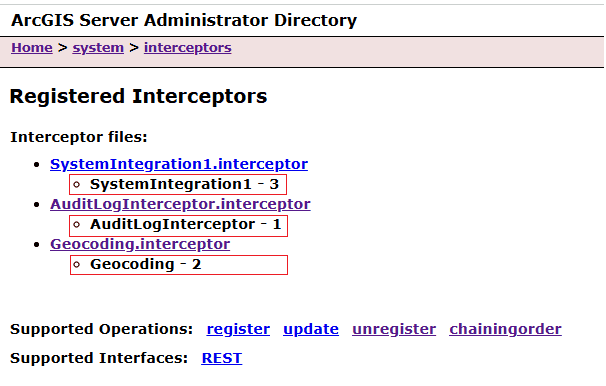
When multiple interceptors are registered, ArcGIS Server supports chaining, where interceptors execute in a specified order. The chaining order determines the sequence of execution. The first interceptor in a chain can review the incoming request first and is the last one to review the outgoing response. The second interceptor in the chain is the second to review the incoming request (or request modified by first interceptor) and the second-to-last one to review the outgoing response. The order is displayed in the Administrator Directory as a suffix (e.g., Audit).
To edit a chaining order, follow these steps:
-
Navigate to https://<domainname>:6443/arcgis/admin/system/interceptors.
-
Click chainingorder.
-
Click edit operation.
-
Edit the chainingOrder parameter by assigning a unique numeric value to each interceptor.

-
Click Save Edits.