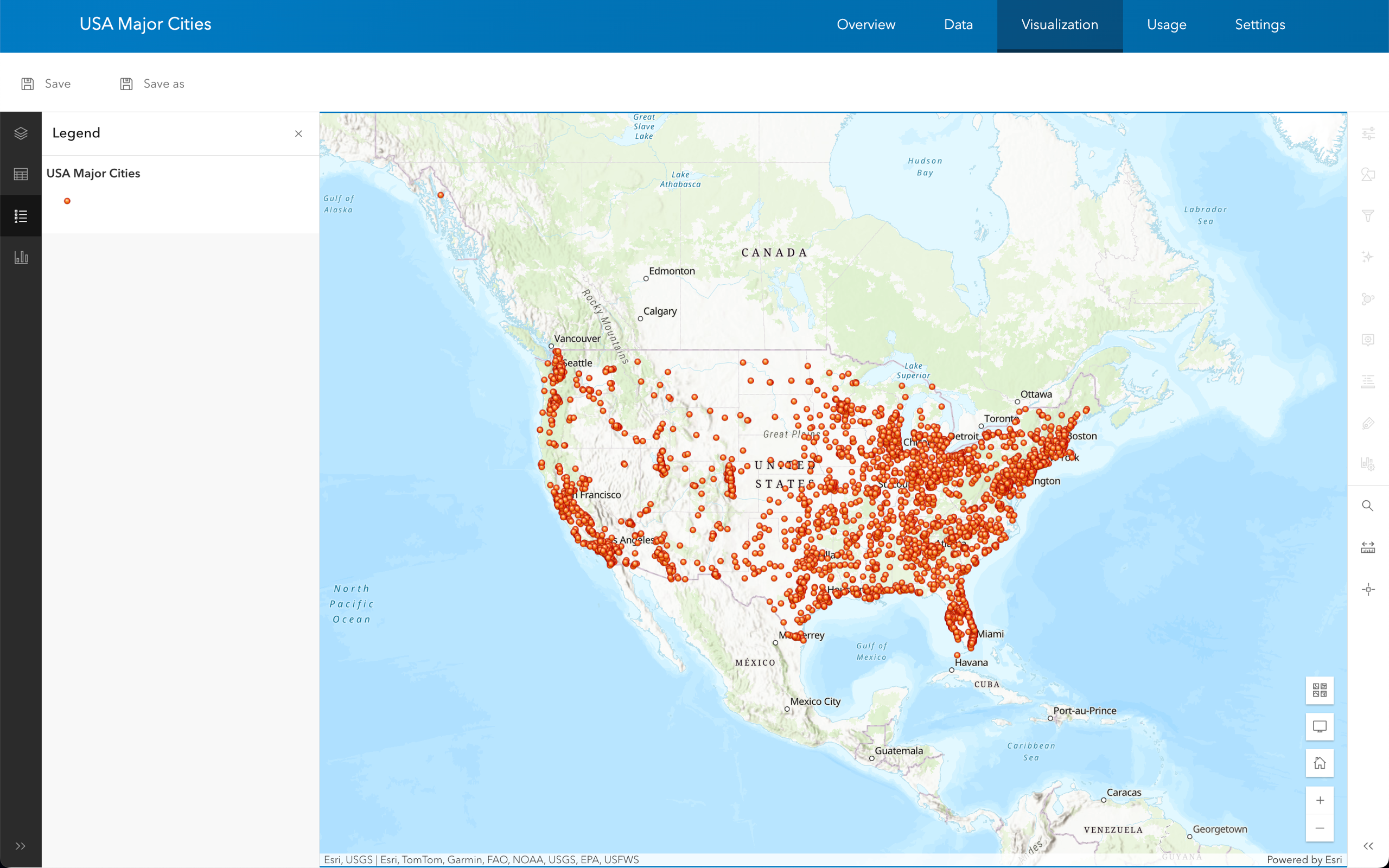
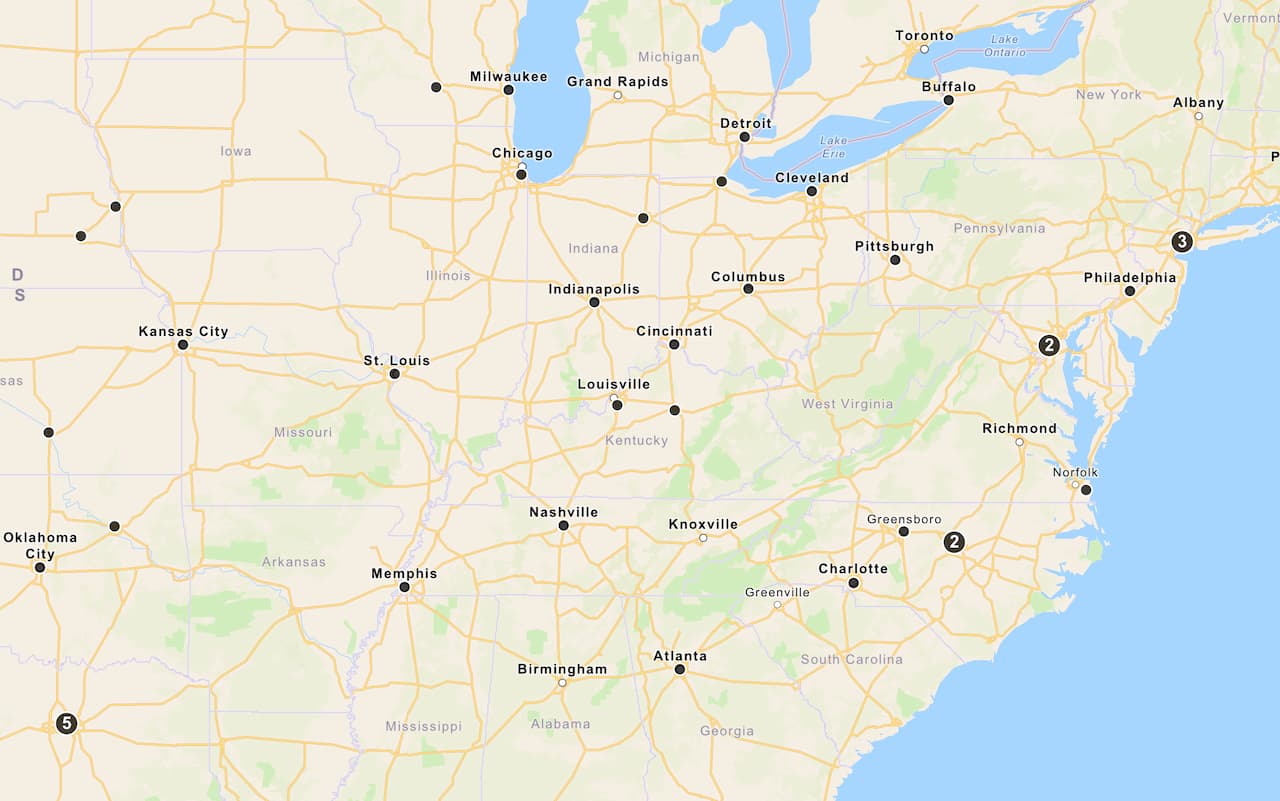
Use the ArcGIS portal to create a feature service and the MapLibre ArcGIS plugin to display the features.
What you'll learn
You will learn how to:
- Import and host data of U.S city populations as a feature service
A feature service is a data service that provides access to spatial and non-spatial data in feature layers, feature layer views, and tables. in ArcGIS. - Create an API key credential.
- Use an access token to access the feature service.
- Query and display a set of GeoJSON features with the MapLibre ArcGIS plugin.
- Display a popup of population data.
What you'll use
-
ArcGIS portal
ArcGIS portal, also known as a portal, is a website with applications and tools that can be used to create, manage, access, and share geospatial content and data. It supports security and authentication, developer credentials, content and data service management, user and group management, and site administration. A portal can be hosted in Esri's infrastructure or your own infrastructure. - MapLibre ArcGIS plugin
-
API key authentication
API key authentication is a type of authentication that uses an API key to authenticate requests to ArcGIS services and secure portal items.
What you'll need
Before you begin, you need the following:
- An ArcGIS Location Platform or ArcGIS Online account.
- A modern web browser, such as recent versions of Chrome, Firefox, Safari, or Edge.
- Basic knowledge of HTML, CSS, and JavaScript.
- A code editor, such as CodePen (recommended for this how-to).