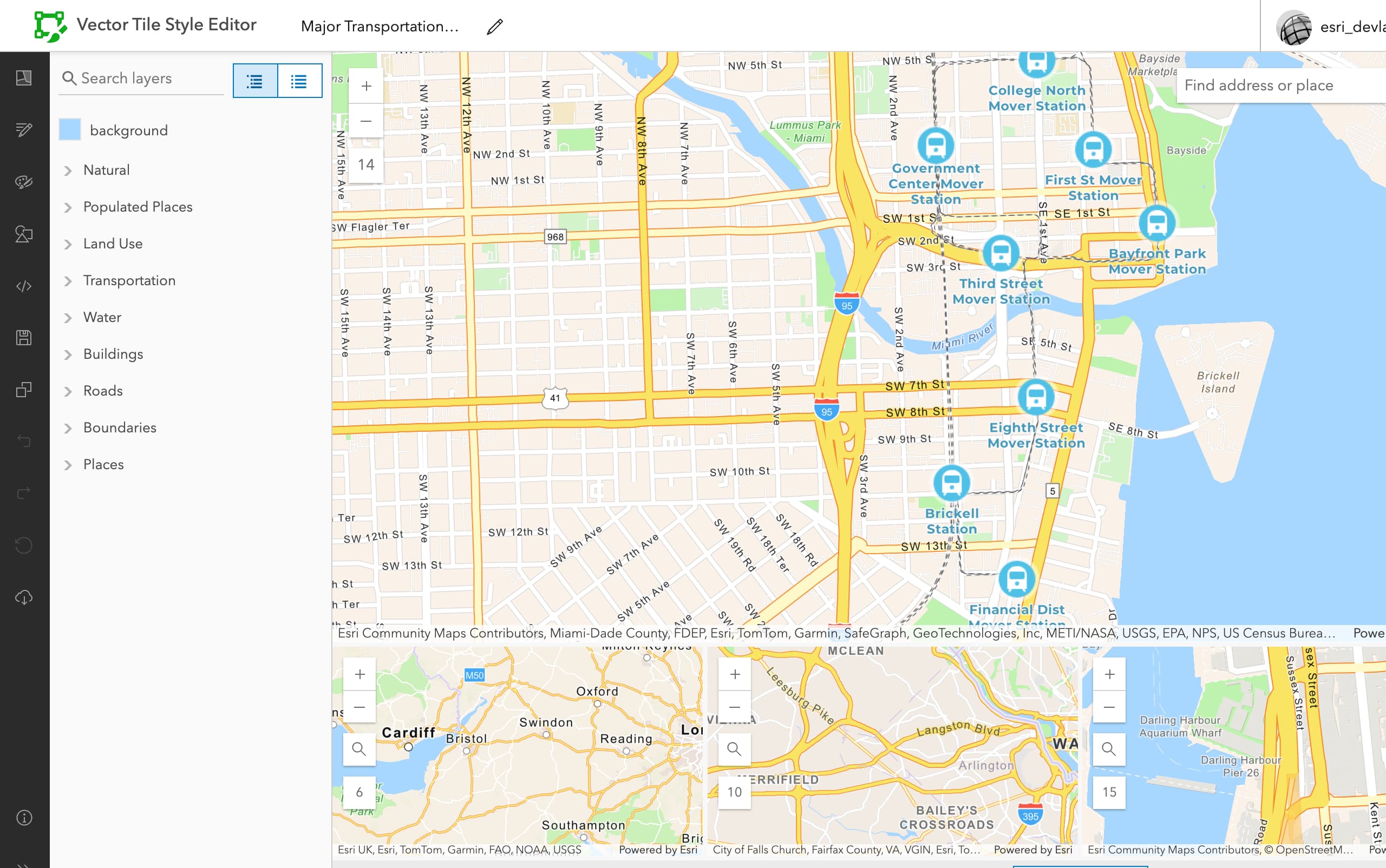
Use the ArcGIS Vector Tile Style Editor to create a new custom basemap style and display it with the MapLibre ArcGIS plugin.
What you'll learn
You will learn how to:
- Create a custom basemap style
A basemap style is a definition that controls the visual appearance of how geographic data in a basemap are displayed. It includes colors, backgrounds, outlines, labels, and other visual elements. Each basemap style emphasizes a specific type of cartographic theme and data. that emphasizes train stations and transit routes. - Create an API key credential.
- Use an access token to access the custom basemap style.
- Display the basemap style with the MapLibre ArcGIS plugin.
- Create an app that uses the basemap tile usage model
A basemap usage model is a programming pattern for an application that determines the type of basemap consumption and the associated costs of accessing a basemap service. There are two models: the tile usage model and the session usage model. . Learn more here.
What you'll use
This how-to uses the following technologies and usage models:
-
ArcGIS Vector Tile Style Editor
The ArcGIS Vector Tile Style Editor is a web-based application used to create, edit, and save a custom style for vector tile basemap layer. - MapLibre ArcGIS plugin
-
ArcGIS Basemap Styles service
The ArcGIS Basemap Styles service, also referred to as the Basemap Styles service, is a location service that provides basemap styles and data for the world. It returns styles as Mapbox styles and web maps, and data as vector tiles and/or map tiles. It supports all of the styles in the ArcGIS Basemap style and Open Basemap style family. An ArcGIS Location Platform or ArcGIS Online account is required to use the service. -
API key authentication
API key authentication is a type of authentication that uses an API key to authenticate requests to ArcGIS services and secure portal items.
What you'll need
Before you begin, you need the following:
- An ArcGIS Location Platform or ArcGIS Online account.
- A modern web browser, such as recent versions of Chrome, Firefox, Safari, or Edge.
- Basic knowledge of HTML, CSS, and JavaScript.
- A code editor, such as CodePen (recommended for this how-to).