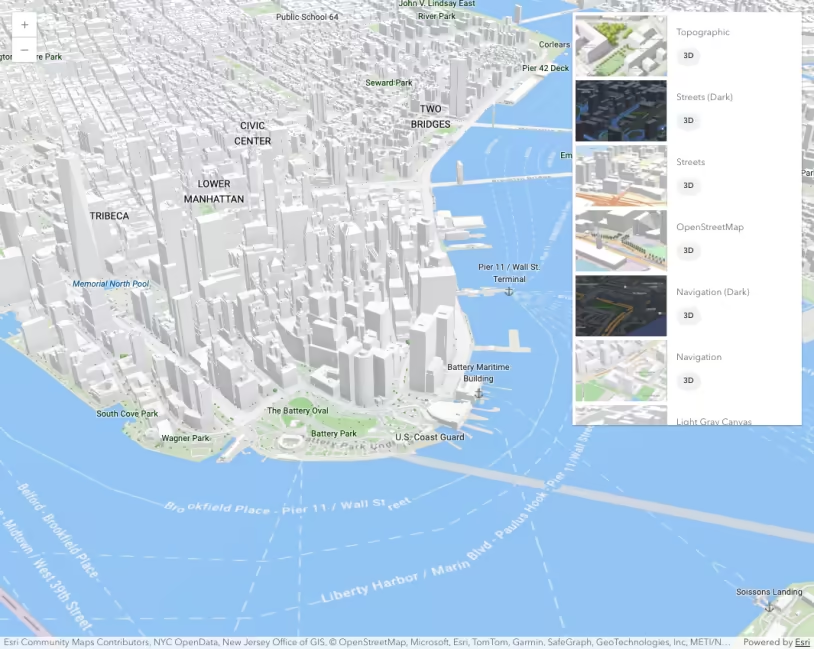
This sample shows how to load the Google Photorealistic 3D basemap by referencing its portal item ID. To use the Google basemap, app users must be signed into an ArcGIS Online organization which has enabled the basemap and the app’s referrer. If the user is not signed in when the basemap is loaded, they will be prompted to do so, as is demonstrated in this sample. The same applies when loading a WebScene containing the Google basemap. Refer to 3D Basemaps for more information and current limitations.
Esri offers versions of the Google Photorealistic 3D basemap with and without labels.
| Basemap | Portal item ID |
|---|---|
| Google Photorealistic 3D | a9a6b04a8d1a46999ca7eae087388d54 |
| Google Photorealistic 3D Hybrid | 545355a020ad4ac9b0f4526d04a2de1a |
App users can also select either of these versions from the Basemap Gallery, as long as they are signed into an account with access.