There are a number of ways to install and configure ArcGIS API for Python
1. Sign up for an account
To use the ArcGIS API for Python
If you do not have an account, select one of the options below:
2. Install the API
To use the ArcGIS API for Python
Install conda
-
To install conda, go to the installation guide.
-
In the guide, select your operating system and then follow the installation instructions.
Install the ArcGIS API for Python
- Open a terminal window.
- In the terminal, navigate to your working directory.
- Run the following command to activate your environment:
conda activate <YOUR_ENVINRONMENT > - Install the ArcGIS API for Python:
conda install -c esri arcgis
3. Run Jupyter Notebook
Start the Jupyter Notebook server with the following steps:
- Open a terminal window.
- In the terminal, run the command:
jupyter notebook
The command starts Jupyter Notebook and opens it in your default web browser.

4. Create your first script
Create a Notebook to geocode a text string to find an address.
- In Jupyter Notebook, click New > Python 3.
- In the top cell, import the
GIS,geocodeandGeocodermodules and set your API key:
To access secure ArcGIS services and resources in ArcGIS Platform
from arcgis.gis import GIS
from arcgis.geocoding import geocode, Geocoder
gis = GIS(api_key="<YOUR_API_KEY>")
# Location services standard endpoint URL
# https://developers.arcgis.com/documentation/mapping-apis-and-services/geocoding/services/geocoding-service/#service-urls
geocode_url = Geocoder("https://geocode-api.arcgis.com/arcgis/rest/services/World/GeocodeServer/",gis=gis)
geocode_result = geocode(address="380 New York Street, Redlands, CA", geocoder=geocode_url)
geocode_result- In the toolbar, click Run to execute the code. You should see geocoded address results.
5. Follow the tutorials
Go to the tutorials to create and run notebooks to perform different operations.
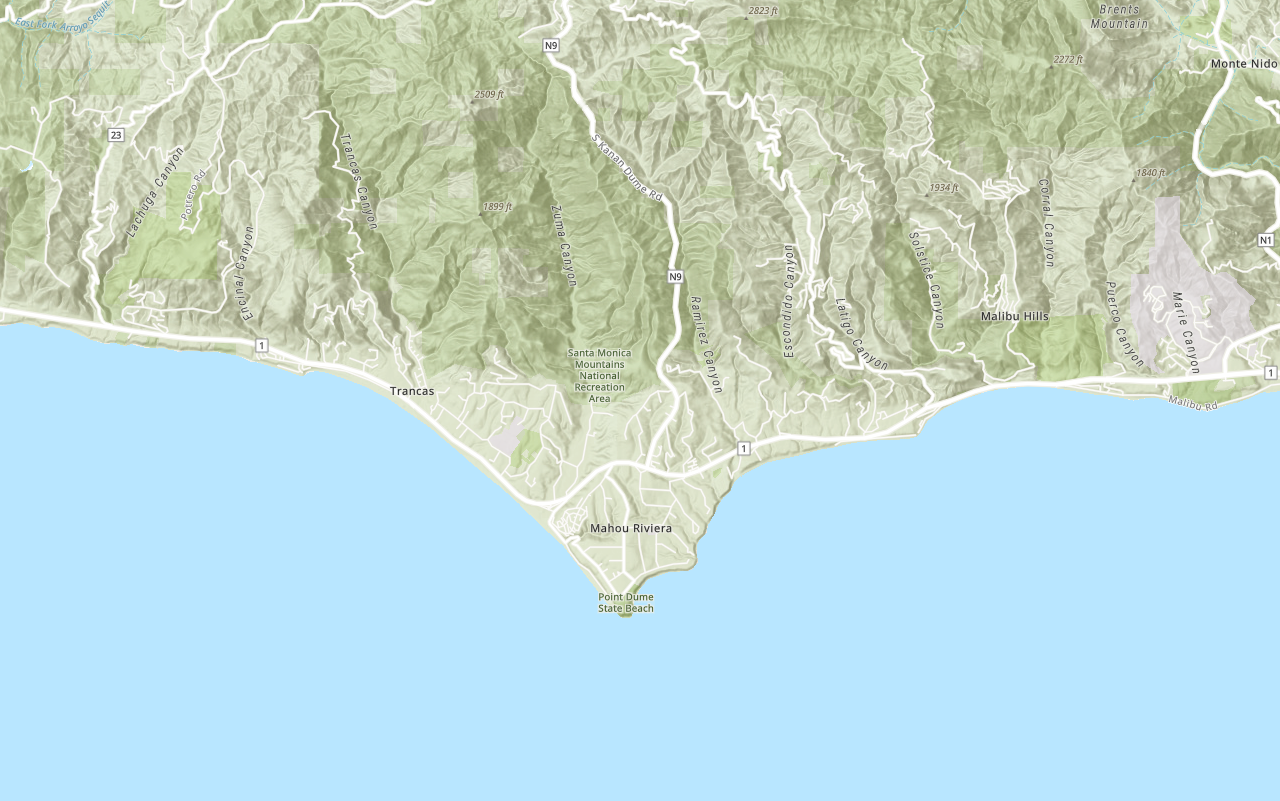
Display a map
Learn how to create and display a map with a basemap layer.

Add a point, line, and polygon
Learn how to display point, line, and polygon graphics in a map.
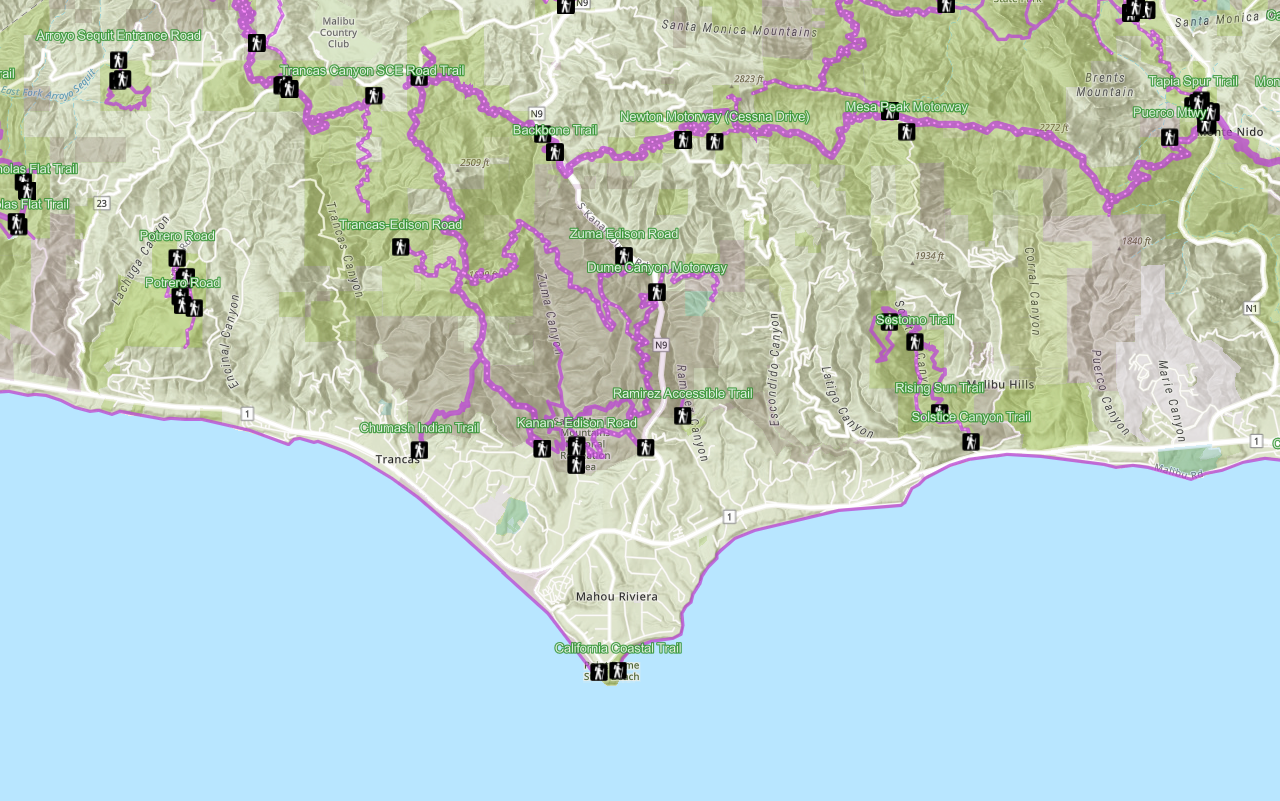
Display a web map
Search ArcGIS Online for an existing web map and display it.
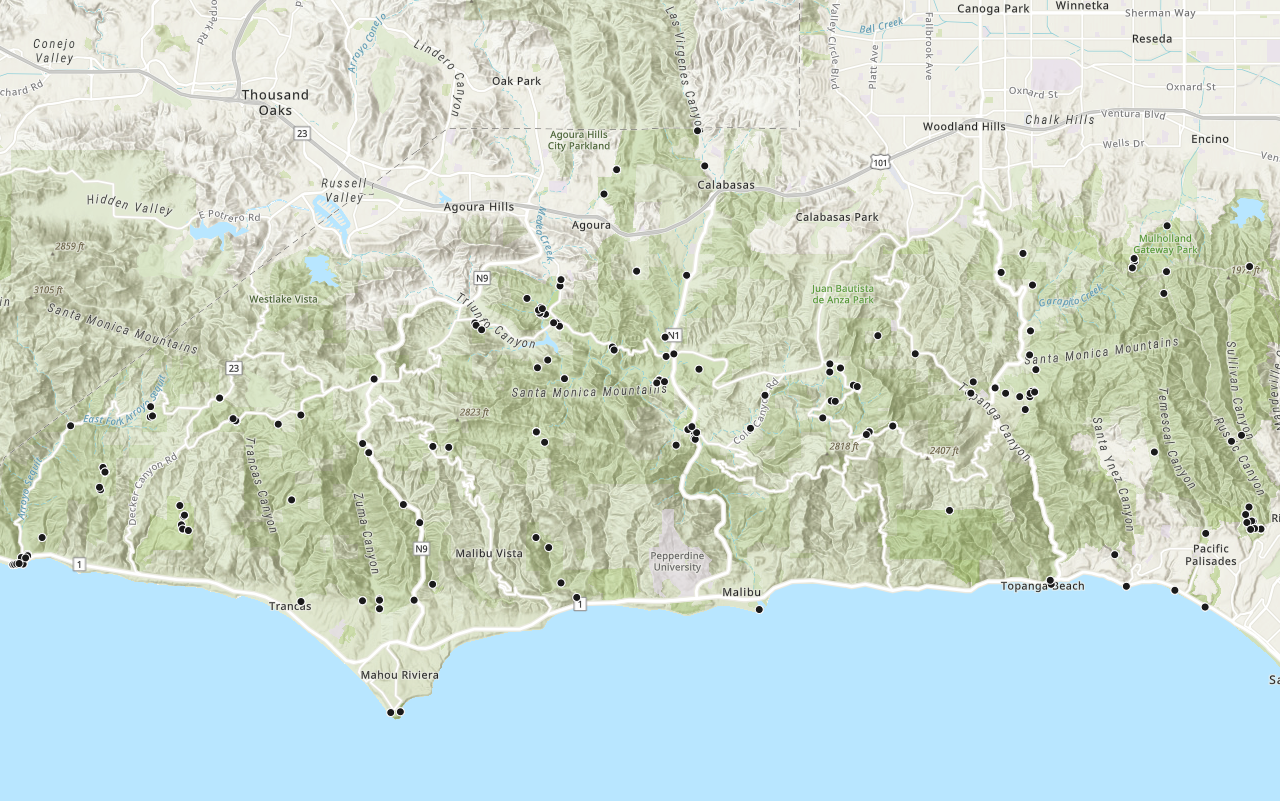
Add a layer from a portal item
Learn how to use a portal item to access and display point features from a feature service.
6. Explore the samples
Go to the samples to learn how to perform more tasks with the API.

Inventory organization content

Crime analysis and clustering using geoanalytics and pyspark.ml

Safe Streets to Schools
