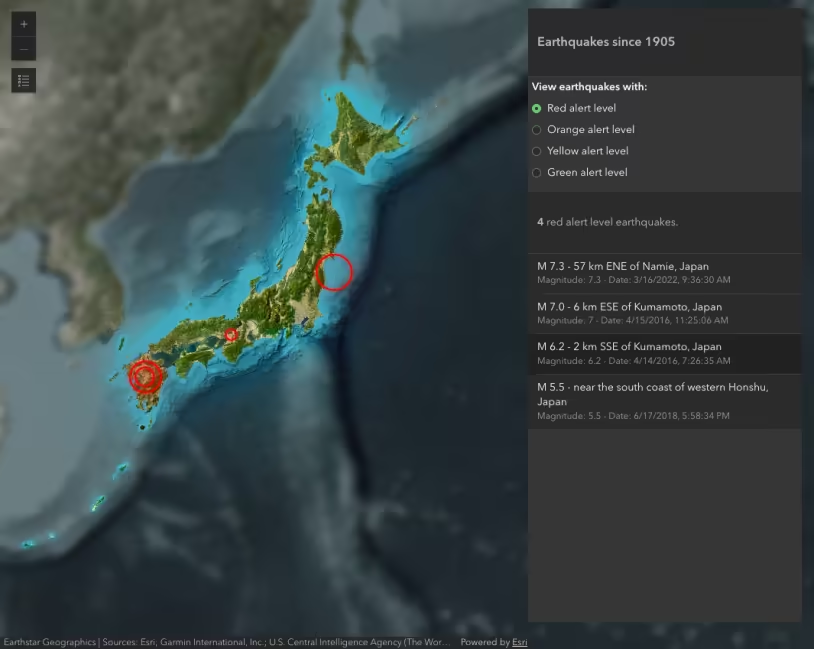
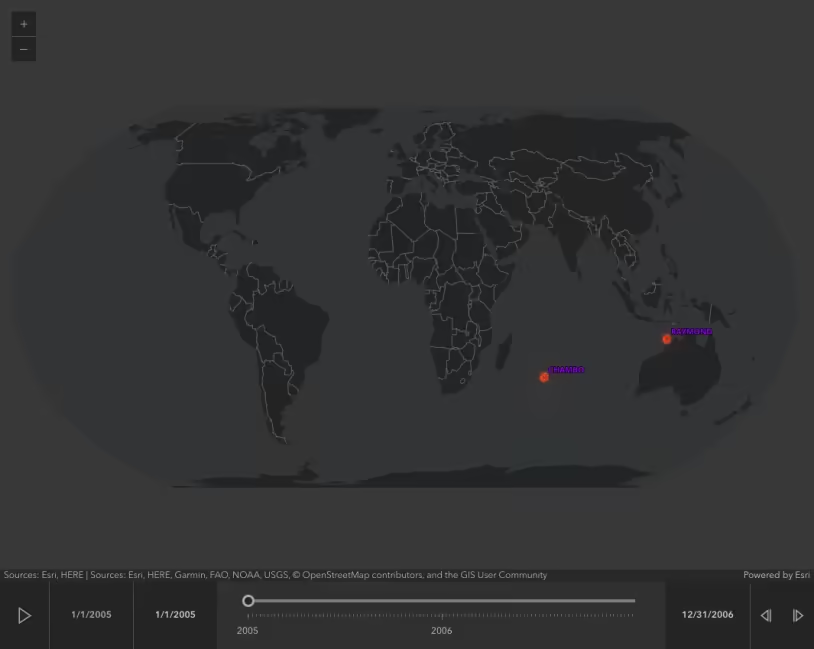
The GeoJSONLayer allows you to add features from a GeoJSON file (.geojson). The file is referenced as a hosted file on the web. Because of this, the file must be publicly accessible.
This sample shows how to add an instance of GeoJSONLayer and display it with a Map component. The resulting point features can be queried via the API and then subsequently used as input for other operations.
If GeoJSON files are not on the same domain as your website, a CORS-enabled server or a proxy is required.
How it works
This sample accesses real-time data from the USGS.
Create a new GeoJSONLayer and set properties within its constructor.
const layer = new GeoJSONLayer({ url: "https://earthquake.usgs.gov/earthquakes/feed/v1.0/summary/all_month.geojson", copyright: "USGS Earthquakes",});In this specific sample, we also customize the popup and renderer.
78 collapsed lines
<!doctype html><html lang="en"> <head> <meta charset="utf-8" /> <meta name="viewport" content="width=device-width, initial-scale=1, shrink-to-fit=no" /> <title>GeoJSONLayer | Sample | ArcGIS Maps SDK for JavaScript</title>
<!-- Load the ArcGIS Maps SDK for JavaScript from CDN --> <script type="module" src="https://js.arcgis.com/5.1/"></script>
<style> html, body { height: 100%; margin: 0; } </style> </head>
<body> <arcgis-map basemap="gray-vector" center="-150,30" zoom="2"> <arcgis-popup slot="popup"></arcgis-popup> <arcgis-zoom slot="top-left"></arcgis-zoom> <arcgis-scale-bar slot="bottom-left"></arcgis-scale-bar> </arcgis-map> <script type="module"> // Import layer class. const GeoJSONLayer = await $arcgis.import("@arcgis/core/layers/GeoJSONLayer.js");
// Paste the url into a browser's address bar to download and view the attributes // in the GeoJSON file. These attributes include: // * mag - magnitude // * type - earthquake or other event such as nuclear test // * place - location of the event // * time - the time of the event // Use the Arcade Date() function to format time field into a human-readable format const template = { title: "Earthquake Info", content: "Magnitude {mag} {type} hit {place} on {time}", fieldInfos: [ { fieldName: "time", format: { dateFormat: "short-date-short-time", }, }, ], };
const renderer = { type: "simple", field: "mag", symbol: { type: "simple-marker", color: "orange", outline: { color: "white", }, }, visualVariables: [ { type: "size", field: "mag", stops: [ { value: 2.5, size: "4px", }, { value: 8, size: "40px", }, ], }, ], }; // Point to the URL location, and set up layer properties.
const layer = new GeoJSONLayer({ url: "https://earthquake.usgs.gov/earthquakes/feed/v1.0/summary/all_month.geojson", copyright: "USGS Earthquakes", popupTemplate: template, renderer: renderer, orderBy: { field: "mag", }, });8 collapsed lines
// Get a reference to the Map component element. const viewElement = document.querySelector("arcgis-map"); await viewElement.viewOnReady(); viewElement.map.add(layer); </script> </body></html>