
ArcGIS Configurable Apps are web mapping applications that let you create apps without coding. You can choose from pre-configured templates with configurable components like map layers, tools, and widgets.
ArcGIS Instant Apps
To migrate an app from Configurable Apps to Instant Apps, the process may vary based on the chosen classic template. However, you can follow these general instructions to start migrating your existing apps to ArcGIS Instant Apps.
How to migrate to ArcGIS Instant Apps
-
Evaluate your existing app
The first step is to evaluate your existing app and determine if it is a good candidate for migration to Instant Apps. Some factors to consider include:
- Purpose of the app.
- Complexity of the workflow.
- Size of the data being used.
-
Create a new Instant App
You can create a new app with the Instant Apps
ArcGIS Instant Apps is an app builder product that allows users to quickly create and share interactive web apps without any coding. . Use the builder to configure the app's functionality, map layout, and design. -
Test the app
It is important to thoroughly test the new web app to ensure that it functions as expected.
-
Share the app
Once you are satisfied with the new web app, you can deploy it to your organization's ArcGIS Online
ArcGIS Online is a GIS mapping, analytics, data hosting, and content management software as a service (SaaS) product. It includes applications, tools, APIs, and location services for users and developers. It is subscription-based and requires an ArcGIS Online account. or ArcGIS EnterpriseArcGIS Enterprise is a GIS mapping, analytics, data hosting, and content management product that can be hosted on-premise or in a cloud infrastructure. It includes software, applications, tools, APIs, and services for users and developers. environment. You can then share the app with your intended audience and begin using it.
Listed below are several Configurable Apps templates and its equivalent in ArcGIS Instant Apps.
| Configurable Apps Template Name | Instant Apps Template Name |
|---|---|
| Attachment Viewer | Attachment Viewer |
| Basic Viewer | Sidebar |
| Zone Lookup | Zone Lookup |
Tutorials
Use tools to create different types of content
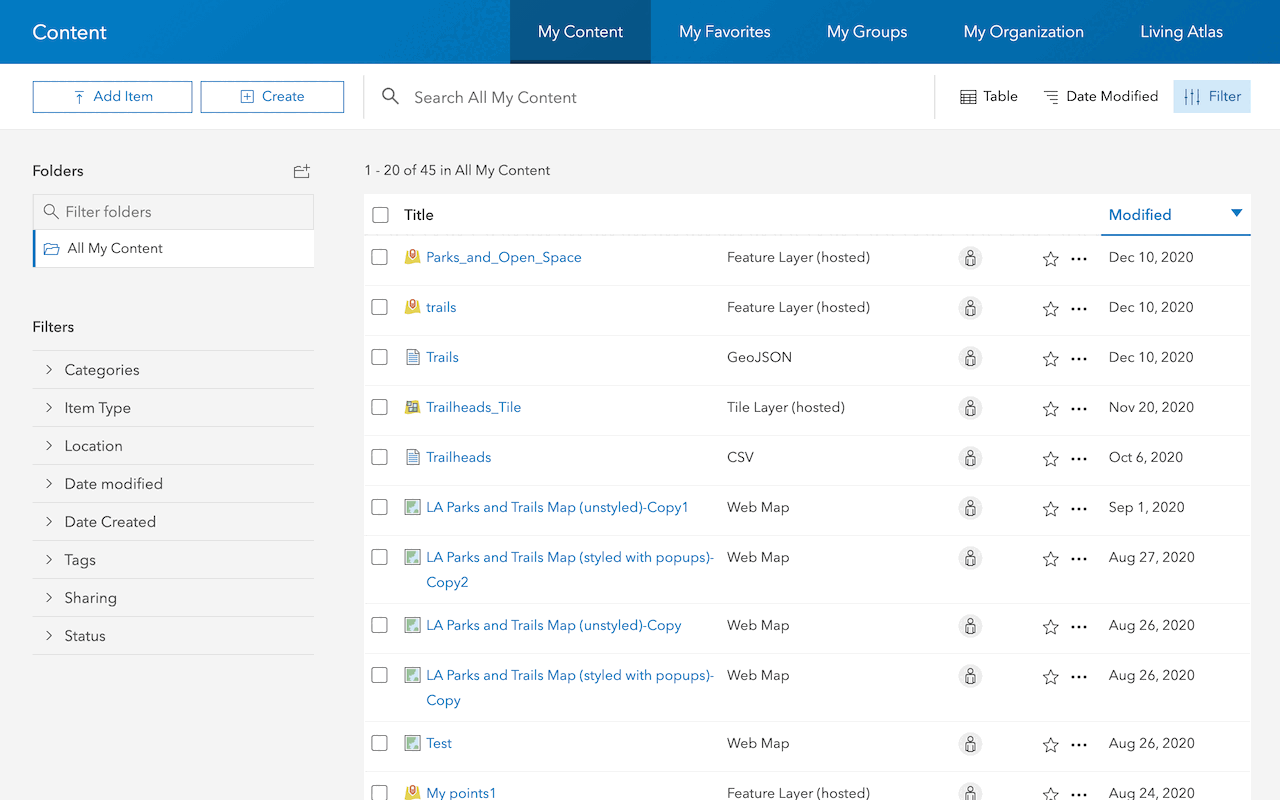
Import data as a feature layer
Use data management tools to import and create hosted feature layers.
ArcGIS Online Location Platform dashboard

Create a web map
Use Map Viewer to create a web map for your application.
Map Viewer

Style layers in a web map
Use Map Viewer to style layers in a web map.
ArcGIS Online Map Viewer
Learn more on creating web apps using ArcGIS Instant Apps.

Tools
Use tools to access the ArcGIS organization