Current version: 300.1 - August 2026. Release notes.
Welcome to ArcGIS Maps SDK for Flutter. This guide describes how to use the latest version of ArcGIS Maps SDK for Flutter to build native mobile apps that incorporate capabilities such as 2D and 3D data visualization, geocoding
Where to start
-
Discover key features of the SDK.
-
Install and set up the SDK.
-
Explore the tutorials and sample code.
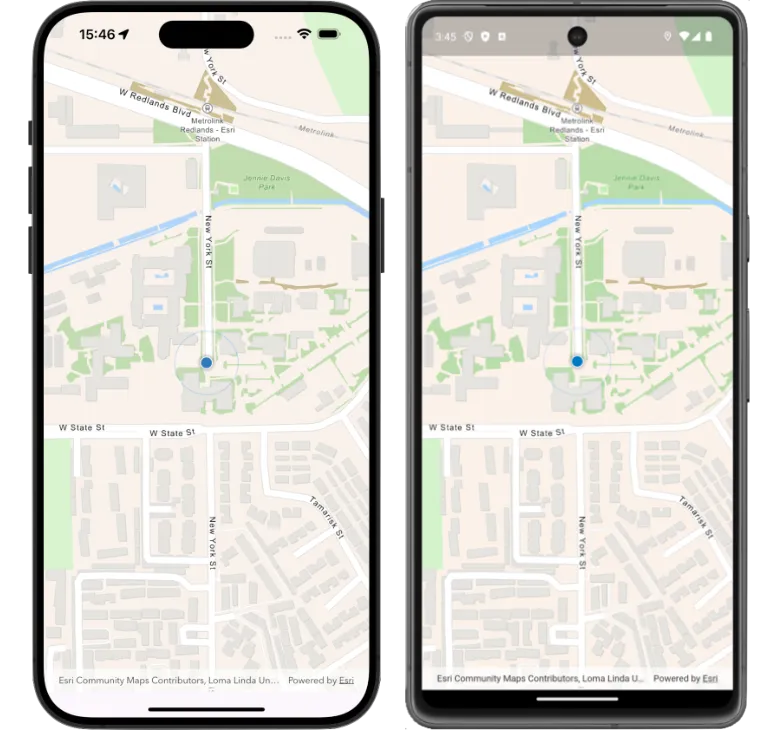
Tutorials
Follow step-by-step instructions to build apps that incorporate key features of ArcGIS Maps SDK for Flutter.
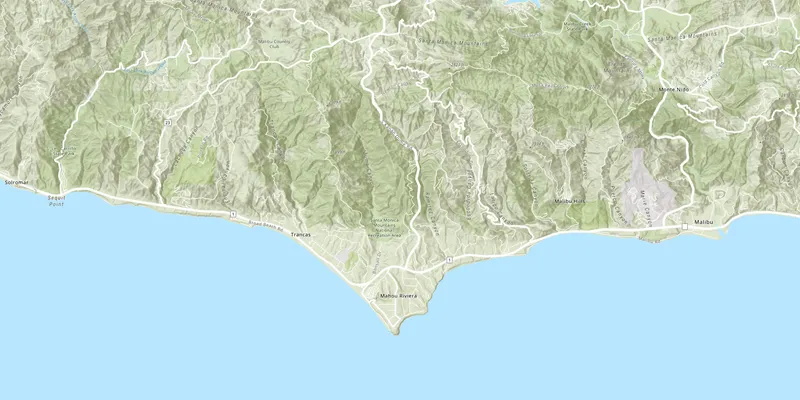
Display a map

Add a point, line, and polygon
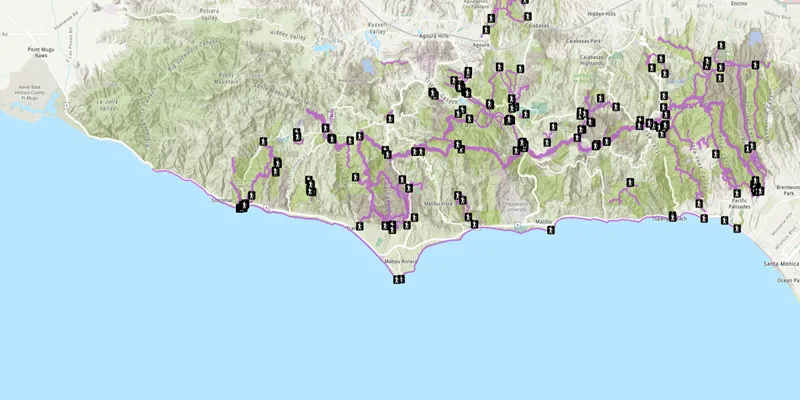
Add a feature layer
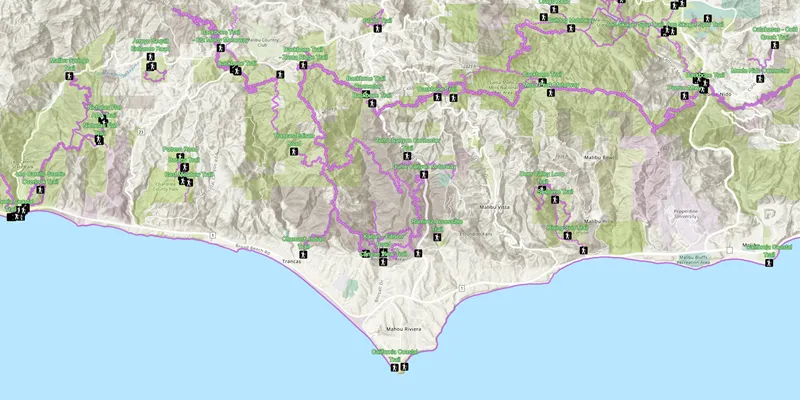
Display a web map

Display an offline map (on-demand)
Sample code
Review sample code in our complete sample directory, or download the code from our GitHub repository.
Open source toolkit
The open source ArcGIS Maps SDK for Flutter Toolkit contains widgets that will help simplify your Flutter app development.