Follow step-by-step instructions to build apps that incorporate ArcGIS Maps functionality.
Maps
Create a map that displays one of the many basemaps available from the basemap styles service
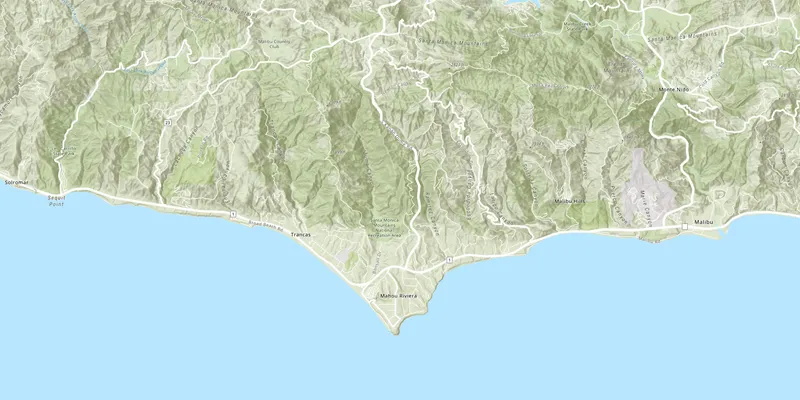
Display a map
Create a map that uses a basemap service layer and zoom to a specified location.

Add a point, line, and polygon
Add shapes (graphics) to represent features on the map.
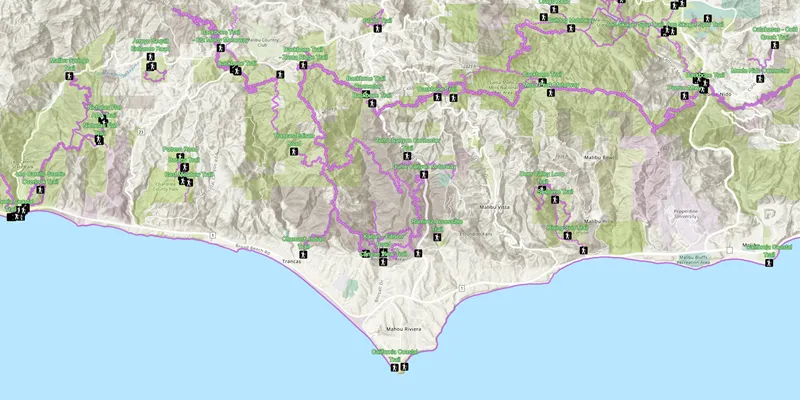
Display a web map
Display a preauthored map stored as an ArcGIS Online portal item.
Layers
Add additional datasets to your map or scene.
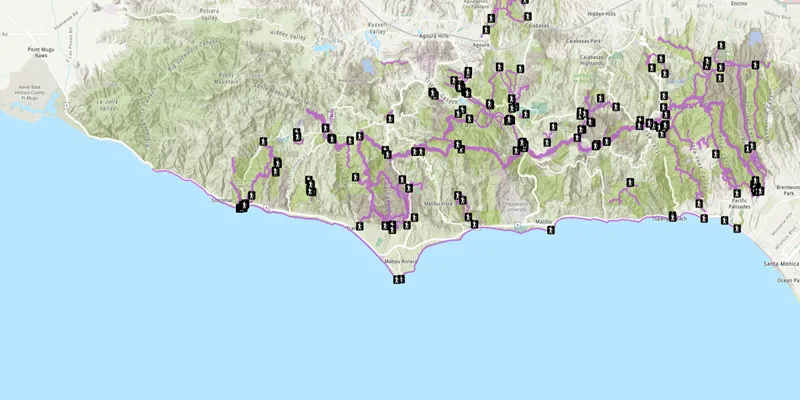
Add a feature layer
Display feature service data hosted on ArcGIS Online.

Add a feature layer from a portal item
Display a feature layer with preauthored styling and saved as an ArcGIS Online portal item.
Offline
Use tools to prepare data for offline use. Build applications to display, analyze, and edit data locally without an internet connection.
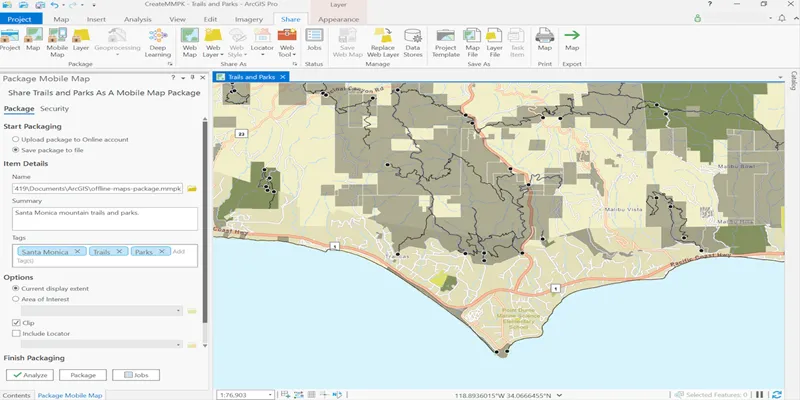
Create a mobile map package
Use ArcGIS Pro to package a map for offline use.

Display a map from a mobile map package
Display a map that’s been packaged for offline use.
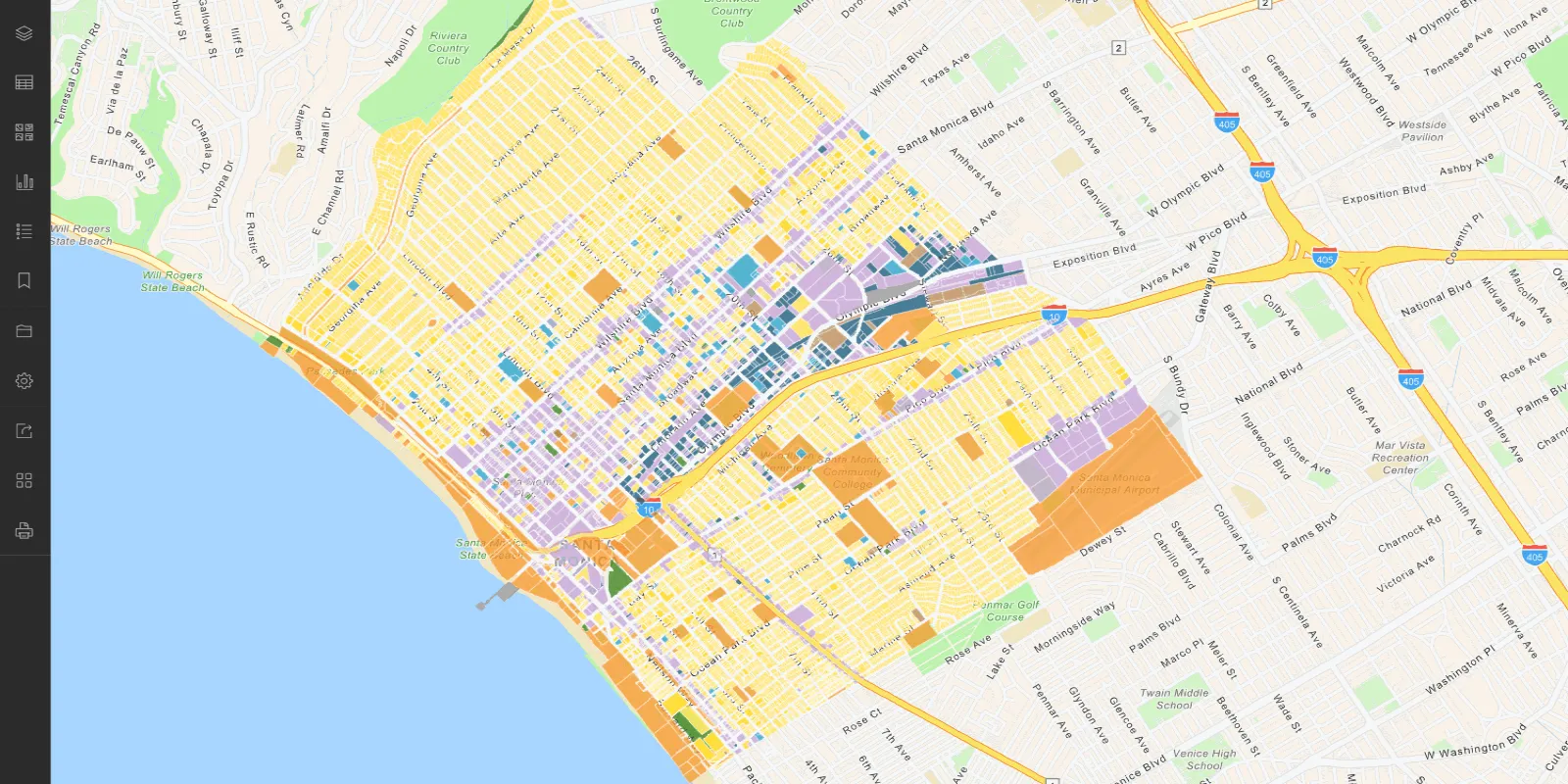
Create an offline-enabled web map
Use Map Viewer and the ArcGIS portal to create an offline-enabled web map.
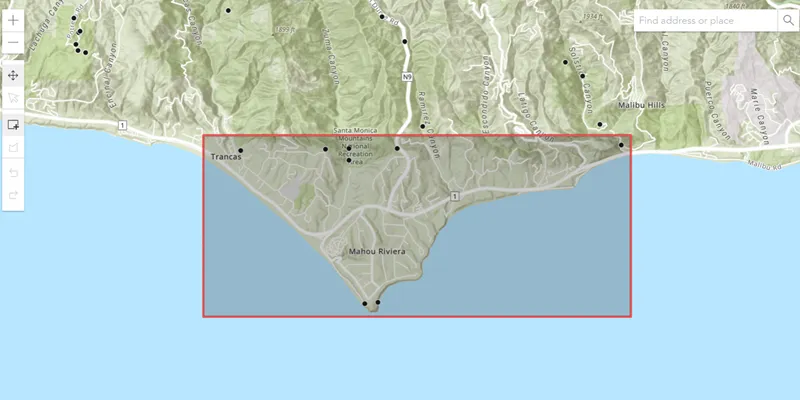
Create an offline map area
Use ArcGIS Online to create an offline map area for your app users.

Display an offline map (on-demand)
Download and display an offline map for a specified geographic area.