<meta name="viewport" content="width=device-width, initial-scale=1, shrink-to-fit=no" />
<title>Sketch in 3D | Sample | ArcGIS Maps SDK for JavaScript</title>
<link rel="stylesheet" href="https://js.arcgis.com/5.0/esri/themes/light/main.css" />
<!-- Load the ArcGIS Maps SDK for JavaScript from CDN -->
<script type="module" src="https://js.arcgis.com/5.0/"></script>
background-color: rgba(243, 243, 243, 0.8);
--calcite-color-brand: #4c4c4c;
--calcite-color-brand-hover: #423f3fe7;
#sketchPanel calcite-button {
#sketchPanel calcite-button:last-child {
] = await $arcgis.import([
"@arcgis/core/core/reactiveUtils.js",
"@arcgis/core/symbols/ExtrudeSymbol3DLayer.js",
"@arcgis/core/Graphic.js",
"@arcgis/core/layers/GraphicsLayer.js",
"@arcgis/core/symbols/LineSymbol3D.js",
"@arcgis/core/symbols/ObjectSymbol3DLayer.js",
"@arcgis/core/symbols/PathSymbol3DLayer.js",
"@arcgis/core/geometry/Point.js",
"@arcgis/core/symbols/PointSymbol3D.js",
"@arcgis/core/geometry/Polygon.js",
"@arcgis/core/symbols/PolygonSymbol3D.js",
"@arcgis/core/geometry/Polyline.js",
"@arcgis/core/views/SceneView.js",
"@arcgis/core/widgets/Sketch.js",
"@arcgis/core/widgets/Sketch/SketchViewModel.js",
"@arcgis/core/symbols/edges/SolidEdges3D.js",
"@arcgis/core/WebScene.js",
/**********************************************
*********************************************/
// Load web scene from ArcGIS Online
const scene = new WebScene({
id: "58ac6b34ae034f1db012a8546244bf7f",
// Create a new SceneView
const view = new SceneView({
alphaCompositingEnabled: true,
atmosphereEnabled: false,
/**********************************************
* Sketch instance and SketchViewModel
*********************************************/
// Create the layer where the graphics are sketched and add it to the scene
const sketchLayer = new GraphicsLayer({
title: "Sketched geometries",
// Create the Sketch widget and add it to the "sketchWidget" container inside the "sketchPanel" <div>
const sketch = new Sketch({
container: "sketchWidget",
// Add the sketchPanel (which includes the sketchWidget <div>) to the view
view.ui.add("sketchPanel", "top-right");
// Customize the Sketch widget by removing unused tool options
sketch.visibleElements = {
// To customize the widget furhter, access its underlying logic through the SketchViewModel
const sketchViewModel = sketch.viewModel;
// Customize the SketchViewModel symbols for each geometry type
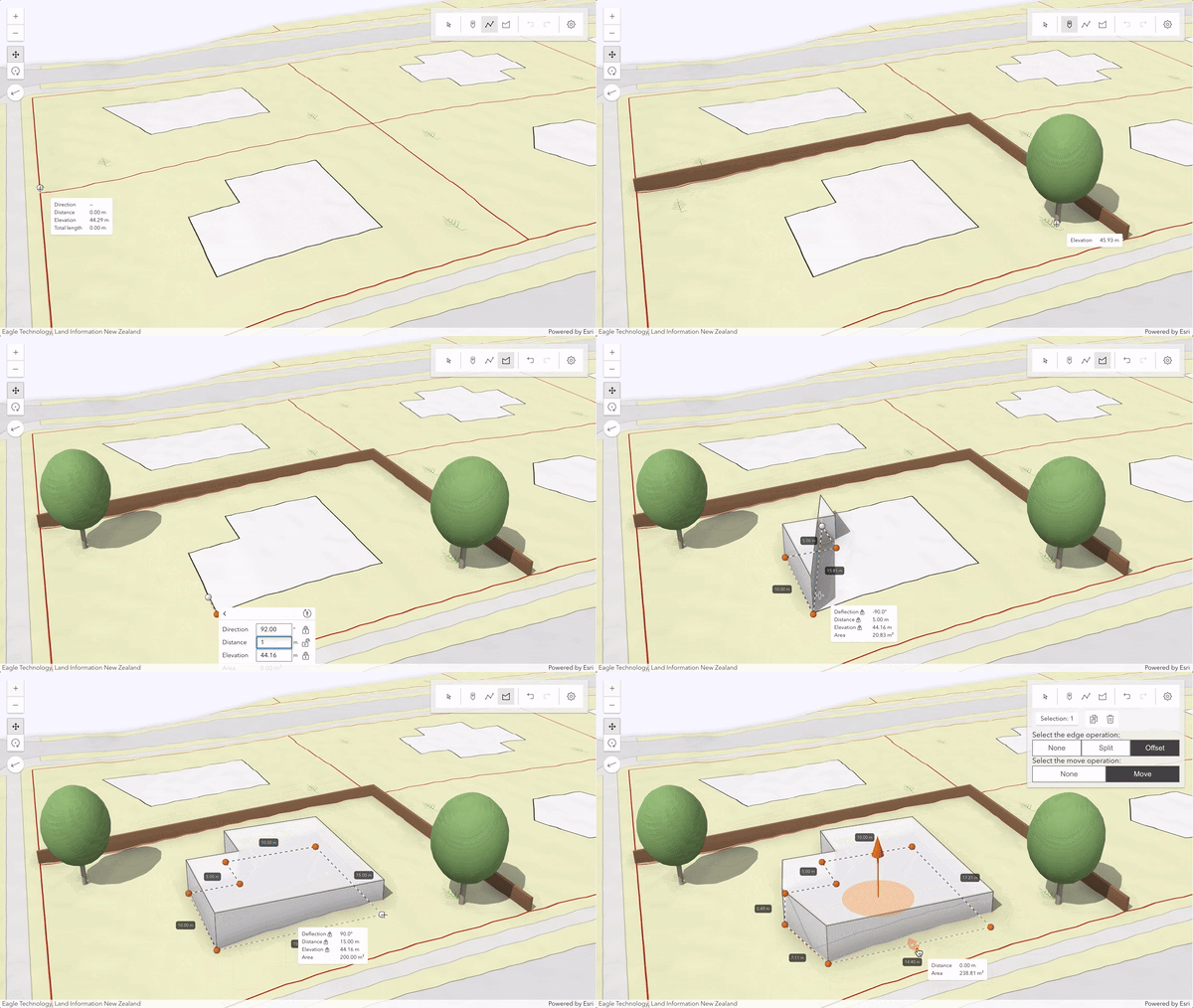
sketchViewModel.pointSymbol = createSymbology("tree");
sketchViewModel.polylineSymbol = createSymbology("border");
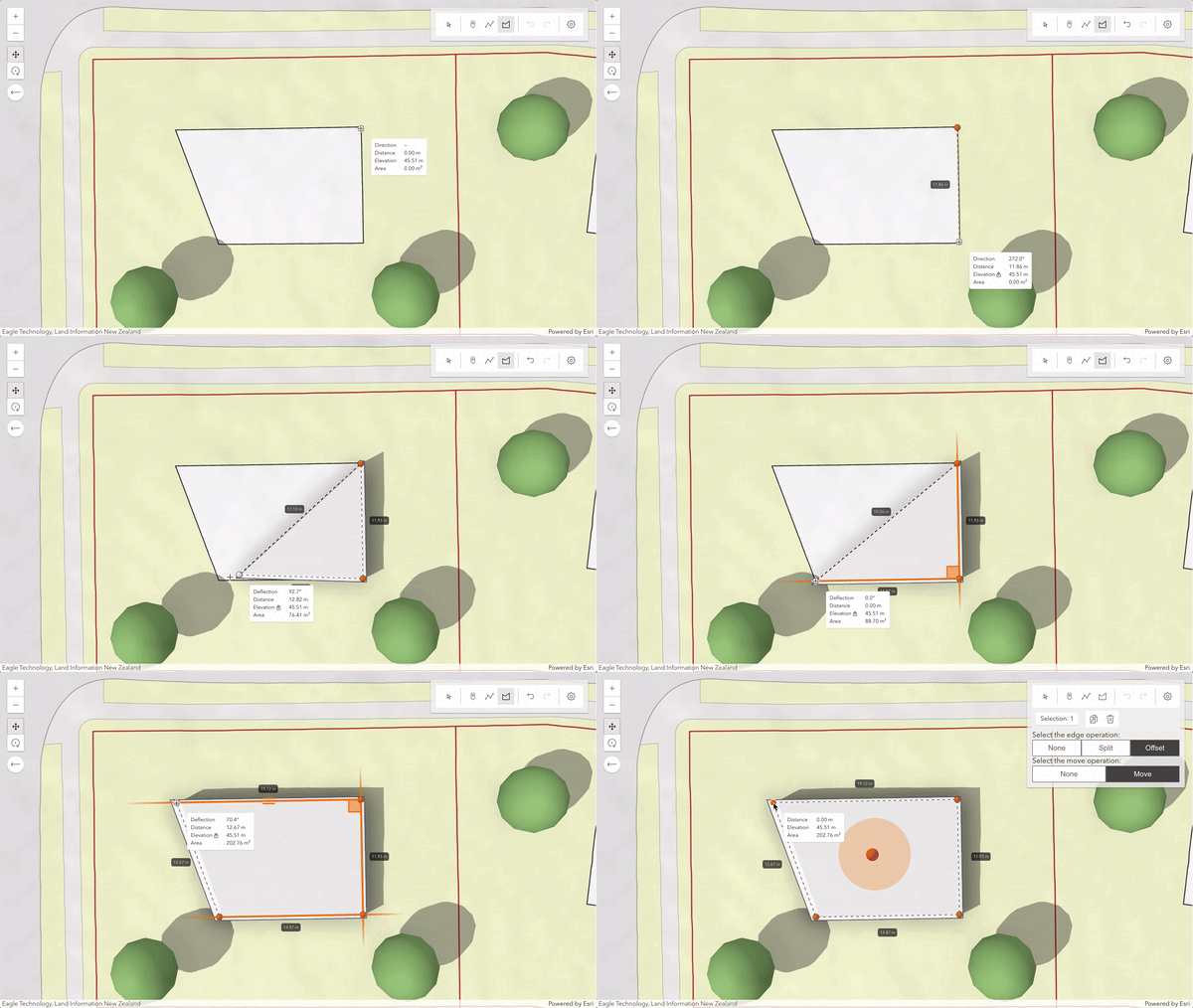
sketchViewModel.polygonSymbol = createSymbology("building");
// Customize the SketchViewModel snapping options
sketchViewModel.snappingOptions = {
featureSources: [{ layer: sketchLayer }],
// Configure how values are displayed in the SketchViewModel
sketchViewModel.valueOptions = { directionMode: "absolute" };
// Enable tooltips and labels on SketchViewModel
sketchViewModel.tooltipOptions = { enabled: true };
sketchViewModel.labelOptions = { enabled: true };
// Define the default update behavior of the SketchViewModel
sketchViewModel.defaultUpdateOptions = {
/**********************************************
* Customize the create and update functionalities
*********************************************/
sketchViewModel.on("create", (event) => {
if (event.tool === "polygon" || event.tool === "polyline") {
// After completion of a polygon or polyline, have the graphic selected for updating.
sketchViewModel.creationMode = "update";
// When starting to draw, always show the absolute direction mode
if (event.state === "start") {
sketchViewModel.valueOptions.directionMode = "absolute";
// After the second vertex is drawn, change to relative direction mode (deflection)
event.state === "active" &&
event.toolEventInfo.type === "vertex-add" &&
event.toolEventInfo.vertices[0].vertexIndex === 1
sketchViewModel.valueOptions.directionMode = "relative";
if (event.state === "complete") {
sketchViewModel.valueOptions.directionMode = "absolute";
} else if (event.state === "cancel") {
sketchViewModel.valueOptions.directionMode = "absolute";
// In case of points, after completion, start creating further point graphics.
sketchViewModel.creationMode = "continuous";
sketchViewModel.on("update", (event) => {
// Show the edge operation buttons only when polygons or polylines are drawn
if (event.state === "start") {
event.graphics[0].geometry.type === "polygon" ||
event.graphics[0].geometry.type === "polyline"
edgeOperationButtons.style.display = "inline";
if (event.state === "complete") {
edgeOperationButtons.style.display = "none";
/**********************************************
* Configure custom buttons to allow switching between the different move and edge operations
*********************************************/
const edgeOperationButtons = document.getElementById("edgeOperationButtons");
// Handling the configuration for edge operation
const noneEdgeBtn = document.getElementById("edgeNoneButton");
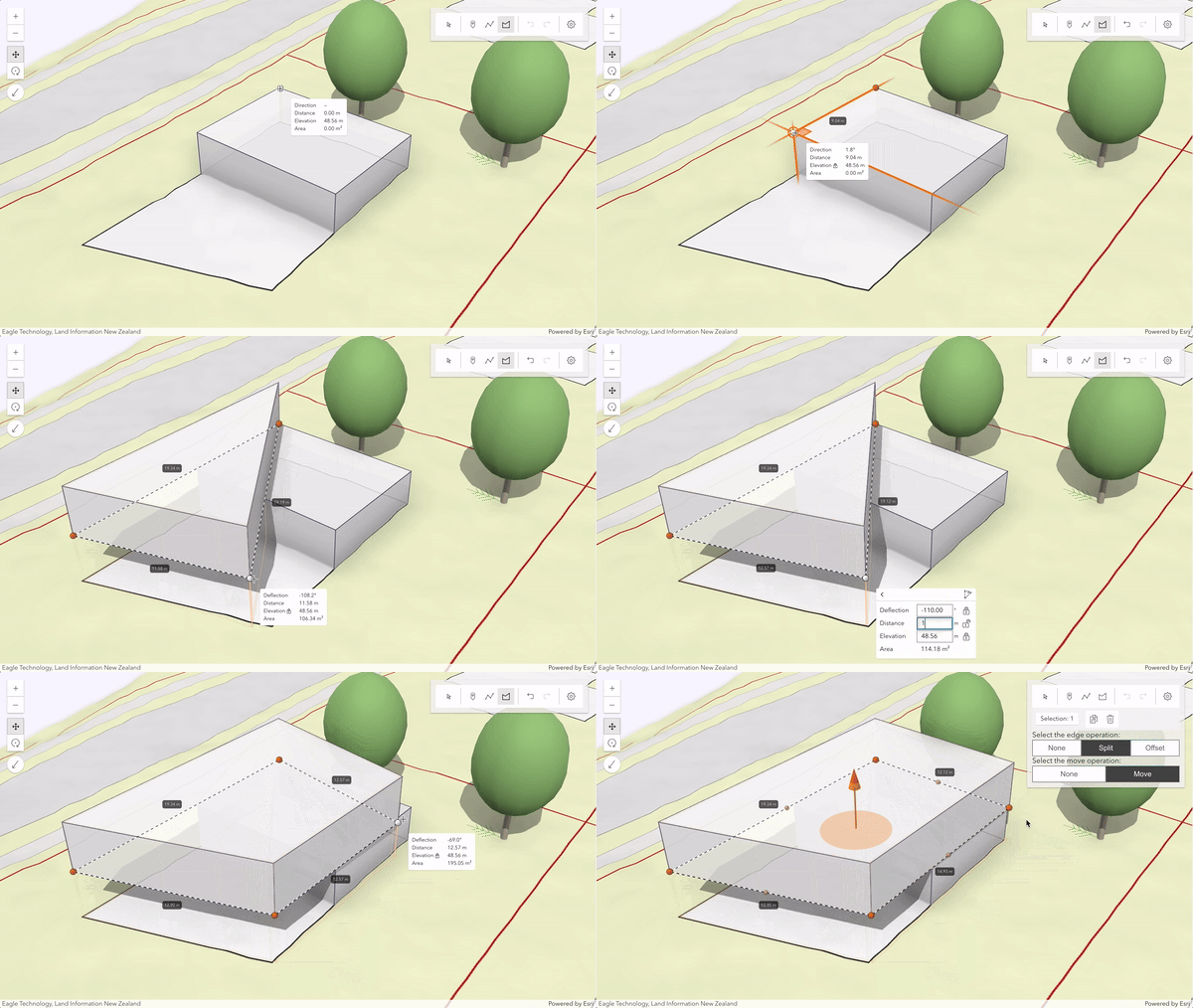
const splitEdgeBtn = document.getElementById("edgeSplitButton");
const offsetEdgeBtn = document.getElementById("edgeOffsetButton");
noneEdgeBtn.onclick = edgeChangedClickHandler;
splitEdgeBtn.onclick = edgeChangedClickHandler;
offsetEdgeBtn.onclick = edgeChangedClickHandler;
// Handling the configuration for move operation
const noneShapeButton = document.getElementById("shapeNoneButton");
const moveShapeButton = document.getElementById("shapeMoveButton");
noneShapeButton.onclick = shapeChangedClickHandler;
moveShapeButton.onclick = shapeChangedClickHandler;
/**********************************************
* Once the view has rendered everything, add some graphics to mark neighboring buildings, fences, and trees. Add also the sketch
*********************************************/
.whenOnce(() => !view.updating)
getPositions("buildings").map((ring) => ({ rings: ring })),
createSymbology("building"),
getPositions("fences").map((path) => ({ paths: path })),
createSymbology("border"),
addGraphics(getPositions("trees"), Point, createSymbology("tree"));
/**********************************************
*********************************************/
// Function to create the symbols used for sketching buildings and trees
function createSymbology(type) {
return new PolygonSymbol3D({
new ExtrudeSymbol3DLayer({
size: 3.5, // extrude by 3.5 meters
material: { color: [255, 255, 255, 0.8] },
edges: new SolidEdges3D({ size: 1, color: [82, 82, 122, 1] }),
return new LineSymbol3D({
profile: "quad", // creates a path symbol with rectangular profile
width: 0.3, // symbology width in meters
height: 2.6, // symbology height in meters
material: { color: "#a57e5e" },
profileRotation: "heading",
return new PointSymbol3D({
new ObjectSymbol3DLayer({
href: "https://static.arcgis.com/arcgis/styleItems/ThematicTrees/gltf/resource/PlatanusOccidentalis.glb",
throw new Error("Invalid symbology type");
// Functions to handle edge and move operations
function shapeChangedClickHandler(event) {
shapeType = event.target.label;
const buttons = document.querySelectorAll("#shape calcite-button");
buttons.forEach((button) => (button.appearance = "outline"));
event.target.appearance = "solid";
shapeOperation: shapeType,
function restartUpdateMode(updateOptions) {
sketchViewModel.defaultUpdateOptions = {
...sketchViewModel.defaultUpdateOptions,
if (sketchViewModel.activeTool) {
sketchViewModel.activeTool === "transform" ||
sketchViewModel.activeTool === "move" ||
sketchViewModel.activeTool === "reshape"
updateOptions.tool = sketchViewModel.activeTool;
sketchViewModel.update(sketchViewModel.updateGraphics.toArray(), updateOptions);
function edgeChangedClickHandler(event) {
edgeType = event.target.label;
const buttons = document.querySelectorAll("#edge calcite-button");
buttons.forEach((button) => (button.appearance = "outline"));
event.target.appearance = "solid";
shapeOperation: shapeType,
// Function to add graphics of different types
function addGraphics(allItems, geometryType, symbol) {
allItems.forEach((item) => {
const geometry = new geometryType({
spatialReference: { wkid: 2193 },
const graphic = new Graphic({ geometry, symbol });
sketchLayer.add(graphic);
// Function to return various positions based on input type
function getPositions(type) {
[1769982.81, 5905488.25, 44.16],
[1769992.8, 5905487.9, 44.16],
[1769992.63, 5905482.9, 44.16],
[1769997.63, 5905482.73, 44.16],
[1769997.28, 5905472.73, 44.16],
[1769982.29, 5905473.26, 44.16],
[1769982.81, 5905488.25, 44.16],
[1769997.28, 5905472.73, 47.66],
[1769987.28, 5905473.08, 47.66],
[1769987.63, 5905483.08, 47.66],
[1769997.63, 5905482.73, 47.66],
[1769997.28, 5905472.73, 47.66],
[1770007.93, 5905446.22, 46.81],
[1770011.86, 5905445.46, 46.81],
[1770012.62, 5905449.39, 46.81],
[1770020.47, 5905447.86, 46.81],
[1770019.71, 5905443.94, 46.81],
[1770023.64, 5905443.17, 46.81],
[1770022.11, 5905435.32, 46.81],
[1770018.19, 5905436.08, 46.81],
[1770017.43, 5905432.16, 46.81],
[1770009.57, 5905433.68, 46.81],
[1770010.33, 5905437.61, 46.81],
[1770006.41, 5905438.37, 46.81],
[1770007.93, 5905446.22, 46.81],
[1769974.73, 5905463.61, 46.18],
[1769976.23, 5905501.32, 43.08],
[1770004.15, 5905500.22, 44.22],
[1770033.18, 5905499.07, 45.12],
[1770031.69, 5905461.32, 46.08],
[1770002.99, 5905462.27, 46.36],
[1770004.15, 5905500.22, 44.22],
[1770031.69, 5905461.32, 46.08],
[1770002.99, 5905462.27, 46.36],
[1769974.73, 5905463.61, 46.18],
{ x: 1769998.64, y: 5905496.66, z: 43.93 },
{ x: 1769975.3, y: 5905434.08, z: 47.56 },
{ x: 1770022.8, y: 5905455.18, z: 46.48 },
return positions[type] || [];
<div id="sketchPanel" class="esri-widget">
<div id="sketchWidget"></div>
<div id="edgeOperationButtons">
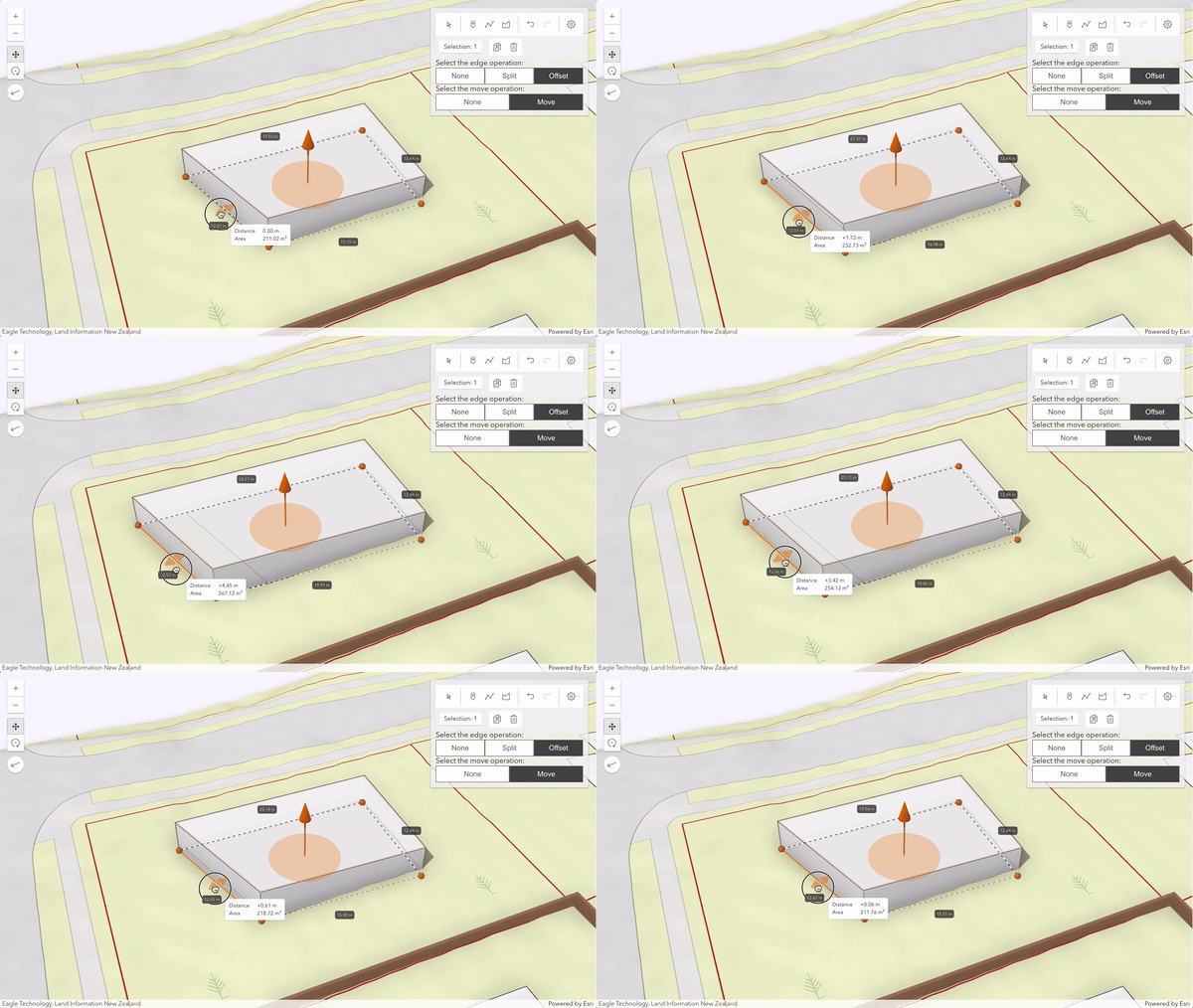
Select the edge operation:
<div class="update-options" id="edge">
<calcite-button id="edgeNoneButton" label="none" appearance="outline" width="full"
<calcite-button id="edgeSplitButton" label="split" appearance="outline" width="full"
<calcite-button id="edgeOffsetButton" label="offset" appearance="solid" width="full"
Select the move operation:
<div class="update-options" id="shape">
<calcite-button id="shapeNoneButton" label="none" appearance="outline" width="full"
<calcite-button id="shapeMoveButton" label="move" appearance="solid" width="full"