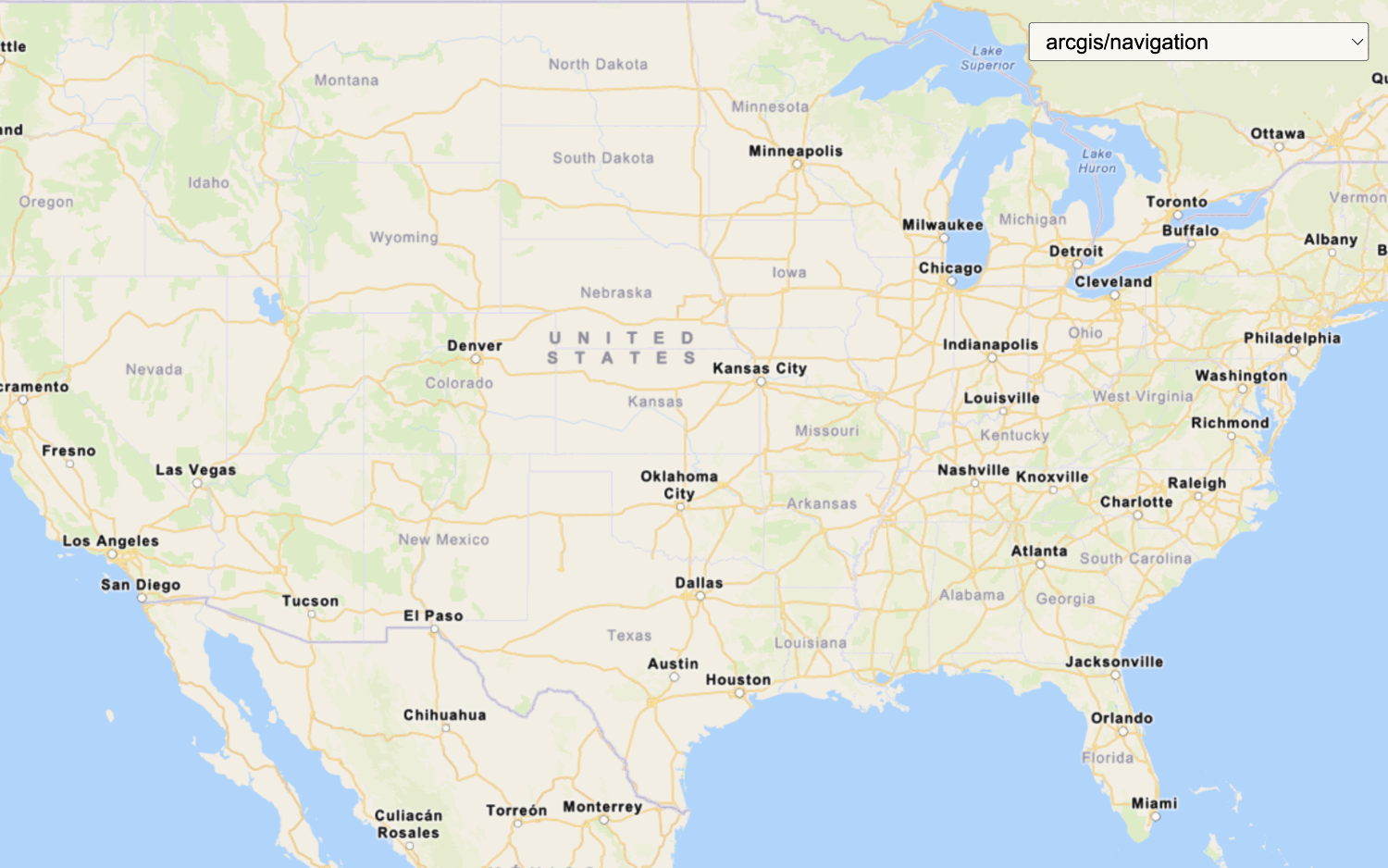
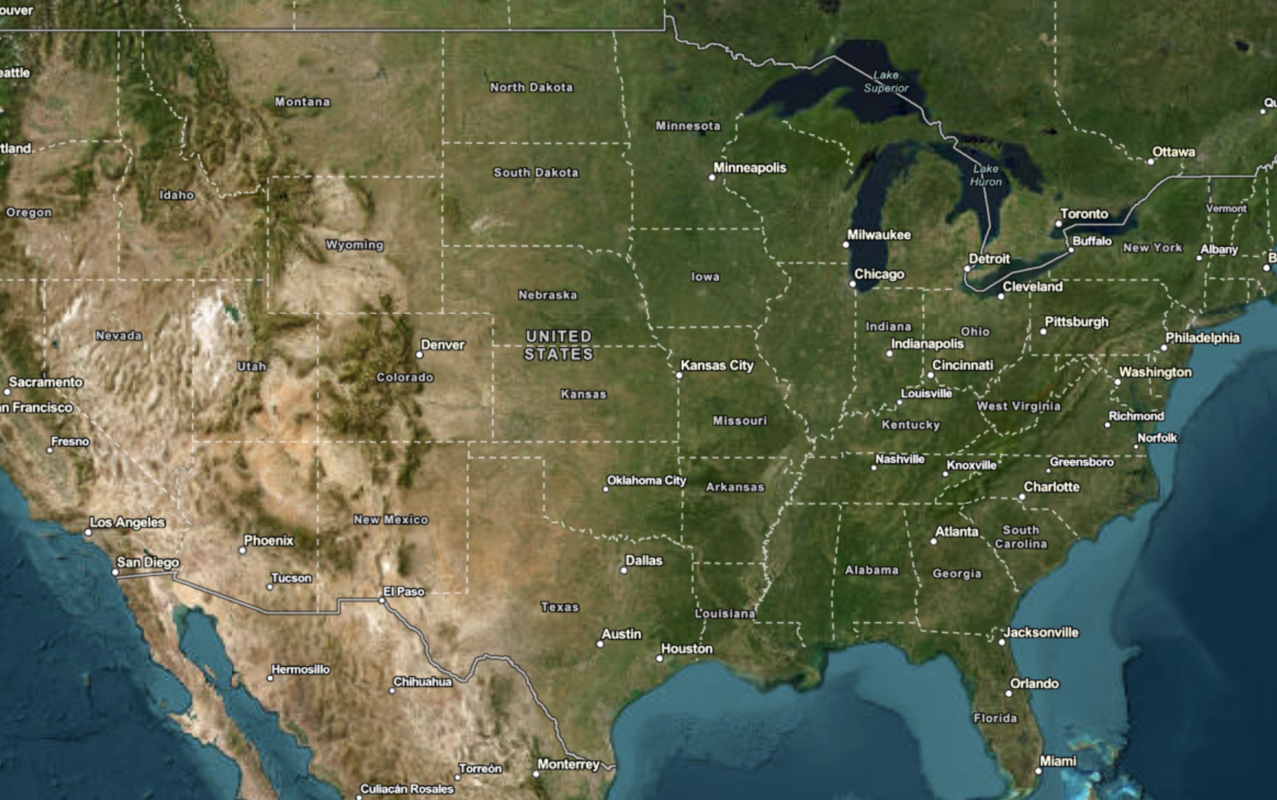
Learn how to change language labels in a map.
The ArcGIS Static Basemap Tiles servicelanguage parameter, which allows you to localize place labels. There are currently more than 5 different languages available.
In this tutorial, you use a <select dropdown menu to toggle between a number of different language labels for the static basemap tiles.
Prerequisites
You need an ArcGIS Location Platform account.
ArcGIS Online and ArcGIS Enterprise accounts are not supported.
Steps
Get the starter app
Select a type of authentication and follow the steps to create a new app.
Choose API key authentication if you:
- Want the easiest way to get started.
- Want to build public applications
A public application is an application that allows anonymous access without requiring users to sign in with an ArcGIS account. It supports API key or app authentication. that access ArcGIS Location ServicesArcGIS Location Services, also referred to as Location Services, are services hosted by Esri that provide geospatial functionality for developing mapping applications. They include the ArcGIS Basemap Styles service, ArcGIS Static Basemap Tiles service, ArcGIS Static Maps service, ArcGIS Places service, ArcGIS Geocoding service, ArcGIS Routing service, ArcGIS GeoEnrichment service, and ArcGIS Elevation service. An ArcGIS Location Platform or ArcGIS Online account is required to use the services. and secure itemsAn item, also known as a content item, is a resource stored in a portal such as a web map, hosted layer, style, script tool, file, or notebook. . - Have an ArcGIS Location Platform or ArcGIS Online account.
Choose user authentication if you:
- Want to build private applications.
- Require application users to sign in with their own ArcGIS account
An ArcGIS account is an identity with a user type and set of privileges that can access specific ArcGIS products, tools, APIs, services, and resources. The main account types that can be used for development are an ArcGIS Location Platform account, ArcGIS Online account, and ArcGIS Enterprise account. ArcGIS Location Platform and ArcGIS Online accounts are also associated with a subscription. and access resources their behalf. - Have an ArcGIS Online account.
To learn more about both types of authentication, go to Authentication.
Set up authentication
Set developer credentials
Use the API key or OAuth developer credentials
Add a language selector
Add a menu that allows users to change the display language of your map. OpenLayers does not have a built-in selector widget, so you will create an HTML <select element.
-
Create a
<divtag to contain the> <selectdropdown menu, which you will populate in a later step.> Use dark colors for code blocks <body> <div id="map"></div> <div id="language-wrapper"> <select id="language"></select> </div> </body> -
In the
<headtag, add CSS that will position the> <selectmenu element and its wrapper in the upper right corner and provide styling.> Use dark colors for code blocks html, body, #map { padding: 0; margin: 0; height: 100%; width: 100%; font-family: Arial, Helvetica, sans-serif; font-size: 14px; color: #323232; } #language-wrapper { position: absolute; top: 20px; right: 20px; background: rgba(255, 255, 255, 0); } #language { font-size: 16px; padding: 4px 8px; }
Update the map's viewpoint
-
Change the map's
centerto[8.90, 47.14]andzoomlevel to7. This will focus the map on Switzerland.Use dark colors for code blocks Copy const map = new ol.Map({ target: "map", view: new ol.View({ center: ol.proj.fromLonLat([8.90, 47.14]), // Switzerland zoom: 7 }) });
Set the basemap
When the page loads, initialize the app to display the static basemap tiles in English.
-
Create a function called
urlthat takes a language as a parameter. This will create the URL of the static basemap tiles for that specified language.Use dark colors for code blocks const url = (language) => `${baseUrl}/${basemapId}/static/tile/{z}/{y}/{x}?token=${accessToken}&language=${language}`; -
Create a
defaultvariable for the basemap, which isLanguage enfor English.Use dark colors for code blocks const defaultLanguage = "en"; -
Modify the
urlproperty of theTileobject to call theurlfunction withdefaultas the default language labels.Language Use dark colors for code blocks Copy const tileLayer = new ol.layer.Tile({ source: new ol.source.XYZ({ url: url(defaultLanguage), tileSize: 512 }) }); -
Create a
languageto return the basemap from the selector.Select Element Use dark colors for code blocks const languageSelectElement = document.querySelector("#language"); -
Import
arcgisto make a request to the Static Basemap Tiles service. This dynamically fetches the available basemap languages and populates theRest.request() selectelement.Use dark colors for code blocks <!-- REST JS --> <script src="https://unpkg.com/@esri/arcgis-rest-request@4/dist/bundled/request.umd.js"></script>Use dark colors for code blocks arcgisRest.request(`${baseUrl}/self`, { httpMethod: "GET", authentication: arcgisRest.ApiKeyManager.fromKey(accessToken) }).then((response) => { response.languages.forEach((style) => { const option = document.createElement("option"); option.value = style.code; option.textContent = style.name; languageSelectElement.appendChild(option); }); tileLayer.getSource().setUrl(url(response.languages[0].code)); }); -
Run the code to ensure the map displays the default static basemap tiles in English and that the
<selectelement contains different language enumerations.>
Add a listener
Use an event listener to register a language change in the <select element and to update the map.
-
Add an event listener to store the selected basemap.
Use dark colors for code blocks const languageSelectElement = document.querySelector("#language"); arcgisRest.request(`${baseUrl}/self`, { httpMethod: "GET", authentication: arcgisRest.ApiKeyManager.fromKey(accessToken) }).then((response) => { response.languages.forEach((style) => { const option = document.createElement("option"); option.value = style.code; option.textContent = style.name; languageSelectElement.appendChild(option); }); tileLayer.getSource().setUrl(url(response.languages[0].code)); }); languageSelectElement.addEventListener("change", (e) => { }); -
Update the
tile's source URL with the new language.Layer Use dark colors for code blocks const languageSelectElement = document.querySelector("#language"); arcgisRest.request(`${baseUrl}/self`, { httpMethod: "GET", authentication: arcgisRest.ApiKeyManager.fromKey(accessToken) }).then((response) => { response.languages.forEach((style) => { const option = document.createElement("option"); option.value = style.code; option.textContent = style.name; languageSelectElement.appendChild(option); }); tileLayer.getSource().setUrl(url(response.languages[0].code)); }); languageSelectElement.addEventListener("change", (e) => { const language = e.target.value; tileLayer.getSource().setUrl(url(language)); });
Run the app
Run the app.
Use the controls to switch between language labels.