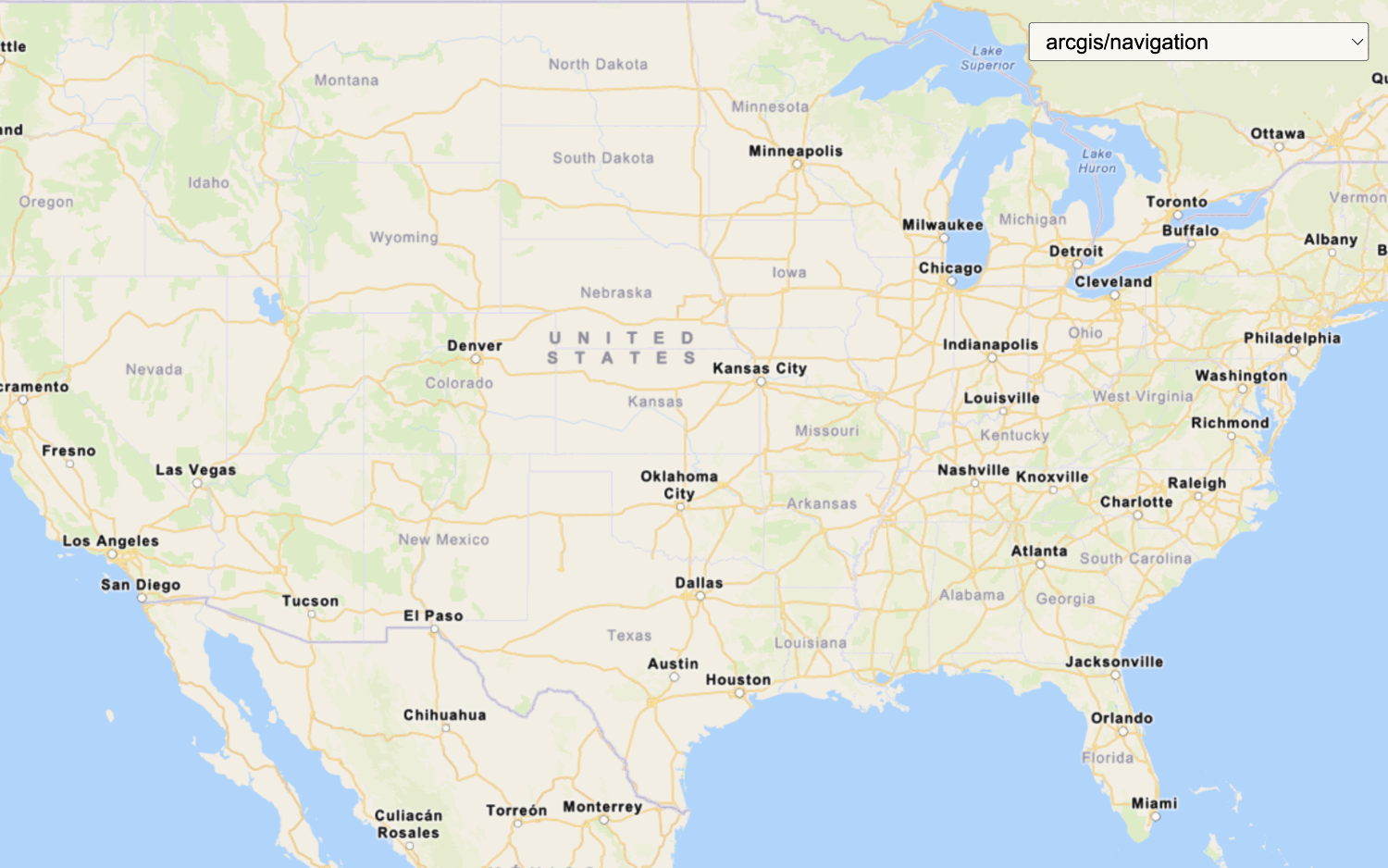
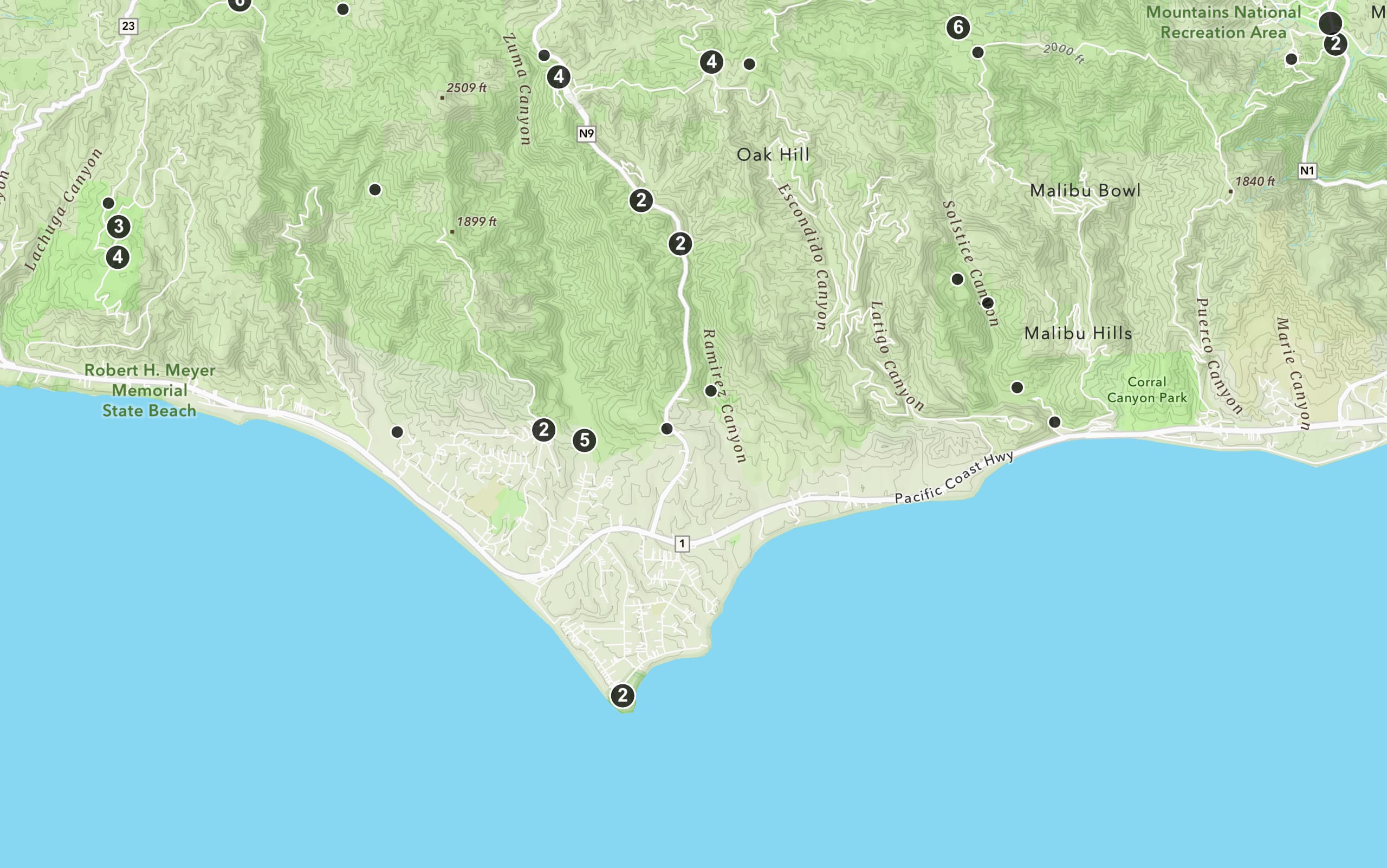
Learn how to add multiple basemap layers from different services to your map.
This tutorial shows how to display two basemap layers from different services in your application. You will use the World Imagery map tile servicearcgis/imagery/labels style from the ArcGIS Static Basemap Tiles service
Prerequisites
You need an ArcGIS Location Platform account.
ArcGIS Online and ArcGIS Enterprise accounts are not supported.
Steps
Get the starter app
Select a type of authentication and follow the steps to create a new app.
Choose API key authentication if you:
- Want the easiest way to get started.
- Want to build public applications
A public application is an application that allows anonymous access without requiring users to sign in with an ArcGIS account. It supports API key or app authentication. that access ArcGIS Location ServicesArcGIS Location Services, also referred to as Location Services, are services hosted by Esri that provide geospatial functionality for developing mapping applications. They include the ArcGIS Basemap Styles service, ArcGIS Static Basemap Tiles service, ArcGIS Static Maps service, ArcGIS Places service, ArcGIS Geocoding service, ArcGIS Routing service, ArcGIS GeoEnrichment service, and ArcGIS Elevation service. An ArcGIS Location Platform or ArcGIS Online account is required to use the services. and secure itemsAn item, also known as a content item, is a resource stored in a portal such as a web map, hosted layer, style, script tool, file, or notebook. . - Have an ArcGIS Location Platform or ArcGIS Online account.
Choose user authentication if you:
- Want to build private applications.
- Require application users to sign in with their own ArcGIS account
An ArcGIS account is an identity with a user type and set of privileges that can access specific ArcGIS products, tools, APIs, services, and resources. The main account types that can be used for development are an ArcGIS Location Platform account, ArcGIS Online account, and ArcGIS Enterprise account. ArcGIS Location Platform and ArcGIS Online accounts are also associated with a subscription. and access resources their behalf. - Have an ArcGIS Online account.
To learn more about both types of authentication, go to Authentication.
Set up authentication
Set developer credentials
Use the API key or OAuth developer credentials
Update the map's viewpoint
-
Remove the basemap and attribution code from the starter tutorial for now. You will add them back later.
Use dark colors for code blocks <script> /* Use for API key authentication */ const accessToken = "YOUR_ACCESS_TOKEN"; const basemapId = "arcgis/navigation"; const basemapURL = "https://static-map-tiles-api.arcgis.com/arcgis/rest/services/static-basemap-tiles-service/v1"; const tileLayer = new ol.layer.Tile({ source: new ol.source.XYZ({ url: `${basemapURL}/${basemapId}/static/tile/{z}/{y}/{x}?token=${accessToken}`, // Default basemap tileSize: 512 }) }); const map = new ol.Map({ target: "map", layers: [tileLayer], view: new ol.View({ center: ol.proj.fromLonLat([-20, 30]), zoom: 3 }) }); fetch(`${basemapURL}/${basemapId}/static?token=${accessToken}`) .then((response) => response.json()) .then((data) => { tileLayer .getSource() .setAttributions("Powered by <a href='https://www.esri.com/en-us/home' target='_blank'>Esri</a> | " + [data.copyrightText]); }); </script> -
Change the map's center to
[-91.2996, 37.1174]and zoom level to5. This will focus the map on the United States of America.Use dark colors for code blocks Copy const map = new ol.Map({ target: "map", view: new ol.View({ center: ol.proj.fromLonLat([-91.2996, 37.1174]), // USA (x, y) zoom: 5 }) });
Add basemap layer 1
Use the XYZ and Tile classes to access and display basemap layer from the World Imagery map tile service
-
Create an
XYZsource using thexyzURL for the map tile layer.Use dark colors for code blocks const tile = new ol.source.XYZ({ url: `https://ibasemaps-api.arcgis.com/arcgis/rest/services/World_Imagery/MapServer/tile/{z}/{y}/{x}?token=${accessToken}`, }); -
Create a
Tilelayer using theXYZsource.Use dark colors for code blocks const tile = new ol.source.XYZ({ url: `https://ibasemaps-api.arcgis.com/arcgis/rest/services/World_Imagery/MapServer/tile/{z}/{y}/{x}?token=${accessToken}`, }); const tileLayer = new ol.layer.Tile({ source: tile }); -
Add the data attribution
Data attribution is the requirement to display the names of data source providers in all applications when accessing ArcGIS content, layers, or services. for the map tile layer source.- Go to the World Imagery item
An item, also known as a content item, is a resource stored in a portal such as a web map, hosted layer, style, script tool, file, or notebook. . - Scroll down to the Acknowledgments section and copy its value.
- Paste the copied value to the
attributionsproperty.Use dark colors for code blocks const tile = new ol.source.XYZ({ url: `https://ibasemaps-api.arcgis.com/arcgis/rest/services/World_Imagery/MapServer/tile/{z}/{y}/{x}?token=${accessToken}`, attributions: ["Esri, Maxar, Earthstar Geographics, and the GIS User Community | "] // Attribution text retrieved from https://nation.maps.arcgis.com/home/item.html?id=d27a3805595e4bb598678f2dc3b1fca3 }); const tileLayer = new ol.layer.Tile({ source: tile });
- Go to the World Imagery item
Add basemap layer 2
In this step, you add another basemap layer from the Static Basemap Tiles service
-
Set
basemaptoId arcgis/imagery/labelsandbasemapto the Static Basemap Tiles service endpoint.URL Use dark colors for code blocks const basemapId = "arcgis/imagery/labels"; const basemapURL = "https://static-map-tiles-api.arcgis.com/arcgis/rest/services/static-basemap-tiles-service/v1"; -
Create a
Tilelayer for the static basemap tiles using theXYZsource.Use dark colors for code blocks const basemapId = "arcgis/imagery/labels"; const basemapURL = "https://static-map-tiles-api.arcgis.com/arcgis/rest/services/static-basemap-tiles-service/v1"; const staticBasemapTileLayer = new ol.layer.Tile({ source: new ol.source.XYZ({ url: `${basemapURL}/${basemapId}/static/tile/{z}/{y}/{x}?token=${accessToken}`, // Default basemap tileSize: 512, attributions: [ "Powered by <a href='https://www.esri.com/en-us/home' target='_blank'>Esri</a> | Sources: Esri, TomTom, Garmin, FAO, NOAA, USGS, © OpenStreetMap contributors, and the GIS User Community" ] }) }); -
Add both
tileandLayer staticto the map.Basemap Tile Layer Use dark colors for code blocks const map = new ol.Map({ target: "map", layers: [tileLayer, staticBasemapTileLayer], view: new ol.View({ center: ol.proj.fromLonLat([-91.2996, 37.1174]), // USA (x, y) zoom: 5 }) });
Run the app
Run the app.
The map should display basemap layers from the World Imagery map tile serviceWhat's next?
Learn how to use additional location services in these tutorials: