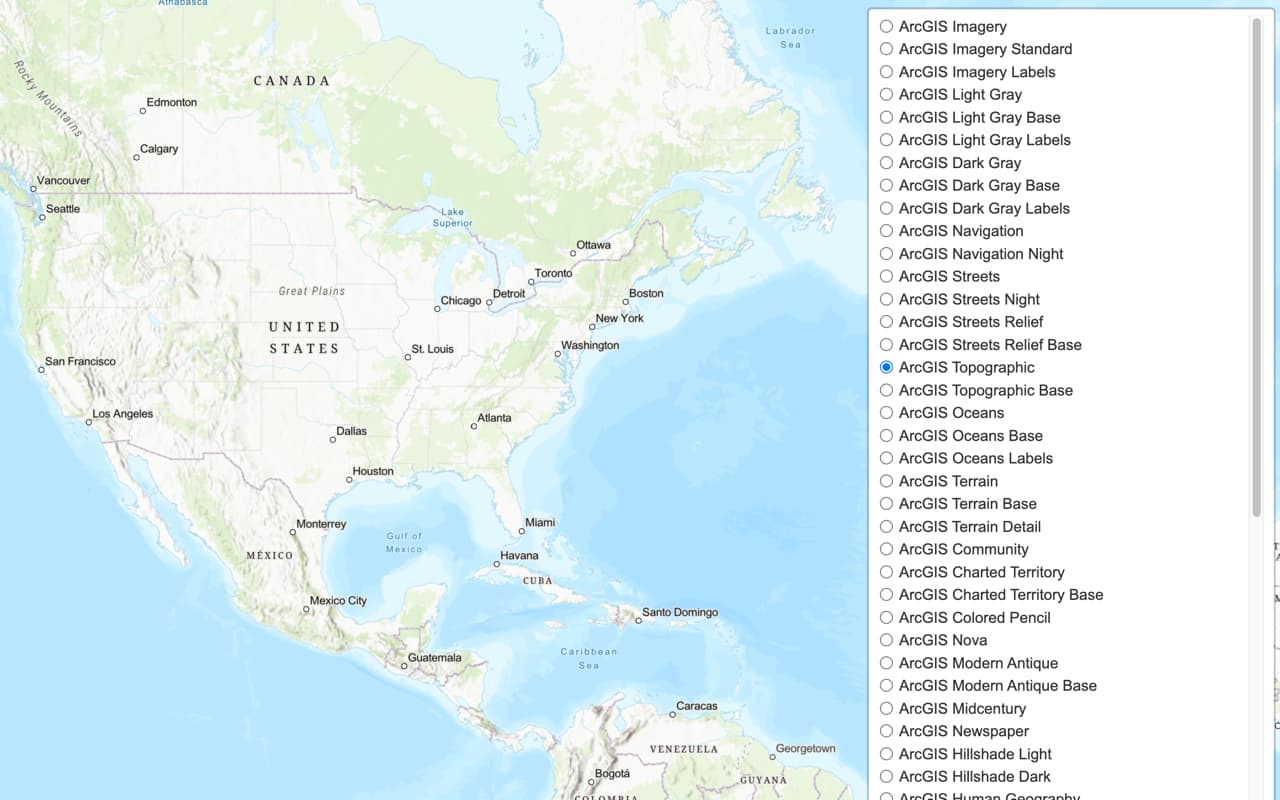
Learn how to use a basemap session to display a map.
The ArcGIS Basemap Styles service
In this tutorial, display a map using a basemap session that lasts for 12 hours.
This application will use the basemap session usage model.
Prerequisites
You need an ArcGIS Location Platform account.
ArcGIS Online and ArcGIS Enterprise accounts are not supported.
Steps
Create a new app
Create a new CodePen app with a map div that is the full width and height of the browser window.
-
Go to CodePen and create a new pen for your application.
-
In CodePen > HTML, add HTML and CSS to create a page with a div element called
map.Use dark colors for code blocks <!DOCTYPE html> <html lang="en"> <head> <meta charset="utf-8"> <meta name="viewport" content="initial-scale=1, maximum-scale=1, user-scalable=no"> <title>OpenLayers Tutorials: Display a map</title> <style> html, body, #map { padding: 0; margin: 0; height: 100%; width: 100%; font-family: Arial, Helvetica, sans-serif; font-size: 14px; color: #323232; } </style> </head> <body> <div id="map"></div> </body> </html>
Set up authentication
Create a new API key credential
-
Go to the Create an API key tutorial and create an API key
An API key is a long-lived access token created using API key credentials. They are valid for up to one year and are typically embedded directly into client applications. with the following privilege(s)Privileges are a set of permissions assigned to ArcGIS accounts, developer credentials, and applications that grant access to secure resources and functionality in ArcGIS. :- Privileges:
- Location services > Basemaps
- Privileges:
-
Copy the API key access token to your clipboard when prompted.
-
Add a
<scriptelement in the HTML> <bodyand create an> accessvariable to store your access tokenToken An access token is an authorization string that provides access to secure ArcGIS content, data, and services. Its capabilities are determined by the privileges it supports. It is obtained by implementing API key authentication, User authentication, or App authentication. . SetYOURwith the access token you previously copied from your API key credentials_ACCESS _TOKEN API key credentials are an item that contains the parameters used to create and manage long-lived access tokens for API key authentication. They are a type of developer credential. .Use dark colors for code blocks <script> /* Use for API key authentication */ const accessToken = "YOUR_ACCESS_TOKEN"; </script>
Add script references
You need to add <script and <link tags to load the JavaScript and CSS files for OpenLayers and ol-mapbox-style. You also reference the arcgis-rest-basemap-sessions and arcgis-rest-request packages to access the basemap sessions wrapper class.
-
In the index.html file, add the following
<linkand> <scriptreferences.> Use dark colors for code blocks <!-- Load OpenLayers and OLMS from CDN --> <link rel="stylesheet" href="https://cdn.jsdelivr.net/npm/ol@v10.11.0/ol.css"> <script src="https://cdn.jsdelivr.net/npm/ol@v10.11.0/dist/ol.js"></script> <script src="https://cdn.jsdelivr.net/npm/ol-mapbox-style@13.7.1/dist/olms.js"></script> <!-- Load ArcGIS REST JS --> <script src="https://unpkg.com/@esri/arcgis-rest-request@4/dist/bundled/request.umd.js"></script> <script src="https://unpkg.com/@esri/arcgis-rest-basemap-sessions@1/dist/bundled/basemap-sessions.umd.js"></script>
Create a session
To access ArcGIS basemaps, you create a basemap session which can last for up to 12 hours. In this example, the session is set to 12 hours or 43200 seconds. This allows you to access as many basemap tiles as you want for one basemap session charge.
- Create an asynchronous function called
createto start a newBasemap Session Basemap. Set the duration of the session toStyle Session 43200seconds (12 hours). SetautotoRefresh falseto prevent the session from refreshing automatically.Use dark colors for code blocks async function createBasemapSession() { return await arcgisRest.BasemapStyleSession.start({ authentication: accessToken, styleFamily: "arcgis", duration: 43200, // 12 hours in seconds autoRefresh: false }); }
Create a map
Use the session's token to load a basemap style by appending it to the style URL.
-
Declare the
mapvariable globally so it can be accessed later (e.g., when restarting the session). Set the basemap style toarcgis/outdoor.Use dark colors for code blocks const basemapStyle = "arcgis/outdoor"; let map; -
Create a function called
loadthat initializes a map and applies a basemap style URL with a session token. After applying the style, callMap setto ensure the attribution is correctly displayed.Attribution() Use dark colors for code blocks async function loadMap(sessionToken) { map = new ol.Map({ target: "map", view: new ol.View({ center: ol.proj.fromLonLat([-20, 30]), zoom: 3 }) }); const styleURL = `https://basemapstyles-api.arcgis.com/arcgis/rest/services/styles/v2/styles/${basemapStyle}?token=${sessionToken}`; olms.apply(map, styleURL).then(() => { // Add Esri attribution // Learn more in https://esriurl.com/attribution const source = map.getLayers().item(0).getSource(); const poweredByEsriString = "Powered by <a href='https://www.esri.com/en-us/home' target='_blank'>Esri</a> | "; const attributionFn = source.getAttributions(); if (attributionFn) { source.setAttributions((ViewStateLayerStateExtent) => { return [poweredByEsriString, ...attributionFn(ViewStateLayerStateExtent)]; }); } else source.setAttributions(poweredByEsriString); }); } -
Define an
initfunction to create the basemap session and pass its token intoApp load. Call this function when the app starts.Map Use dark colors for code blocks let basemapSession; async function initApp() { basemapSession = await createBasemapSession(); await loadMap(await basemapSession.getToken()); } initApp();
Handle session expiration
To ensure your basemap always uses a valid session token, listen for basemap session events. You can refresh credentials when the session expires, and update the basemap layer URLs when the session is refreshed.
-
Listen for the
expiredandrefreshedevents from the session. When the session expires, callrefresh. When the session is refreshed, callCredentials applyto update all layer URLs with the new token. You will create theToken applyfunction in the next step.Token Use dark colors for code blocks let basemapSession; async function initApp() { basemapSession = await createBasemapSession(); basemapSession.on("expired", () => { basemapSession.refreshCredentials(); }); basemapSession.on("refreshed", (e) => { applyToken(e.previous.token, e.current.token); }); await loadMap(await basemapSession.getToken()); } initApp(); -
Create a function called
applythat updates the URLs of all map layers to use the new session token.Token Use dark colors for code blocks function applyToken(oldToken, newToken) { map.getLayers().forEach((layer) => { const source = layer.getSource(); if (source.getUrls) { // Source contains multiple URLs const urls = source.getUrls(); if (urls.some((url) => url.includes(oldToken))) { source.setUrls(urls.map((url) => url.replace(oldToken, newToken))); } } else if (source.getUrl) { // Source contains a single URL const url = source.getUrl(); if (url && url.includes(oldToken)) { source.setUrl(url.replace(oldToken, newToken)); } } }); }
Run the app
Run the app.
The app should display thearcgis/outdoor style from the Basemap Styles service using a basemap session. When the basemap session expires, the app refreshes the session and updates the layer URLs with the new token so the map continues to work without interruption.
What's next?
Learn how to use additional location services in these tutorials: