ArcGIS supports secure access to ArcGIS services
There are three types of authentication that you can use to get an access token:
- API key authentication: grants a long-lived access token to authenticate requests to ArcGIS services
A service, also known as an ArcGIS service, is software that supports an ArcGIS REST API and provides geospatial functionality or data. A service can be hosted by Esri or in ArcGIS Enterprise. and secure portal items. For more information see the Introduction to API key authentication. To obtain an API key access token, go to the Create an API key tutorial using your ArcGIS accountAn ArcGIS account is an identity with a user type and set of privileges that can access specific ArcGIS products, tools, APIs, services, and resources. The main account types that can be used for development are an ArcGIS Location Platform account, ArcGIS Online account, and ArcGIS Enterprise account. ArcGIS Location Platform and ArcGIS Online accounts are also associated with a subscription. . Here you can configure the API key privileges to authorize access to different services and portal items.- API key access tokens created with an ArcGIS Enterprise
An ArcGIS Enterprise account is an identity for an instance of ArcGIS Enterprise. It can be used to access ArcGIS Enterprise tools, applications, and services, and to develop applications. account, from ArcGIS Enterprise in version 11.4 onwards, provide access to secure itemsAn item, also known as a content item, is a resource stored in a portal such as a web map, hosted layer, style, script tool, file, or notebook. in an ArcGIS Enterprise portalArcGIS portal, also known as a portal, is a website with applications and tools that can be used to create, manage, access, and share geospatial content and data. It supports security and authentication, developer credentials, content and data service management, user and group management, and site administration. A portal can be hosted in Esri's infrastructure or your own infrastructure. .
- API key access tokens created with an ArcGIS Enterprise
- User authentication: grants a short-lived token, generated via OAuth, giving your application permission to access the ArcGIS services
A service, also known as an ArcGIS service, is software that supports an ArcGIS REST API and provides geospatial functionality or data. A service can be hosted by Esri or in ArcGIS Enterprise. and secure portal items authorized to an existing ArcGIS user’s account. - App authentication: grants a short-lived access token via OAuth 2.0, authorizing your application to access ArcGIS services
A service, also known as an ArcGIS service, is software that supports an ArcGIS REST API and provides geospatial functionality or data. A service can be hosted by Esri or in ArcGIS Enterprise. and secure portal items.
To make authenticated requests to services, you need to set the token parameter to an access token
For more information, see the Security and authentication guide.
Choose a type of authentication
The following considerations can help determine which type of authentication to implement:
-
Access to resources—Your app can access ArcGIS services
A service, also known as an ArcGIS service, is software that supports an ArcGIS REST API and provides geospatial functionality or data. A service can be hosted by Esri or in ArcGIS Enterprise. and portal items using API key authenticationAPI key authentication is a type of authentication that uses an API key to authenticate requests to ArcGIS services and secure portal items. , User authenticationUser authentication is a type of authentication that allows users with an ArcGIS account to sign into an application and allow it to access ArcGIS content, services, and resources on their behalf. The typical authorization protocol used is OAuth2.0. , or App authenticationApp authentication is a type of authentication that grants a short-lived access token based on an OAuth 2.0 client ID and client secret, authorizing an application to access ArcGIS services and items. . -
User experience—If you don’t want to make users log in, your app can access ArcGIS services
A service, also known as an ArcGIS service, is software that supports an ArcGIS REST API and provides geospatial functionality or data. A service can be hosted by Esri or in ArcGIS Enterprise. using API key authenticationAPI key authentication is a type of authentication that uses an API key to authenticate requests to ArcGIS services and secure portal items. or App authenticationApp authentication is a type of authentication that grants a short-lived access token based on an OAuth 2.0 client ID and client secret, authorizing an application to access ArcGIS services and items. . In this case, users will not need to have an ArcGIS accountAn ArcGIS account is an identity with a user type and set of privileges that can access specific ArcGIS products, tools, APIs, services, and resources. The main account types that can be used for development are an ArcGIS Location Platform account, ArcGIS Online account, and ArcGIS Enterprise account. ArcGIS Location Platform and ArcGIS Online accounts are also associated with a subscription. in order to use your app. -
Usage charges—If you want service usage to be charged to the user’s account, your app must request that the user log in using User authentication
User authentication is a type of authentication that allows users with an ArcGIS account to sign into an application and allow it to access ArcGIS content, services, and resources on their behalf. The typical authorization protocol used is OAuth2.0. . When using API key authenticationAPI key authentication is a type of authentication that uses an API key to authenticate requests to ArcGIS services and secure portal items. or App authenticationApp authentication is a type of authentication that grants a short-lived access token based on an OAuth 2.0 client ID and client secret, authorizing an application to access ArcGIS services and items. , all access to services from your app will be charged to your ArcGIS account.
You might also need to consider the level of security required for your app, how your app will be distributed, and your available ArcGIS products and accounts.
| Scenario | Solution |
|---|---|
| Your app requires access to ArcGIS services | API key authentication or App authentication |
| Your app requires access to location services | User authentication |
| Your app needs to access content that requires an ArcGIS Online subscription | User authentication |
| Your app needs to access private hosted data on your ArcGIS Location Platform account | API key authentication or App authentication |
| Your app allows users to view and edit private data hosted in ArcGIS Online | User authentication |
| You plan to distribute your app through ArcGIS Marketplace. | User authentication |
API key authentication
An API key can grant your public-facing application access to specific ArcGIS services
Use API key authentication
- Quickly write applications that consume ArcGIS services
A service, also known as an ArcGIS service, is software that supports an ArcGIS REST API and provides geospatial functionality or data. A service can be hosted by Esri or in ArcGIS Enterprise. . - Provide access to services without requiring users to sign in with an ArcGIS account
An ArcGIS account is an identity with a user type and set of privileges that can access specific ArcGIS products, tools, APIs, services, and resources. The main account types that can be used for development are an ArcGIS Location Platform account, ArcGIS Online account, and ArcGIS Enterprise account. ArcGIS Location Platform and ArcGIS Online accounts are also associated with a subscription. .
Use API key access tokens
An API key, can be used to authorize access to specific ArcGIS services
If you set the access token on the ArcGISRuntimeEnvironment, all requests made by your app will be authorized using this token. You will be able to view the app’s usage telemetry on the respective ArcGIS Location Platform
You can also set the access token on any class that implements ApiKeyResource. When you set an access token for a specific class, it will override any access token you may have set on ArcGISRuntimeEnvironment, enabling more granular usage telemetry and management for ArcGIS Online
Classes that implement ApiKeyResource include:
-
ArcGISSceneLayer -
ArcGISTiledLayer -
ArcGISVectorTiledLayer -
Basemap -
ClosestFacilityTask -
ExportTileCacheTask -
ExportVectorTilesTask -
GeodatabaseSyncTask -
LocatorTask -
RouteTask -
ServiceAreaTask -
ServiceFeatureTable
User authentication
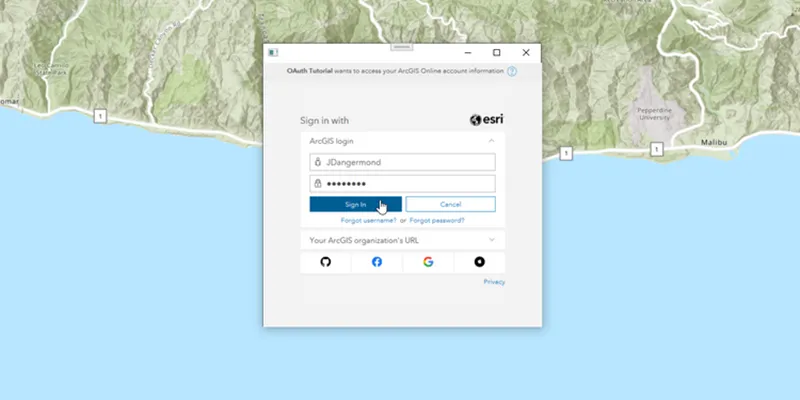
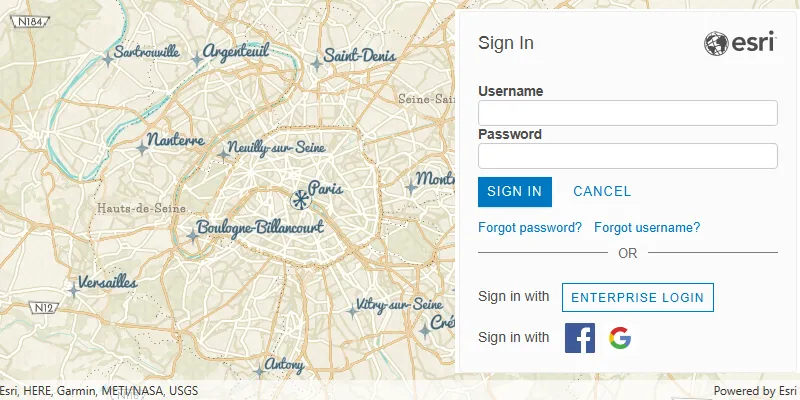
User authentication is a set of authentication workflows that allow users with an ArcGIS account
Services that your app accesses with user authentication will be billed to the authenticated user’s ArcGIS account
Implement user authentication when you want to:
- Ensure users are signed in and authenticated with their own ArcGIS account
An ArcGIS account is an identity with a user type and set of privileges that can access specific ArcGIS products, tools, APIs, services, and resources. The main account types that can be used for development are an ArcGIS Location Platform account, ArcGIS Online account, and ArcGIS Enterprise account. ArcGIS Location Platform and ArcGIS Online accounts are also associated with a subscription. . - Use your app user’s credits
Credits are the currency used by ArcGIS Online Organization accounts to account for data storage and location service consumption. Credits are consumed for specific transactions, such as accessing location services, and types of storage, such as storing features, performing analytics, and using premium content. to pay for their private data, contentContent is a collection of items in a portal that belong to a user, group, or organization. , or service transactions. - Limit the length of time users can be signed in to your app with a temporary token.
- Distribute your app through ArcGIS Marketplace.
App authentication
App authentication
Use app authentication when you want to:
- Access location services
ArcGIS Location Services, also referred to as Location Services, are services hosted by Esri that provide geospatial functionality for developing mapping applications. They include the ArcGIS Basemap Styles service, ArcGIS Static Basemap Tiles service, ArcGIS Static Maps service, ArcGIS Places service, ArcGIS Geocoding service, ArcGIS Routing service, ArcGIS GeoEnrichment service, and ArcGIS Elevation service. An ArcGIS Location Platform or ArcGIS Online account is required to use the services. with a more secure process and a short-lived token. - Provide access to services without requiring users to have an ArcGIS account.
Authentication manager
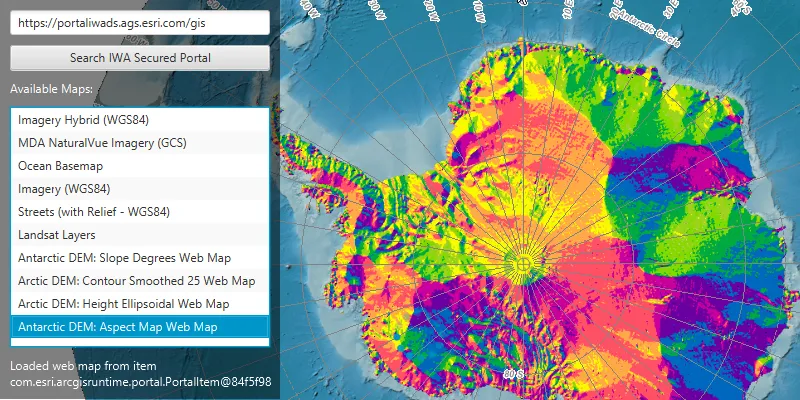
This API contains an AuthenticationManager, available from the ArcGISRuntimeEnvironment, that manages all user authentication when your application connects to secured resources. It provides a central place to configure the authentication challenge handlers and credential stores.
AuthenticationManager manages user authentication when connecting to secured services and provides a central place to configure the following aspects of authentication:
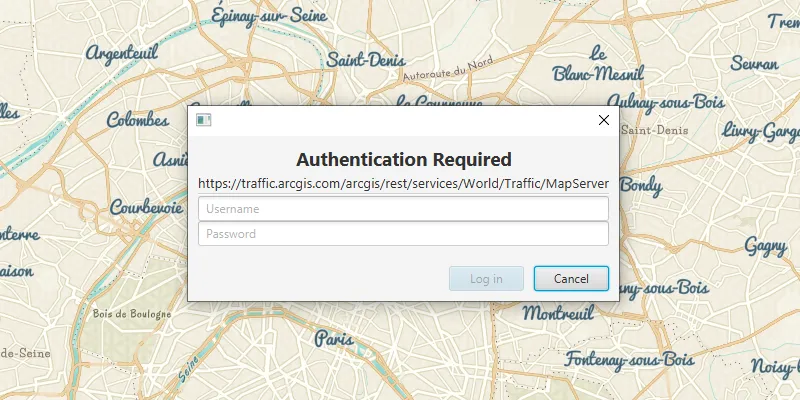
Set a central authentication challenge handler that will allow your users to authenticate with secured services
The DefaultAuthenticationChallengeHandler class can take care of user credential and OAuth challenges. For other challenges you must implement AuthenticationChallengeHandler and pass an instance of your handler to setAuthenticationChallengeHandler(AuthenticationChallengeHandler).
The AuthenticationManager’s AuthenticationChallengeHandler is null by default; if no handler is set, the request to the secured resource will fail as it cannot be authenticated; for example, a Loadable that uses a secured resource may have a LoadStatus.FAILED_TO_LOAD and the Loadable.getLoadError() will indicate an authorization failure.
Manage an in-memory cache of credentials
When a user is challenged and enters credentials which successfully allow access to the resource, those credentials are automatically added to the AuthenticationManager.CredentialCache. When secured resources from the same server and port are accessed subsequently, credentials in this cache are reused automatically, avoiding unnecessary challenges. Certificates are also cached, see below for more details.
If your app allows a user to sign out of a portal or server, call AuthenticationManager.CredentialCache.clear() to remove all cached credentials when the user signs out, to prevent users accessing resources for which they do not have permission.
The credential cache can be serialized to json, enabling it to be stored between app sessions. However, the serialized credential cache should be secured using an appropriate mechanism for your platform to ensure that credentials are not available to other apps or processes.
Manage the certificates for accessing certificate secured resources
Authentication challenges issued for self-signed server certificates can be handled as follows. Use the setSelfSignedCertificateListener(SelfSignedCertificateListener) method to provide a listener that will handle self signed certificates as they are encountered (Other types of AuthenticationChallenge will continue to be sent to the current AuthenticationChallengeHandler). This approach is useful when you want to add specific logic for trusting self-signed certificates on a case-by-case basis, but the behavior of the DefaultAuthenticationChallengeHandler is suitable for all other authentication challenges.
For testing purposes, setTrustAllSigners(boolean) can be called with a value of true to indicate an app is willing to trust all valid, non-expired, self-signed certificates. This should never be used in production code.
Manage a set of OAuth configurations
If your app will connect to OAuth secured resources, and you have set an instance of the DefaultAuthenticationChallengeHandler onto the AuthenticationManager, then add an OAuthConfiguration for a specific Client ID and portaladdOAuthConfiguration(OAuthConfiguration). The set of OAuthConfiguration is stored in-memory only and does not persist between sessions.
What’s Next?
For more information about Security and Authentication, see the Security and Authentication chapter.