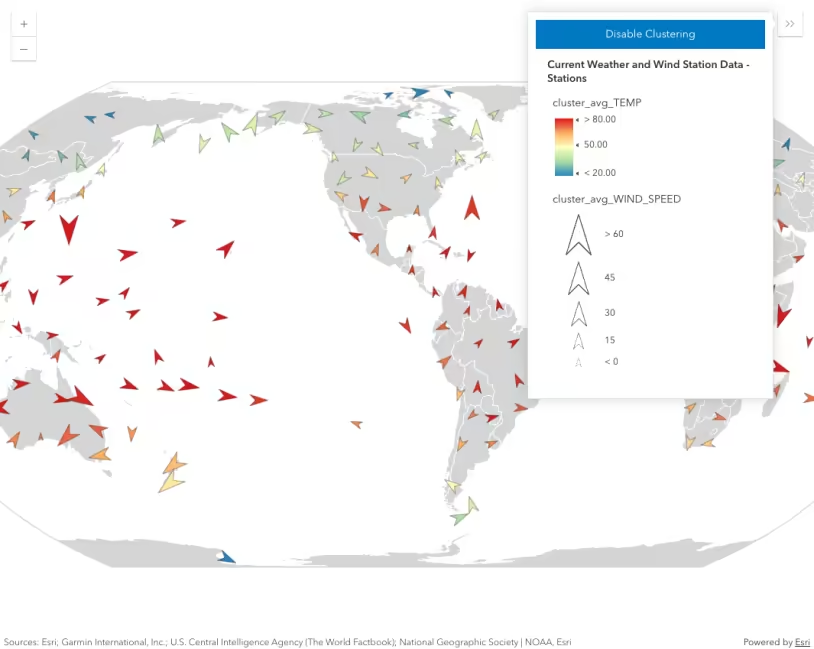
This sample demonstrates how to generate a default popupTemplate and labels for clusters enabled in a Map component. To generate a popupTemplate, call the getTemplates() method in the esri/smartMapping/popup/clusters module. Use the getLabelSchemes() method in esri/smartMapping/labels/clusters to generate suggested default labelingInfo for the clusters along with a suggested clusterMinSize.
async function generateClusterConfig(layer) {
// generates default popupTemplate const popupTemplateResponse = await clusterPopupCreator.getTemplates({ layer }); const popupTemplate = popupTemplateResponse.primaryTemplate.value;
// generates default labelingInfo const labelSchemes = await clusterLabelCreator.getLabelSchemes({ layer, view: viewElement.view, }); const { labelingInfo, clusterMinSize } = labelSchemes.primaryScheme;
return { type: "cluster", popupTemplate, labelingInfo, clusterMinSize, maxScale: 50000, }; }Clustering is enabled via the featureReduction property of the FeatureLayer.
const featureReduction = await generateClusterConfig(layer); layer.featureReduction = featureReduction;Since a layer’s featureReduction property is independent of its renderer, the symbol and popupTemplate of the cluster graphics can be used to summarize features comprising the cluster. See Clustering styles and configurations for more information about the various ways clusters can summarize the features they represent.
The layer in this sample visualizes places of worship with a UniqueValueRenderer. When clustering is enabled, each cluster is assigned the symbol of the most common uniqueValueInfo among the features in the cluster.
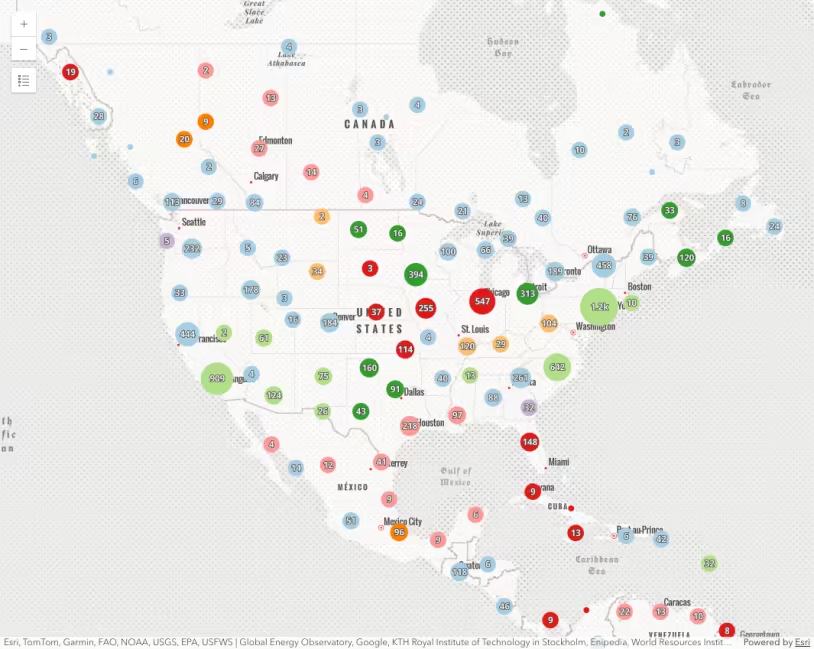
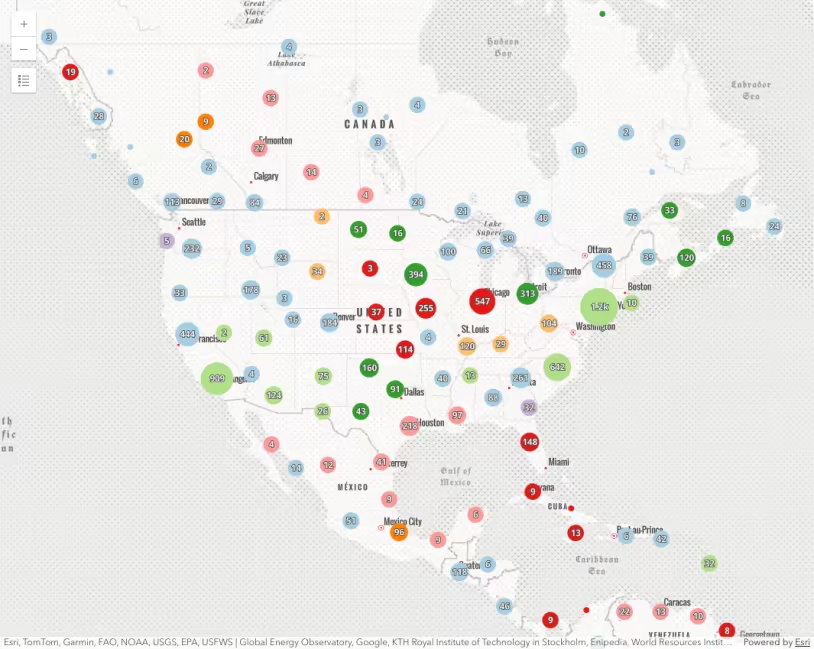
| Display individual features | Display clustered features |
|---|---|
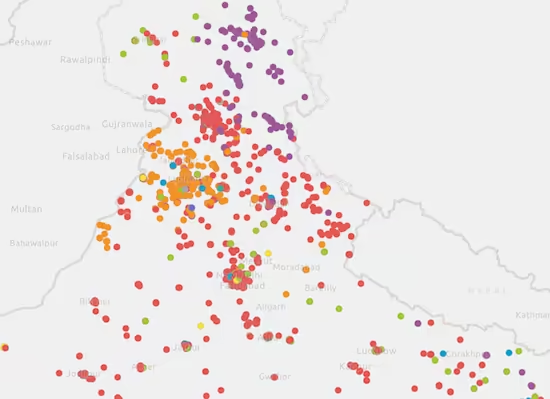 | 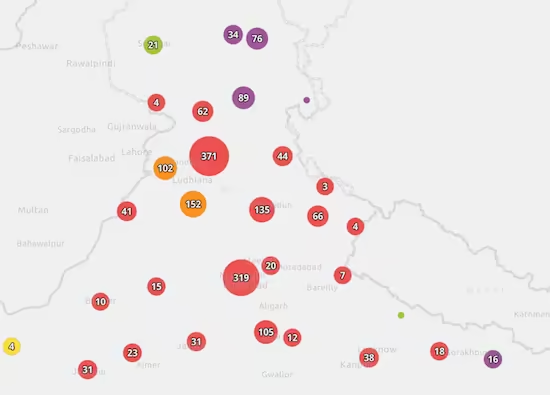 |
You can reference the predominant value of a cluster in the popupTemplate. For layers with a UniqueValueRenderer, the summary field name follows this format: {cluster_type_fieldName}. In this case, the renderer visualizes unique values in the religion field, so the aggregate field name to reference in the popupTemplate is {cluster_type_religion}.
This sample also demonstrates how you can explore and filter a layer by category with clustering enabled the same way you would on a non-clustered layer. When a filter is applied to the layer view of a clustered layer, the clusters will recompute client-side and only display information complying with the filter.
filterSelect.addEventListener("change", (event) => { const newValue = event.target.value; const whereClause = newValue ? "religion = '" + newValue + "'" : null; layerView.filter = { where: whereClause, }; // close popup for former cluster that no longer displays view.closePopup();});Related samples and resources
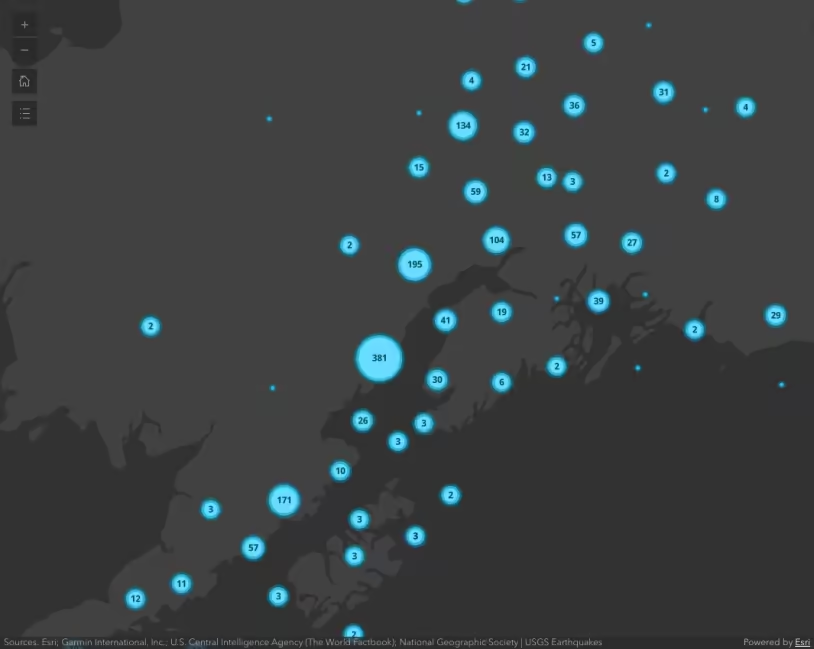
Intro to clustering
Clustering - filter popup features
Clustering - query clusters
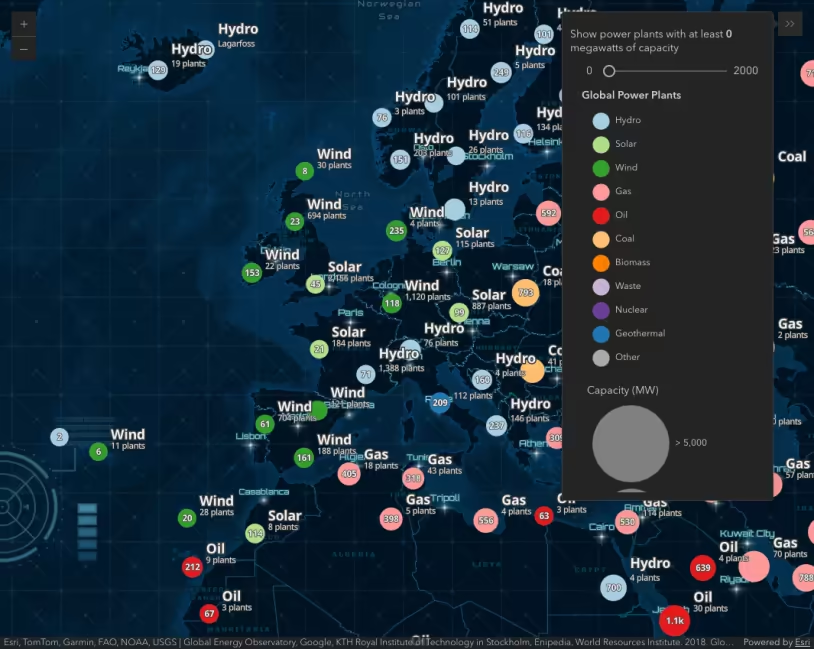
Clustering - advanced configuration
Popup charts for clusters