In order to create effective web apps with app builders
There are a number of ways you can prepare data for analysis, but the easiest way is to use ArcGIS software and tools such as ArcGIS Online, Map Viewer, and ArcGIS Pro. This page explains the high-level steps to prepare data by hosting it in your ArcGIS organization and styling it with the Map Viewer.
Steps
The general steps for preparing your data:
1. Import your data
You can import existing data into your portal
Hosted feature layer
You can use the tools in your portal
2. Create a web map
A web map
The Map Viewer allows you to interactively style and configure maps
Map Viewer
The Map Viewer
- Navigate the map to view selected areas.
- Click features
A feature is a single record, also known as a row, that represents a real-world entity. It typically contains a geometry (point, multipoint, polyline, or polygon) and attributes but it can also contain just attributes. on the map to view information in pop-upsA pop-up is a visual element used to display data for features or graphics in a map. . - Rotate the map to display a new vantage point.
3. Style your layers in a web map
Maps
Tutorials
Use tools to create different types of content
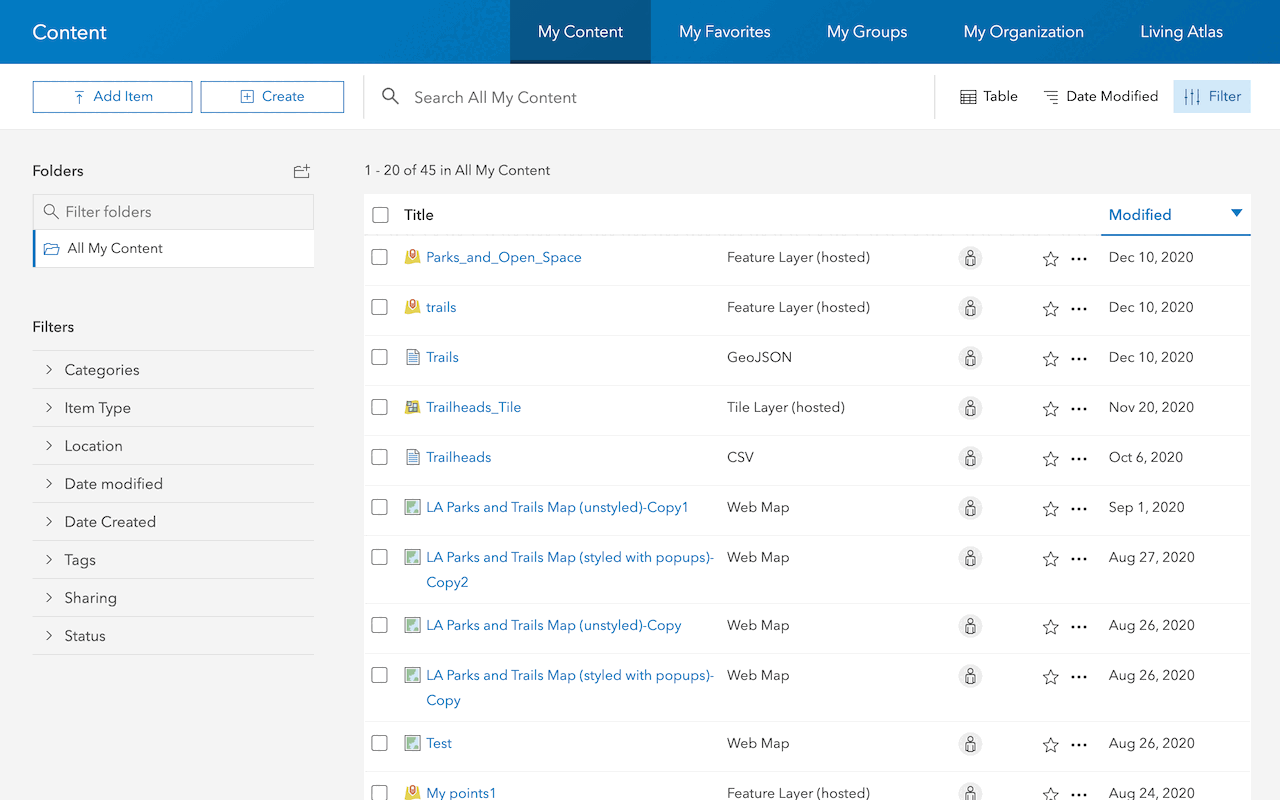
Import data as a feature layer
Use data management tools to import and create hosted feature layers.
ArcGIS Online Location Platform dashboard

Create a web map
Use Map Viewer to create a web map for your application.
Map Viewer

Style layers in a web map
Use Map Viewer to style layers in a web map.
ArcGIS Online Map Viewer
Tools
Use tools to access the ArcGIS organization and create and manage content for low-code/no-code applications.