Learn how to add demographic and local facts data to hosted feature layers
GeoEnrichment is the process of discovering and adding demographic and local facts data to feature data
In this tutorial, you use the Map ViewerEnrich operation from the spatial analysis service
Prerequisites
Steps
The easiest way to enrich data is to use the Map Viewer
The general steps to use the Map Viewer include the following:
-
Sign in to your portal
ArcGIS portal, also known as a portal, is a website with applications and tools that can be used to create, manage, access, and share geospatial content and data. It supports security and authentication, developer credentials, content and data service management, user and group management, and site administration. A portal can be hosted in Esri's infrastructure or your own infrastructure. :- ArcGIS Location Platform: Go to https://location.arcgis.com > My portal.
- ArcGIS Online: Go to https://www.arcgis.com/home/signin.html.
- ArcGIS Enterprise: Learn more at ArcGIS Enterprise > Use > Get started > Access.
-
Go to Map Viewer.
-
In the Content (dark) toolbar, click Add to select and add the hosted feature layers
A hosted feature layer is a hosted layer (item) in a portal that is used to manage the properties and settings of a spatially-enabled feature layer in a feature service. that you want to enrich. -
In the Settings (light) toolbar, click Analysis > Tools > Enrich Layer.
-
For the Input features, select the analysis layer to enrich.
-
Click + Variable to select the data variables you want and then click Select.
-
Specify an Output name then click Run.
-
View the results on the map.
Code examples
The examples below show you how to enrich different types of hosted feature layers
Enrich countries with population data
In this example, you add population data to countries in the World Countries (Generalized) hosted feature layerTotal Population.
Steps
-
Sign in to your portal
ArcGIS portal, also known as a portal, is a website with applications and tools that can be used to create, manage, access, and share geospatial content and data. It supports security and authentication, developer credentials, content and data service management, user and group management, and site administration. A portal can be hosted in Esri's infrastructure or your own infrastructure. :- ArcGIS Location Platform: Go to https://location.arcgis.com > My portal.
- ArcGIS Online: Go to https://www.arcgis.com/home/signin.html.
- ArcGIS Enterprise: Learn more at ArcGIS Enterprise > Use > Get started > Access.
- Go to the Map Viewer.
- In the Contents (dark) toolbar, click Add > Browse > Living Atlas and type the following:
World Countries Generalized. - Select the layer > Add to Map.
- Ensure that the layer is visible on the map.
- In the Settings (light) toolbar, click Analysis > Tools > Enrich Layer.
- Set the following parameters:
- Input features: World Countries Generalized.
- Enrichment variables > + Variable > Population.
- Select 2024 Total Population (Esri).
- Click Select.
- Set the Output name to:
Enriched World Countries. - Click Estimate credits. The estimated cost for ArcGIS Location Platform is USD $0.251 and ArcGIS Online is 2.51 credits.
- Click Run.
-
Implement authentication with the following privileges:
- Spatial Analysis > Feature Analysis
-
Define the parameters.
-
Perform the operation.
Note: This is a long transaction managed with a job request.
-
Handle the results.
APIs
inputLayer = "https://services.arcgis.com/P3ePLMYs2RVChkJx/arcgis/rest/services/World_Countries_(Generalized)/FeatureServer/0"
results = enrich_layer(
input_layer=inputLayer,
analysis_variables=["KeyGlobalFacts.TOTPOP"],
output_name="Enriched world countries", # Outputs results as a hosted feature layer
)
print(f"New item created : {results.itemid}")Service requests
Request
POST arcgis.com/sharing/rest/portals/self HTTP/1.1
Content-Type: application/x-www-form-urlencoded
&f=json
&token=<ACCESS_TOKEN>Response (JSON)
{
"helperServices": {
// Other parameters
"analysis": {
"url": "https://{YOUR_ANALYSIS_SERVICE}/arcgis/rest/services/tasks/GPServer"
}
}
}
{
"helperServices":{
// Other parameters
"analysis": {
"url": "https://{YOUR_ANALYSIS_SERVICE}/{WEBADAPTOR_NAME}/rest/services/System/SpatialAnalysisTools/GPServer"},
}
}Results
The results are returned in a new hosted feature layer
Enrich USA census blocks with housing data
In this example, you add housing and household data to the USA Census Block Groups hosted feature layer, provided by the ArcGIS Living Atlas of the World.
The data variables include the following:
2024 Average Home Value (Esri) 2020 Renter Occupied Housing Units (U. S. Census) 2024 Average Household Income (Esri)
Steps
-
Sign in to your portal
ArcGIS portal, also known as a portal, is a website with applications and tools that can be used to create, manage, access, and share geospatial content and data. It supports security and authentication, developer credentials, content and data service management, user and group management, and site administration. A portal can be hosted in Esri's infrastructure or your own infrastructure. :- ArcGIS Location Platform: Go to https://location.arcgis.com > My portal.
- ArcGIS Online: Go to https://www.arcgis.com/home/signin.html.
- ArcGIS Enterprise: Learn more at ArcGIS Enterprise > Use > Get started > Access.
- Go to the Map Viewer.
- In the Contents (dark) toolbar, click Add > Browse layers and select Living Atlas from the dropdown and type the following:
US.A Census Block Groups - Select the layer then click Add to Map.
- Ensure that the layer visible on the map.
- In the search bar, type in New Orleans, LA.
- In the Settings (light) toolbar, click Analysis > Tools > Enrich Layer.
- Set the following parameters:
- Input features: U.S. Census Block Groups.
- Under Enrichment data, Click + Variable > In the search box enter the following variable names and check each one to add it to the selected variables:
- 2024 Average Home Value (Esri)
- 2020 Renter Occupied Housing Units (U.S. Census)
- 2024 Average Household Income (Esri)
- Click Select.
- Set the Result Layer > Output name to:
NOL.A enriched census blocks - Under Environment setting > Processing extent, choose Display extent.
- Click Estimate credits. The estimated cost for ArcGIS Location Platform is USD $2.84 and ArcGIS Online is 28.44 credits.
- Click Run.
-
Implement authentication with the following privileges:
- Spatial Analysis > Feature Analysis
-
Define the parameters.
-
Perform the operation.
Note: This is a long transaction managed with a job request.
-
Handle the results.
APIs
inputLayer = "https://services2.arcgis.com/FiaPA4ga0iQKduv3/arcgis/rest/services/USA_Block_Groups_v1/FeatureServer/0"
results = enrich_layer(
input_layer=inputLayer,
analysis_variables=[
"homevalue.AVGVAL_CY",
"KeyUSFacts.RENTER_CY",
"AtRisk.AVGHINC_CY",
],
country="US",
context={
"extent": {
"xmin": -10064584.78182423,
"ymin": 3469864.993711926,
"xmax": -10005269.647874909,
"ymax": 3535218.6528957766,
"spatialReference": {"wkid": 102100, "latestWkid": 3857},
}
},
output_name="Enrich layers census block results", # Outputs results as a hosted feature layer
)
print(f"New item created : {results.itemid}")Service requests
Request
POST arcgis.com/sharing/rest/portals/self HTTP/1.1
Content-Type: application/x-www-form-urlencoded
&f=json
&token=<ACCESS_TOKEN>Response (JSON)
{
"helperServices": {
// Other parameters
"analysis": {
"url": "https://{YOUR_ANALYSIS_SERVICE}/arcgis/rest/services/tasks/GPServer"
}
}
}
{
"helperServices":{
// Other parameters
"analysis": {
"url": "https://{YOUR_ANALYSIS_SERVICE}/{WEBADAPTOR_NAME}/rest/services/System/SpatialAnalysisTools/GPServer"},
}
}Results
The results are returned in a new hosted feature layer
Enrich tessellations with local business data
In this tutorial, you add local business data related to coffee consumers and spending within the Portland City Boundary hosted feature layer
To subdivide areas within the Portland City Boundary, you will create a hexagon bin tessellation. After creation, you will enrich the bins with coffee consumer and spending information. The data variables you will use are:
2024 Coffee(average spending)2024 HH Spent $100-$149 in Average Week at Food Stores 2024 Shopped at Costco Warehouse or Club Store Last 6 Mo2024 Shopped at Walmart Neighborhood Market Grocery Store Last 6 Mo
Steps
Part 1: Copy the web map
- Go to the Enrich data tutorial web map and click Sign in.
- Verify that you the following layer by toggling the visibility on and off.
- Portland Boundary
- Click Save > Save As > Save Map to save a copy.
Part 2: Generate hexagon bins
-
In the Settings (light) toolbar, click Analysis > Tools > Generate Tessellations.
-
Set the following parameters:
- Bin shape type: Hexagon
- Bin size measurement: Area
- Bin size: 1
- Bin size units: Square Miles
- Extent layer: Portland boundary.
- Only keep intersecting tessellations:
true(checked).
-
Set the Output name to:
Portland one mile hexbins. -
Click Estimate credits. The estimated cost for ArcGIS Location Platform is USD $0.03 and ArcGIS Online is 0.3 credits.
-
Click Run.
-
Implement authentication with the following privileges:
- Spatial Analysis > Feature Analysis
-
Define the parameters.
-
Perform the operation.
Note: This is a long transaction managed with a job request.
-
Handle the results.
APIs
results = generate_tessellation(
bin_size=1,
bin_type="HEXAGON",
bin_size_unit="Miles",
intersect_study_area=True,
extent_layer="https://services3.arcgis.com/GVgbJbqm8hXASVYi/arcgis/rest/services/Boundary/FeatureServer/0",
# Outputs results as a hosted feature service.
output_name="Generate tessellation results",
)
Service requests
Request
POST arcgis.com/sharing/rest/portals/self HTTP/1.1
Content-Type: application/x-www-form-urlencoded
&f=json
&token=<ACCESS_TOKEN>Response (JSON)
{
"helperServices": {
// Other parameters
"analysis": {
"url": "https://{YOUR_ANALYSIS_SERVICE}/arcgis/rest/services/tasks/GPServer"
}
}
}
{
"helperServices":{
// Other parameters
"analysis": {
"url": "https://{YOUR_ANALYSIS_SERVICE}/{WEBADAPTOR_NAME}/rest/services/System/SpatialAnalysisTools/GPServer"},
}
}The result is a new hosted feature layer
Part 3: Enrich the hexagon bins
- In the Settings (light) toolbar, click Analysis > Tools > Enrich Layer.
- Set the following parameters:
- Input features: Portland one mile hexbins.
- Click + Variable.
- In the search box, enter and select the following variables:
2024 Coffee2024 HH Spent $100-$149 in Average Week at Food Stores 2024 Shopped at Costco Warehouse or Club Store Last 6 Mo.2024 Shopped at Walmart Neighborhood Market Grocery Store Last 6 Mo.
- Click Select.
- Set the Output name to:
Portland - Enriched hexbins. - Click Estimate credits. The estimated cost for ArcGIS Location Platform is USD $0.08 and ArcGIS Online is 8.12 credits.
- Click Run.
-
Implement authentication with the following privileges:
- Spatial Analysis > Feature Analysis
-
Define the parameters.
-
Perform the operation.
Note: This is a long transaction managed with a job request.
-
Handle the results.
APIs
results = enrich_layer(
input_layer="<Generate tessellations results URL>",
analysis_variables=[
"food.X1122_A",
"GroceryAlcoholicBeverages.MP13002H_B",
"GroceryAlcoholicBeverages.MP13026A_B",
"GroceryAlcoholicBeverages.MP13030A_B",
],
output_name="Enriched one mile hexbin results", # Outputs results as a hosted feature layer
)
print(f"New item created : {results.itemid}")Service requests
Request
POST arcgis.com/sharing/rest/portals/self HTTP/1.1
Content-Type: application/x-www-form-urlencoded
&f=json
&token=<ACCESS_TOKEN>Response (JSON)
{
"helperServices": {
// Other parameters
"analysis": {
"url": "https://{YOUR_ANALYSIS_SERVICE}/arcgis/rest/services/tasks/GPServer"
}
}
}
{
"helperServices":{
// Other parameters
"analysis": {
"url": "https://{YOUR_ANALYSIS_SERVICE}/{WEBADAPTOR_NAME}/rest/services/System/SpatialAnalysisTools/GPServer"},
}
}Results
The result is a new hosted feature layer
What's next?
Learn how to use additional tools, APIs, and location services in these tutorials:


Find data sources
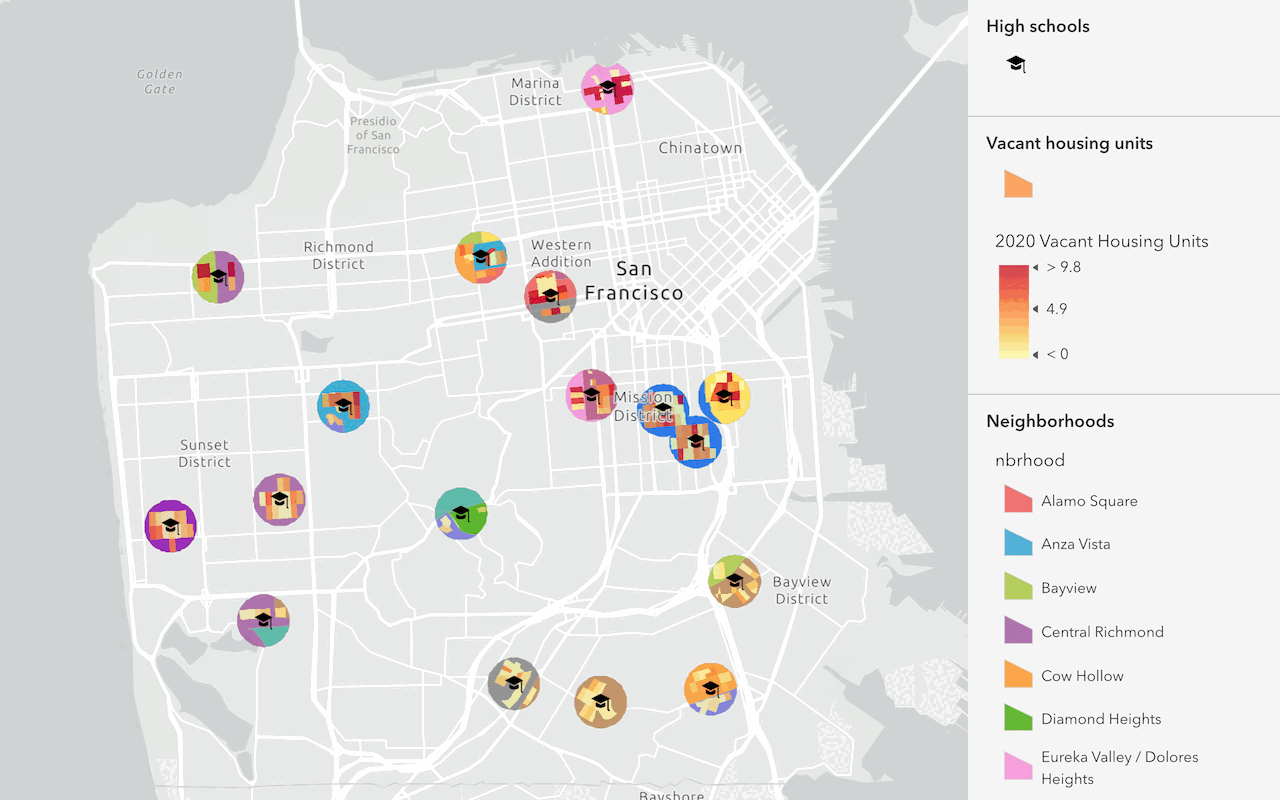
Discover data in ArcGIS that you can use for feature analysis.
Find and extract data
Find data with attribute and spatial queries using find analysis operations.

Combine data
Overlay, join, and dissolve features using combine analysis operations.
Summarize data
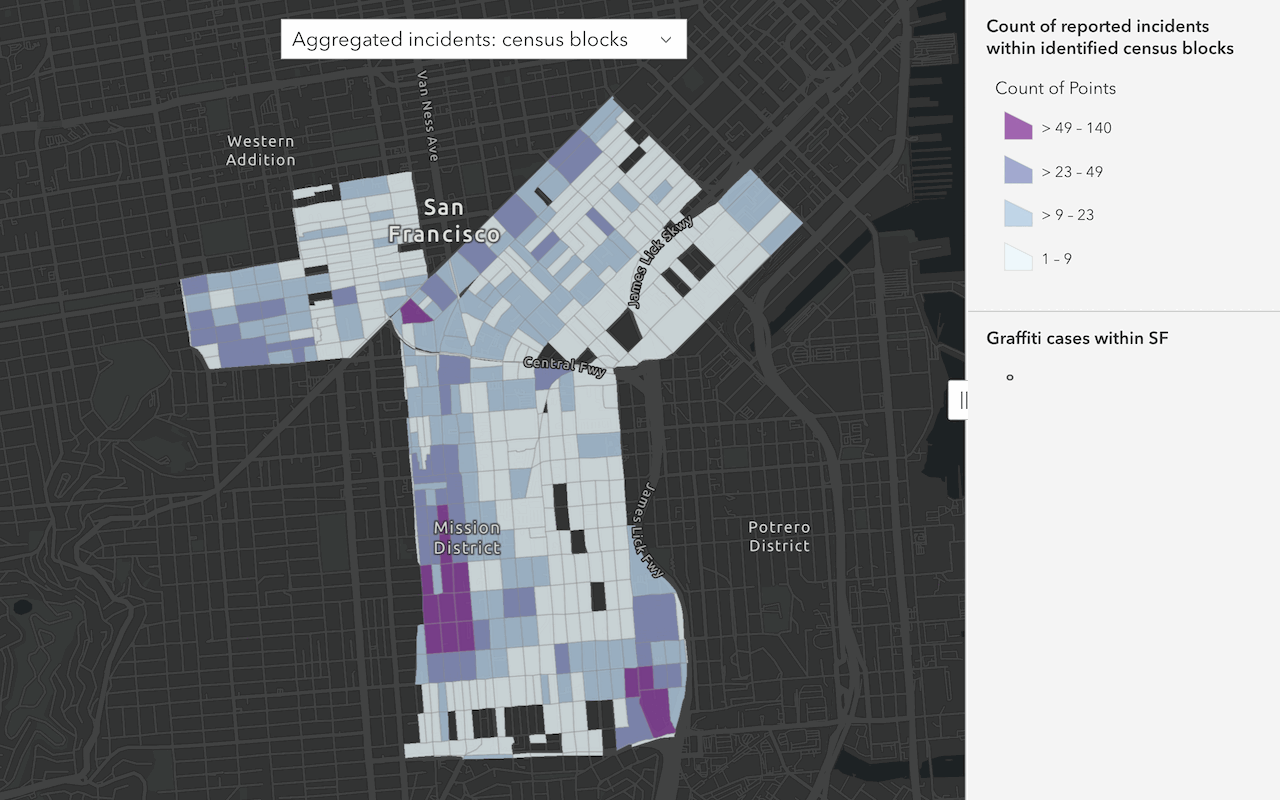
Aggregate and summarize features
Discover patterns in data
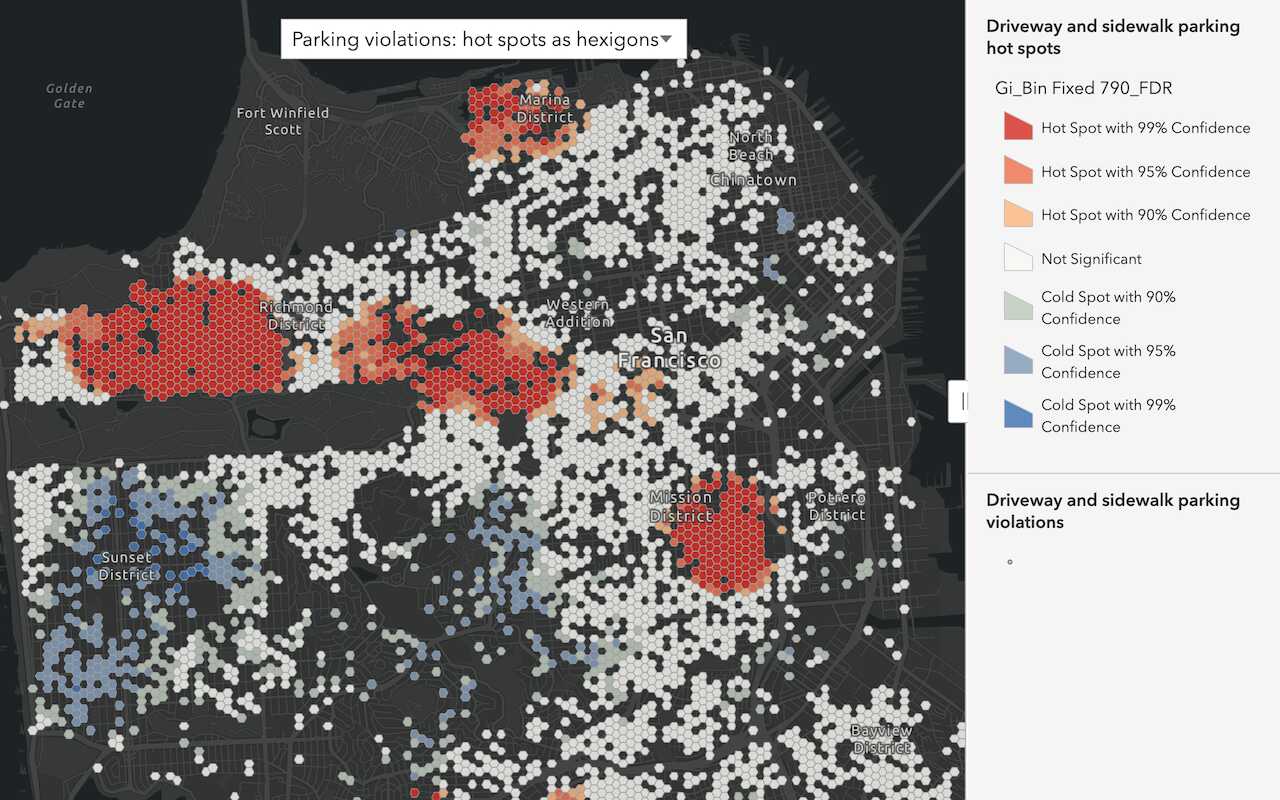
Find patterns and trends in data using spatial analysis operations.
