Maps
With scenes, you can use a global or local scene to display your data, such as airline flight patterns, campus facilities, or underground utilities. Global scenes are spatially referenced using a geographic coordinate system and are used to display and work with world scale data. Local scenes, by contrast, are spatially referenced using a projected coordinate system and are used to display localized data drawn on a flat plane.
Use one of the following scene views
SceneViewfor a global scene.LocalSceneViewfor a local scene.
How a scene works
A sceneSceneView (global scene) or LocalSceneView (local scene) to display geographic content in three dimensions. A scene contains a collection of layers
For offline
Scene
A scene contains a collection of layers
You can instantiate a new ArcGISScene by creating a new scene and building it entirely with code. With this approach, you typically first add a basemap layer
                // API key authentication or user authentication is required to access basemaps and other location services.                ArcGISEnvironment.apiKey = ApiKey.create(YOUR_ACCESS_TOKEN)
                // Create a map with an ArcGIS basemap style.                val scene = ArcGISScene(BasemapStyle.ArcGISTopographic)
                val worldElevationServiceURL =                    "https://elevation3d.arcgis.com/arcgis/rest/services/WorldElevation3D/Terrain3D/ImageServer"                val elevationSource = ArcGISTiledElevationSource(worldElevationServiceURL)                val surface = Surface().apply {                    elevationSources.add(elevationSource)                }                scene.baseSurface = surface
                val point = Point(                    x = -118.808,                    y = 33.961,                    z = 2000.0,                    spatialReference = SpatialReference.wgs84()                )
                val nullIslandPoint = Point(                    x = 0.0,                    y = 0.0,                    z = 0.0,                    spatialReference = SpatialReference.wgs84()                )
                val camera = Camera(                    locationPoint = point, heading = 0.0, pitch = 75.0, roll = 0.0                )
You can also instantiate a ArcGISScene that’s stored in a portal
                val portal = Portal("https://www.arcgis.com", Portal.Connection.Anonymous)                val portalItem = PortalItem(portal, "31874da8a16d45bfbc1273422f772270")
                var scene = ArcGISScene(portalItem)
                // Or you can use the URL of the portal item:                // val scene = ArcGISScene("https://www.arcgis.com/home/item.html?id=31874da8a16d45bfbc1273422f772270")
The portal itemSceneViewingMode to specify an appropriate option.
When the ArcGISScene first appears in the SceneView or LocalSceneView, you can focus the initial display at a specified view point by setting ArcGISScene.initialViewpoint.
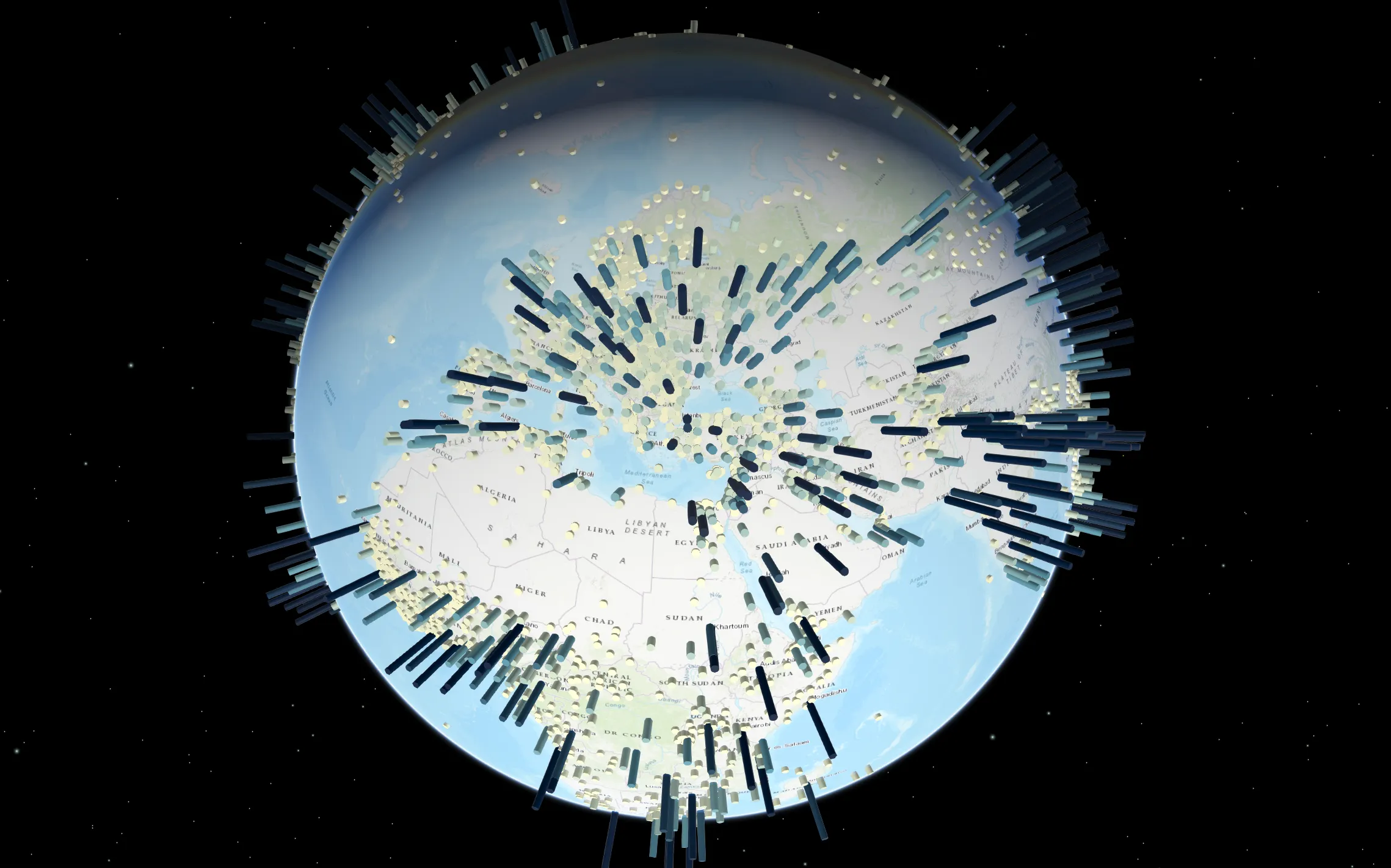
Global scene
In a global scene, you can display spatial content on a sphere based on geographic coordinate systems. A global scene is recommended when you want to understand or provide context for phenomena that wrap around the spherical surface of the earth, such as global weather measurements, world population, or shipping lanes. You can also use a global scene to display data at a city-wide level or down to a building site level. Once you have a global ArcGISScene, in order to display it in an application, you need to connect it to SceneView. See global scene overview for details about working with global scenes.
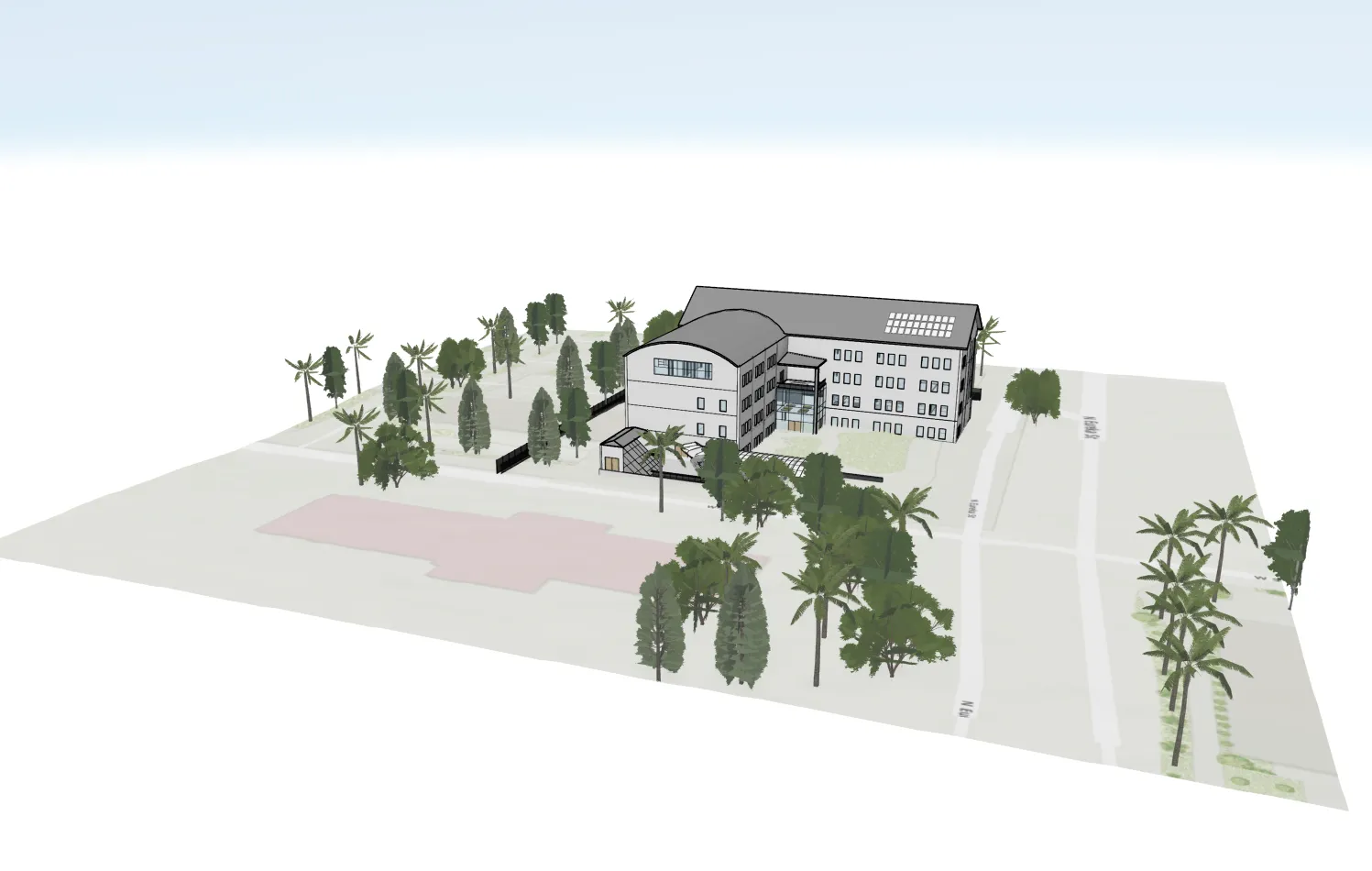
Local scene
In a local scene, you can display data that has a spatial reference in a projected coordinate system, and the terrain and layers are shown projected on a planar surface rather than on a sphere. Local scenes are recommended for displaying data at a local or city scale that have a fixed extent in which you work. Local scenes are helpful for urban planning and visualization, such as when viewing campus facilities or building developments. You can also navigate underground and interact with subsurface data, such as utility networks or earthquake data. Once you have a local ArcGISScene, in order to display it in an application, you need to connect it to LocalSceneView. See local scene overview for details about working with local scenes.
Scene views
LocalSceneView does not currently support all the capabilities or layer types available in SceneView. This section outlines the main differences between LocalSceneView and SceneView, and describes how we plan to resolve these differences in future releases.
Layer types
Here are some notable differences between the supported layer types in LocalSceneView and SceneView:
-
LocalSceneView- Does not yet support
FeatureLayerorRasterLayer. - Supports all I3S scene layers
A scene layer is a data layer is used to access and display 3D data from a scene service. . - Does not yet support OGC layer types, such as
WmsLayer,KmlLayer, andWmtsLayer.
- Does not yet support
-
SceneViewdoes not support the newBuildingSceneLayer.
See Layer types for more details.
Capabilities
Similarly, here are some SceneView capabilities that are not yet available in LocalSceneView:
- Overlays, including
GraphicsOverlay - Camera Controllers
- Rasters as an
ElevationSourcefor a scene’sSurface - Labeling and labeling APIs
Delivering additional capabilities
The LocalSceneView will be aligned with SceneView over time; expect to see the capabilities and layer types listed above delivered in future releases, starting with:
-
GraphicsOverlay -
FeatureLayer - Labeling and labeling APIs
- Camera controllers
Tutorials


Samples
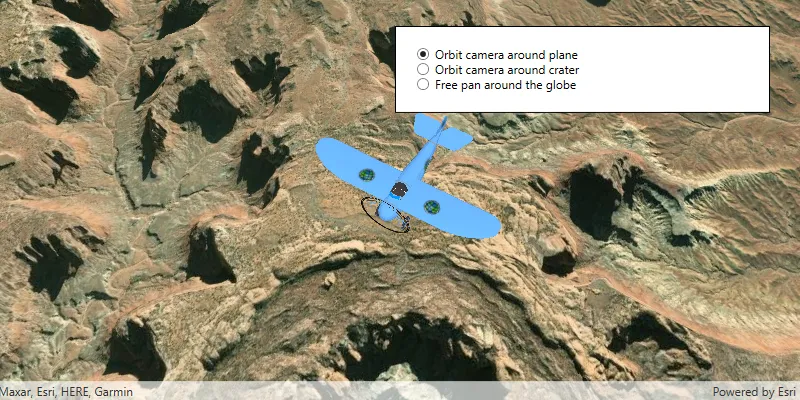
Change camera controller

Display scene from mobile scene package

Display scene

Display a local scene clipped to a local area
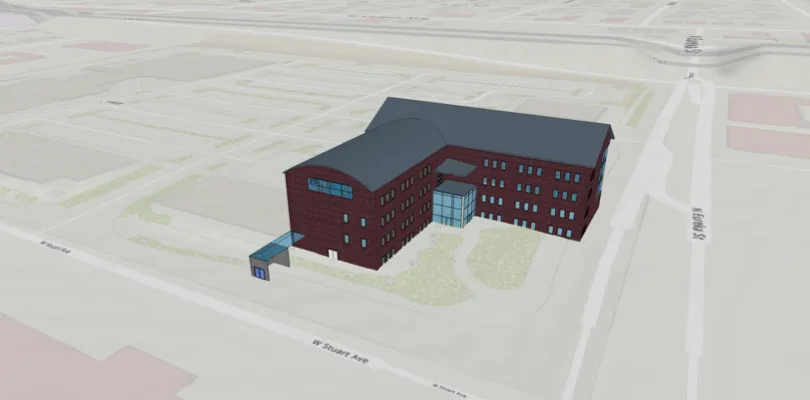
Add a building scene layer to a local scene view
