Learn how to manage API key credentials
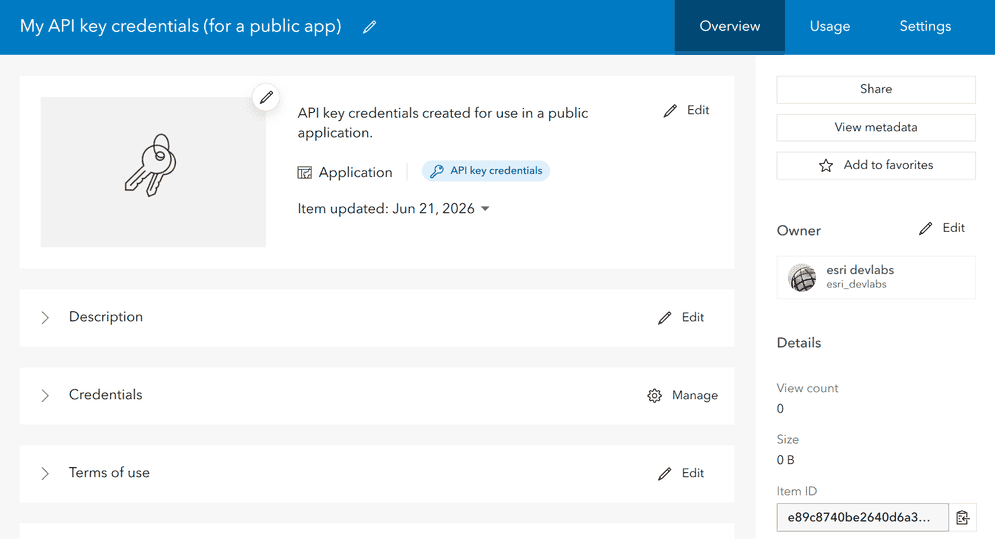
API key credentials are a type of developer credentials
This tutorial shows how to manage API key credentials
-
Edit privileges
Privileges are a set of permissions assigned to ArcGIS accounts, developer credentials, and applications that grant access to secure resources and functionality in ArcGIS. to enable access to the geocoding serviceA geocoding service is a service that can search for addresses, place addresses, businesses, reverse geocode coordinates to addresses, provide suggestions for places, and perform bulk geocoding. It is hosted by Esri as the ArcGIS Geocoding service and can also be hosted in ArcGIS Enterprise. . -
Edit item access to enable access to a private feature layer
A feature layer (client-side) is a data layer that can access and display features from a feature service that has the same type of geometry and attribute fields. . -
Regenerate an API key
An API key is a long-lived access token created using API key credentials. They are valid for up to one year and are typically embedded directly into client applications. to apply the new privileges and item access rights. -
Generate a secondary API key
An API key is a long-lived access token created using API key credentials. They are valid for up to one year and are typically embedded directly into client applications. with a new expiration date.
Prerequisites
-
You need an ArcGIS Enterprise account
An ArcGIS Enterprise account is an identity for an instance of ArcGIS Enterprise. It can be used to access ArcGIS Enterprise tools, applications, and services, and to develop applications. with the correct user type and role. Please review the Product and account requirements before proceeding. -
Your organization must be using ArcGIS Enterprise version 11.4 or greater. Learn more.
-
You need to complete the Create an API key tutorial. Create API key credentials
API key credentials are an item that contains the parameters used to create and manage long-lived access tokens for API key authentication. They are a type of developer credential. with the following privileges:- Privileges: Location services > Basemaps > Basemap styles service
-
You need to complete the Import data to create a feature layer tutorial to create private data layers
A hosted layer is an item in a portal that contains the properties and settings for a hosted data service or a layer in a hosted data service. hosted in your portal.
Steps
Sign in to your portal
You use your portal to create and manage items, including API key credentials.
- In your web browser, go to your ArcGIS Enterprise portal and sign in to your portal with your ArcGIS Enterprise account.
Find your API key credentials
Developer credentials
-
Go to Content > My content.
-
Search for the developer credentials
Developer credentials are a type of item in a portal that contains parameters for authentication. There are two types of developer credentials: API key credentials and OAuth credentials. you created in the prerequisites step. -
Click on the developer credentials to go to its item page
An item page is a web page in ArcGIS Online or the developer dashboard used to access and manage the properties for an item and the content it references such as a web map, hosted layer, or file. .
Edit privileges
The privileges
-
Go to Settings on the item page
An item page is a web page in ArcGIS Online or the developer dashboard used to access and manage the properties for an item and the content it references such as a web map, hosted layer, or file. of your API key credentials. -
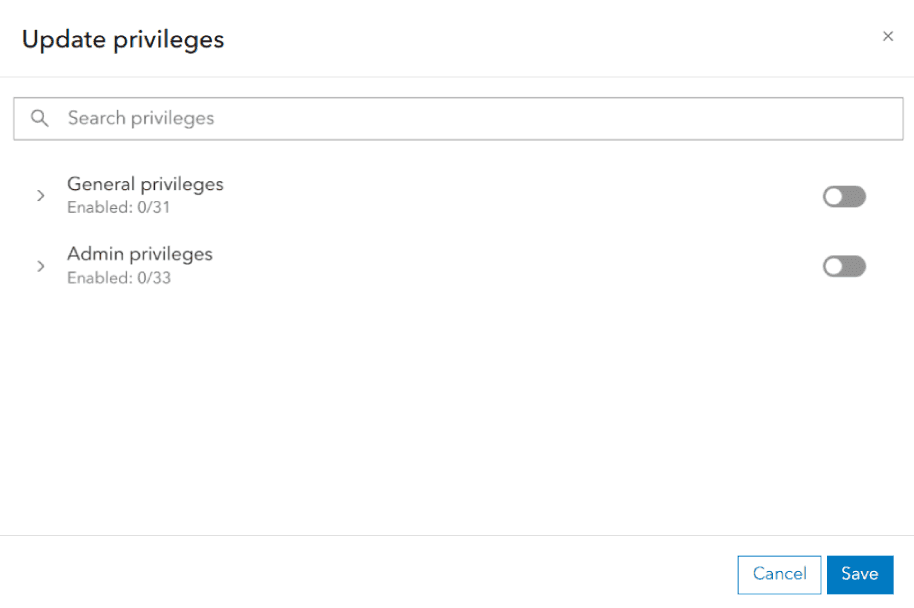
Under Application > Privileges, click the Edit privileges button.

-
Select new privileges for your API keys using the Edit privileges window. The privileges used in this scenario are:
Privileges to access the ArcGIS Geocoding service
A geocoding service is a service that can search for addresses, place addresses, businesses, reverse geocode coordinates to addresses, provide suggestions for places, and perform bulk geocoding. It is hosted by Esri as the ArcGIS Geocoding service and can also be hosted in ArcGIS Enterprise. are not supported with ArcGIS Enterprise. To authenticate requests to an ArcGIS Enterprise geocoding service, use the Edit item access menu in the following step. -
Click Save. In the warning that appears, click Yes.
Edit item access
The items
-
Go to Settings on the item page
An item page is a web page in ArcGIS Online or the developer dashboard used to access and manage the properties for an item and the content it references such as a web map, hosted layer, or file. of your API key credentials. -
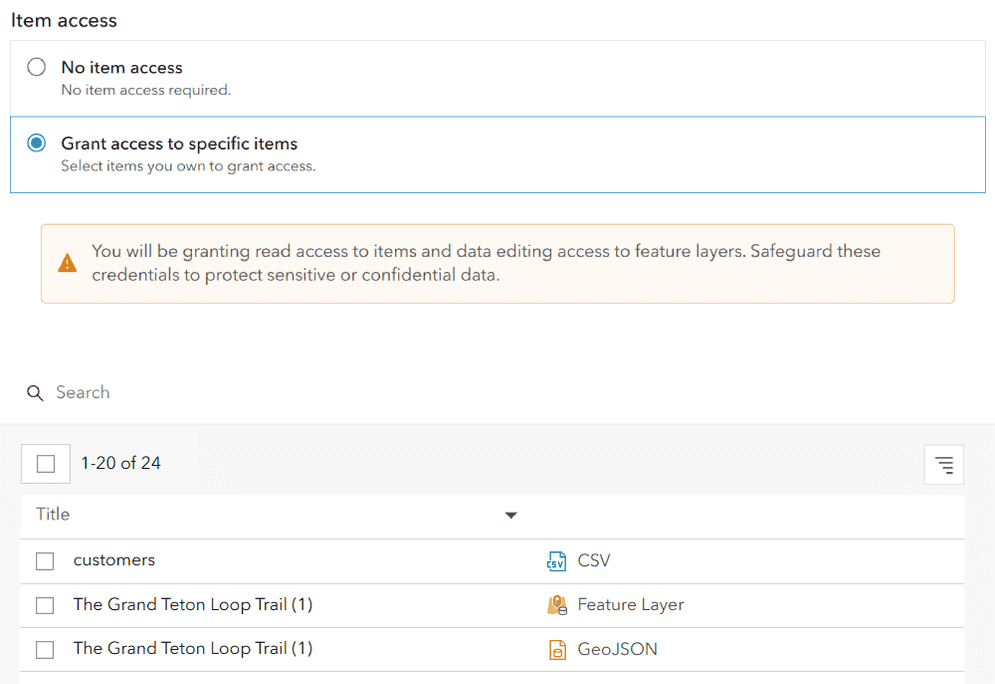
Under Application > Privileges, click the Edit button.

-
From the Edit item access window, select the feature layers you created in the Prerequisites:
- Trailheads
- Trails
- Parks and Open Space
This will grant your API key credentials access to the layers.
-
Click Save. In the warning that appears, click Yes.
Generate a new API key
Editing privileges
-
Go to Settings on the item page
An item page is a web page in ArcGIS Online or the developer dashboard used to access and manage the properties for an item and the content it references such as a web map, hosted layer, or file. of your API key credentials. -
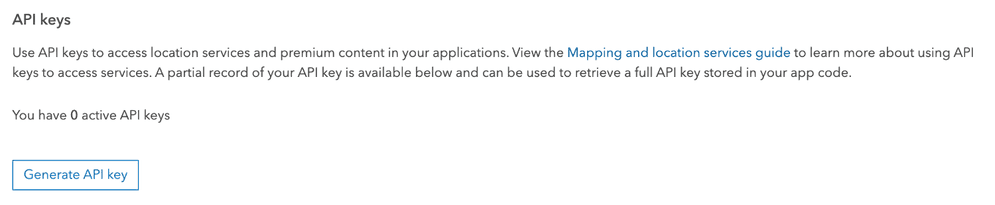
Under Application > API keys, click Generate API key.
-
Copy the API key
An API key is a long-lived access token created using API key credentials. They are valid for up to one year and are typically embedded directly into client applications. from the window that appears and store it in a safe location. You will not be able to see it again.
You can also generate a secondary API key using the same API key credentials
What's next?
Your API key

Search with autosuggest
Search for an address with autosuggest using the geocoding service.
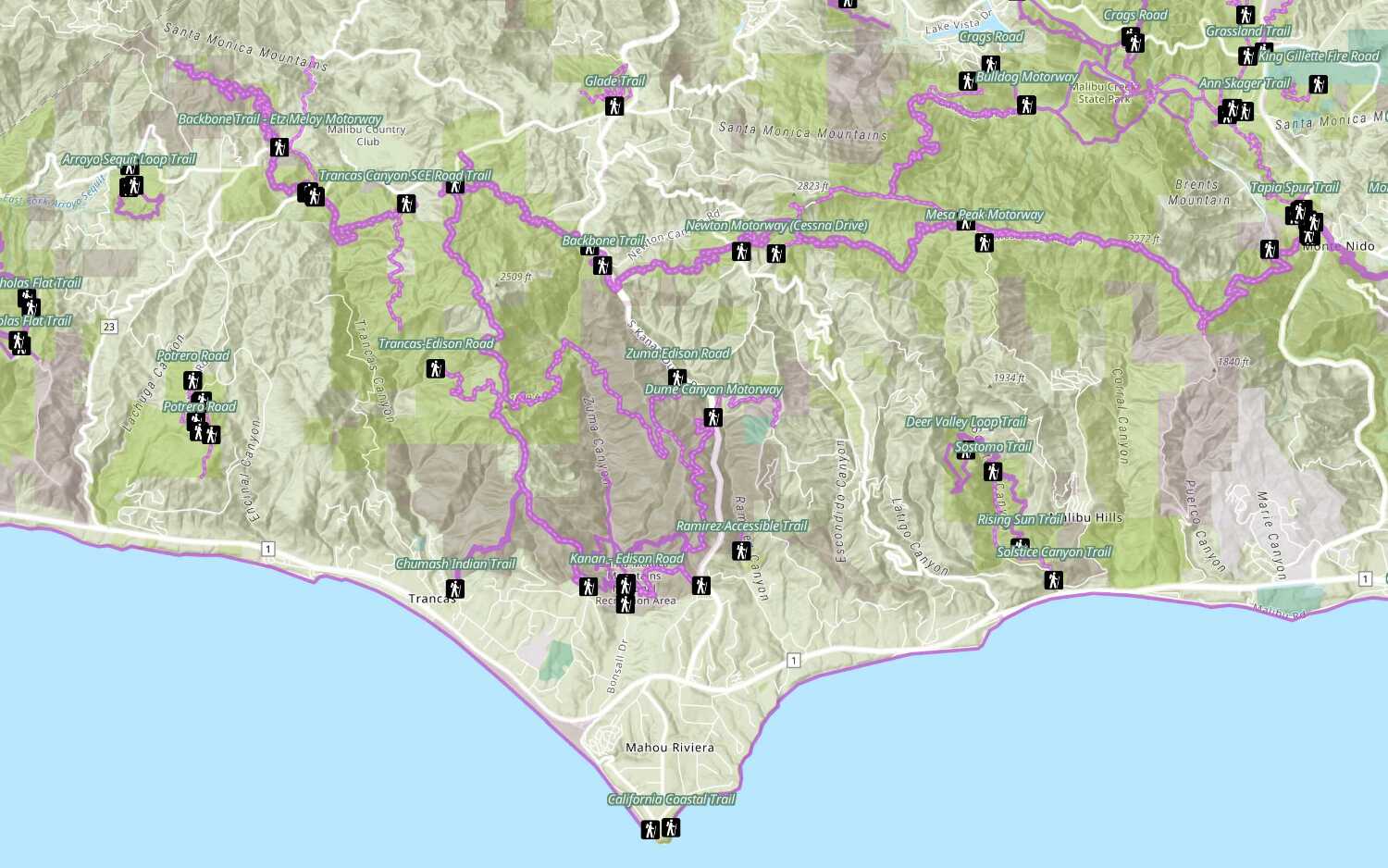
Add a feature layer
Access and display point, line, and polygon features from a feature service.