
A mobile data source is a data format used to build offline apps using ArcGIS Maps SDKs for Native Apps. A mobile data source may contain a map or scene, layers, and other geospatial information packaged for offline use.
Mobile data sources include the following:
The mobile data source you use depends on your type of offline app. Partially offline apps support all four mobile data sources. Fully offline apps only support mobile packages and data files. This section provides an overview of each mobile data source and explains how to select a mobile data source for your offline app.
Offline maps
An offline map is a map downloaded from an offline-enabled web map
To use an offline map, you begin with a web map
An offline map uses offline data
Offline data
Offline data is data that is generated and downloaded from an offline-enabled data service
To use offline data, you begin by publishing a data service and enable it for offline use. Then, you can request a geographic area covered within that service to be downloaded as offline data. There are two types of offline data that can be generated and downloaded:
- Tile data: Other services listed above can generate a package file of read-only tiles, either a vector tile package (VTPK)
A vector tile package, also known as a VTPK, is a read-only data file containing static tiles of vector data. , or an image tile package (TPK)An map tile package, formerly known as image tile package, is a read-only data file containing static, pre-rendered map tiles. . - Feature data: A feature service can generate a geodatabase
A geodatabase is a spatial data storage format that can contain multiple datasets of geographic features and non-spatial tabular data, as well as attachments, field domain definitions, and relationships between layers/tables. file containing offline feature and non-spatial data. This data can be edited and edits can be synchronized with the source feature service when a network connection is available.
Mobile packages
A mobile package contains one or more maps or scenes. It also contains data content that is referenced by layers in the maps or scenes. You can use mobile packages in your partially offline app or fully offline app to display a map or scene, geocode
To use a mobile package in an offline app, you begin by creating an ArcGIS Pro project containing maps or scenes, package them, then sideload
- Mobile map package (MMPK)
A mobile map package (MMPK) is a standalone file that contains one or more map definitions, including the basemap layers, data layers, layer styles, and pop-up styles for use in offline applications built with ArcGIS Maps SDKs for Native Apps. : This type of mobile package contains maps. - Mobile scene package (MSPK)
A mobile scene package (MSPK) is a standalone file that contains one or more scene definitions, including the basemap layers, elevation layers, data layers, layer styles, and pop-up styles for use in offline applications built with ArcGIS Maps SDKs for Native Apps. : This type of mobile package contains scenes.
Data files
A data file is a local file stored on a device that contains data that can be displayed by a layer in a map or scene. You can use data files in your partially offline app or fully offline app to display maps or scenes, edit data offline, and query features. Some data files support editing and querying, but some do not.
To use a data file in an offline app, you begin by creating a dataset and use tools, such as ArcGIS Pro, to process it into a data file format of your choice. You can also get data files using data conversion scripts or from the internet.
You can use the following types of data files in your offline app:
| Data file type | Supports editing |
|---|---|
| Shapefile | Yes |
| Vector tile package | No |
| Image tile package | No |
| Scene Layer Package. For display in scenes only. | No |
| Local raster file. The following raster formats are supported: ASRP/USRP, CIB, CADRG/ECRG, DTED, GeoPackage Raster, GeoTIFF/TIFF, HFA, HRE, IMG, JPEG, JPEG2000, Mosaic Dataset in SQLite, NITF, PNG, RPF, SRTM, CRF, and MrSID. | No |
| OGC GeoPackage | Yes |
| OGC GeoPackage | No |
| OGC KML file | Yes |
| Electronic Nautical Chart (S-57). For display in maps only. | No |
| Other (e.g. GeoJSON) | Yes |
How to select a mobile data source
The following questions may help you decide which mobile data source to use in your offline app:
-
Will your device have a network connection at all?
Some offline apps are prohibited from accessing a network due to regulatory or operational reasons. If your offline app will never have access to a network connection, then it is a fully offline app. You can:
- Sideload
Sideloading is the process of deploying a file or package to a device without using a network. a mobile package of maps or scenes. - Sideload data files and construct a map or scene in code, then add layers
A layer is a reference to a collection of geographic data that is used to access and display data. The data for layers are typically provided by the basemap layer service and data services. from the sideloaded data files.
You can work with an offline map or offline data without a network connection, but will need a network connection to initially download them and later to synchronize offline edits with the online source. Therefore, they are more suitable for partially offline apps.
- Sideload
-
Do you need to edit data in a feature service?
If your offline app needs to edit data hosted in a feature service, you can:
- Download an offline map from a web map that includes a layer from the feature service.
- Download offline data from feature services.
-
Will you be working in 3D?
If your offline app needs to use 3D scenes, you cannot use offline maps. Instead, you can either:
- Sideload or download a mobile scene package.
- Construct a scene in code, then add layers from data files or offline data.
-
Will you be geocoding or routing?
If your offline app needs to perform geocoding or routing without a network connection, then you need to use mobile packages.
The flowchart below goes into greater detail about selecting a mobile data source for your offline app:

Tutorials

Create an offline-enabled web map
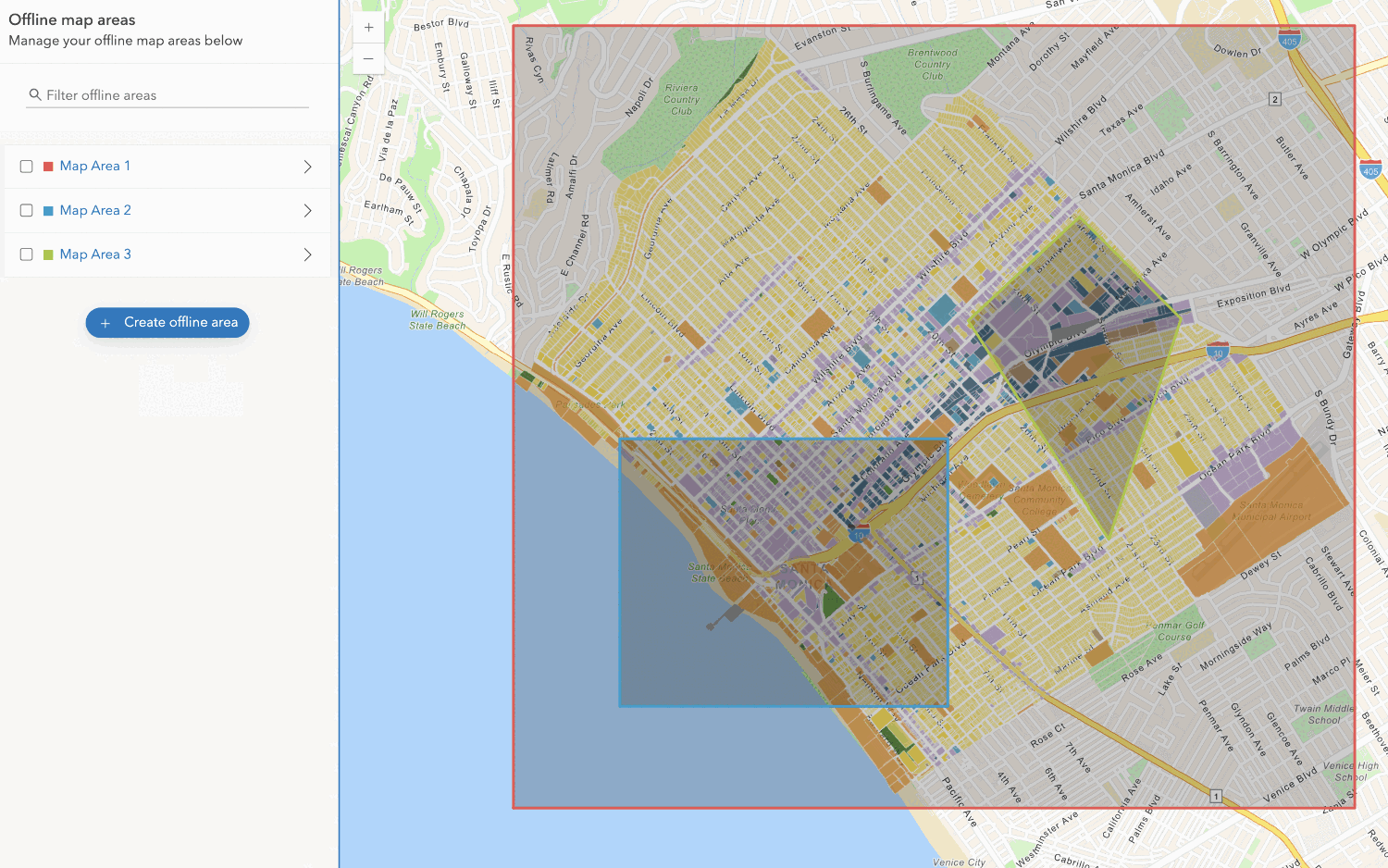
Create an offline map area
Use your portal to create an offline map area from an offline-enabled web map.




