
What is a partially offline app?
A partially offline app is a type of offline app that is designed to work where network connectivity is unreliable. This is ideal for when users can access the internet but cannot guarantee constant connectivity.
There are two scenarios for using partially offline apps:
- Online-first: You download maps and synchronize data in a connected environment before going offline. This strategy is well-suited for a field worker who wants to be prepared for periods of limited or no connectivity.
- Offline-first: You use the app with data you have previously downloaded and then later access online capabilities when connected to a network, such as using hosted layers
A hosted layer is an item in a portal that contains the properties and settings for a hosted data service or a layer in a hosted data service. .
When to use partially offline apps
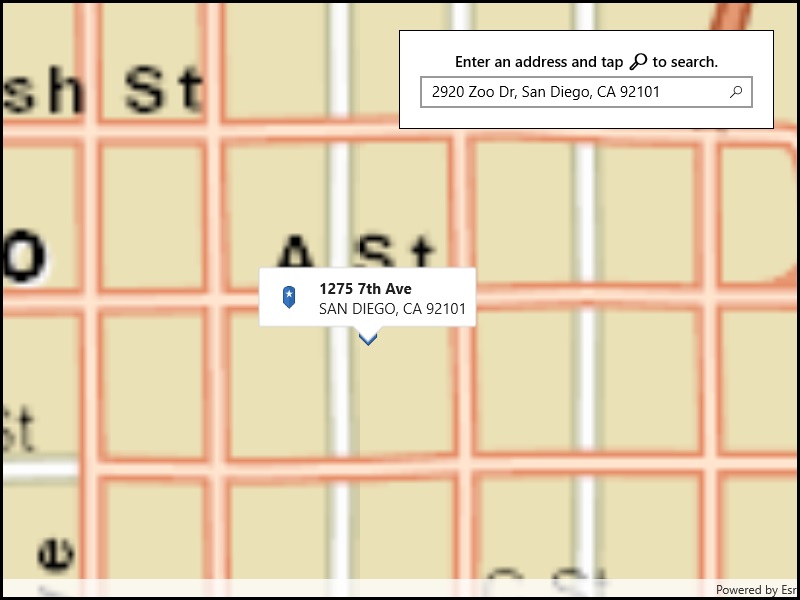
Use partially offline apps when network connectivity is intermittent. While disconnected, you can continue working with previously downloaded maps and data. When connectivity is available, the app can download updated content and synchronize offline edits. You can still perform basic mapping tasks offline, as long as the map and data are downloaded to your device. These tasks include searching for an address, making edits to offline data, performing routing, or using the device's GPU for viewshed, line-of-sight, and interactive distance measurement capabilities.
Mobile data sources for partially offline apps
The mobile data source
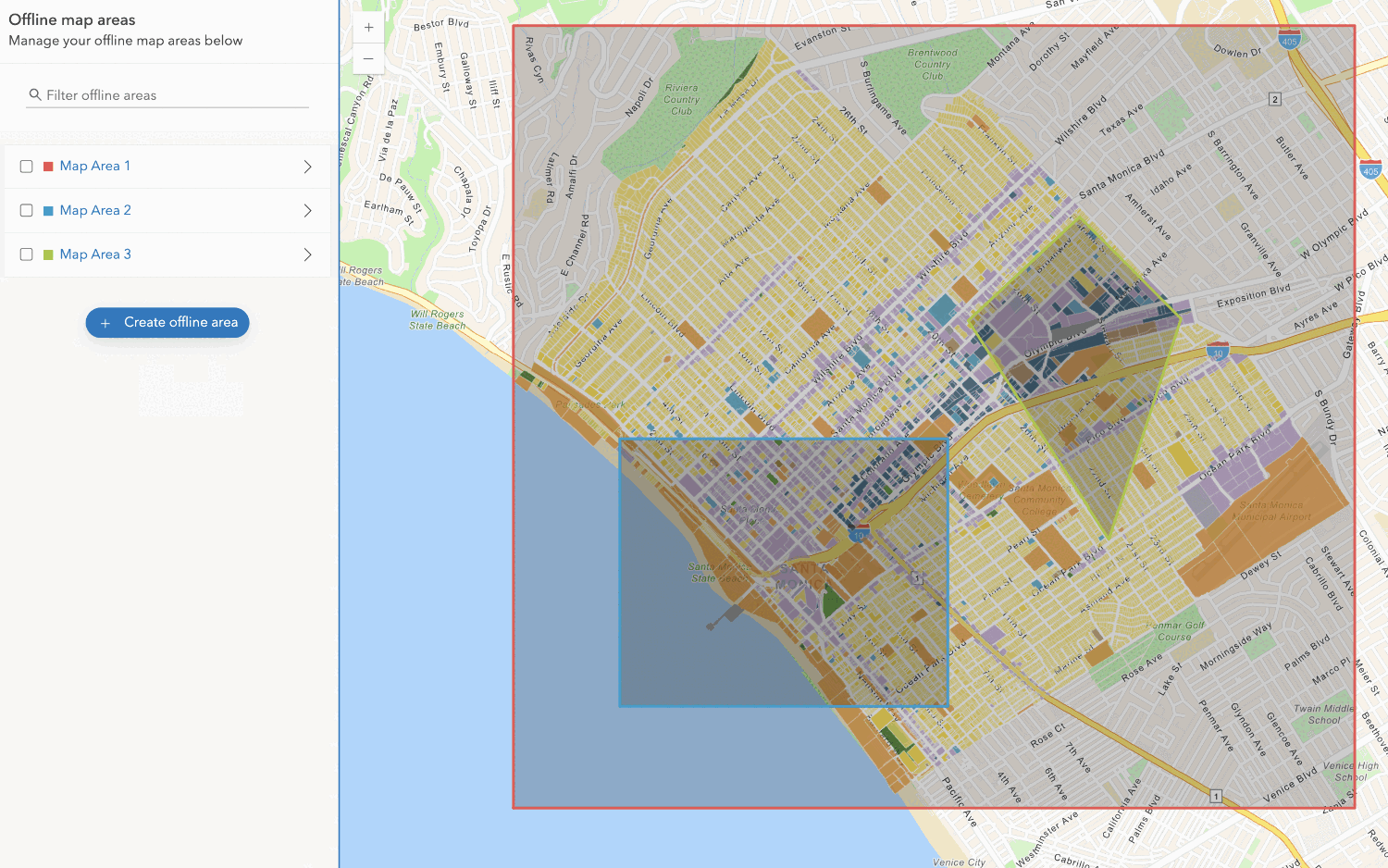
- Offline maps: An offline map is a map downloaded from a web map
A web map is a map stored as a JSON object that defines properties such as the basemap layer, data layers, layer styles, and pop-up styles. Its JSON structure is defined by the web map specification. . All the layers in the web map have to be offline-enabledOffline-enabled is a setting in a web map or hosted layer item that allows it to be downloaded and used by offline apps. before you can use the map offline. - Offline data: Offline data is data that is generated and downloaded from a data service
Data services, also known as hosted data services, are services created dynamically to store and provide access to your data in ArcGIS. Examples are feature services, vector tile services, map tile services, image services, and scene services. . To support offline data, a service must be offline-enabled. - Mobile packages: A mobile package is an ArcGIS Pro project containing maps and/or scenes.
- Data files: A data file is a stand-alone file containing geographic data that can be displayed by a layer in a map or scene.
The following table compares the capabilities of different mobile data sources you can use in your partially offline app:
| Offline maps | Offline data | Mobile packages | Data files | |
|---|---|---|---|---|
| 2D maps | 1 | 1 | ||
| 3D scenes | 2 | 2 | ||
| Edit data while offline | 3 | |||
| Synchronize offline edits | 4 | |||
| Fully disconnected apps/devices | 4 | 4 | ||
| Offline geocoding | 5 | |||
| Offline routing | 6 | |||
| Offline analysis | ||||
| Set expiration date for data access |
- 1. Map constructed in code
- 2. Scene constructed in code
- 3. Shapefiles, GeoPackages, and KML
- 4. Custom sideloading workflows required
- 5. Locator exported from ArcGIS Pro
- 6. Network Analysis dataset exported from ArcGIS Pro
Online services in partially offline apps
Partially offline apps can use online services while connected to a network. For example, you can:
- Use an offline map, but geocode and find routes using ArcGIS Online.
- Display a web map and add a layer from a local shapefile.
- Configure an offline map (or the maps or scenes in a mobile package) to include online layers. The content for these layers is not included in the offline map or mobile package. Instead, an online layer will access a data service (such as a traffic layer) whenever a network connection is available.
Tutorials








API support
- 1. Manage offline map areas