Learn how to use developer tools


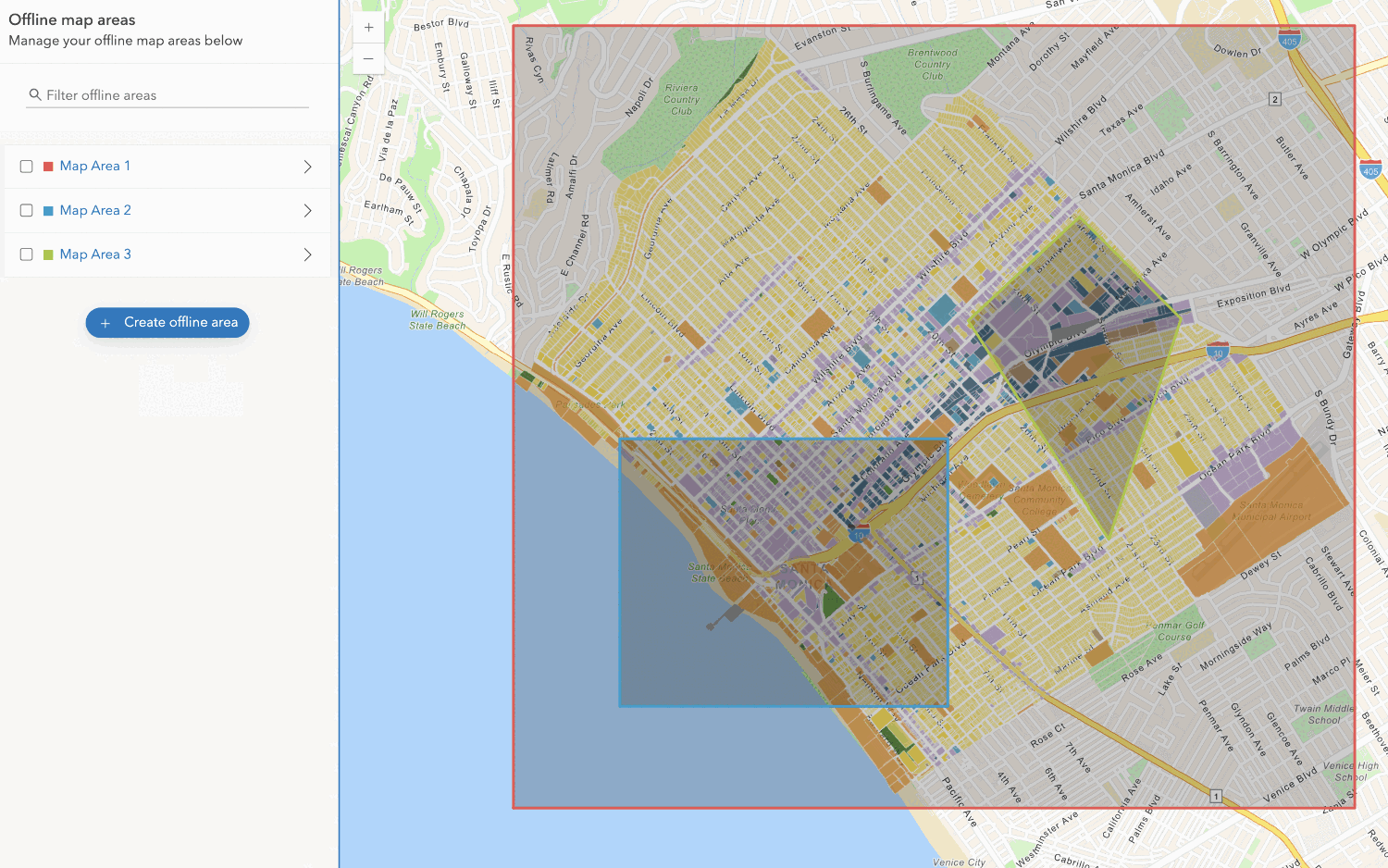
Use your portal to create an offline map area from an offline-enabled web map.

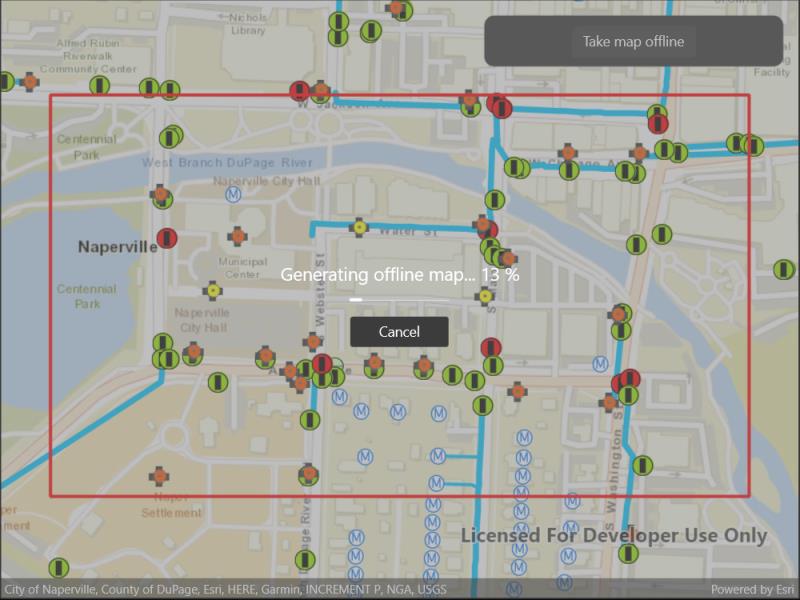
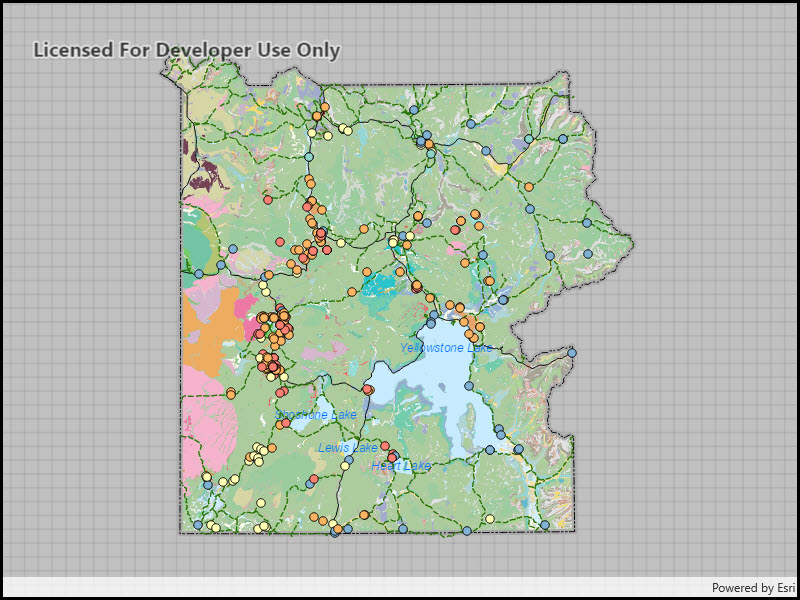
Download and display an offline map for a custom area of a web map.

Access and display a map from a mobile map package for offline use.

Apply scheduled updates to a downloaded preplanned map area.

Take a map offline using a preplanned map area.

Synchronize offline edits with a feature service.

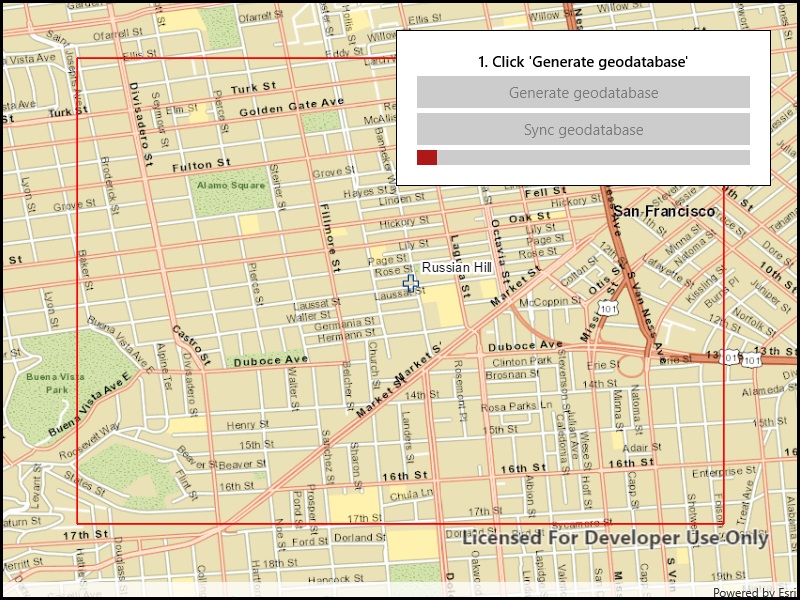
Generate a local geodatabase from an online feature service.

Take a web map offline, but instead of downloading an online basemap, use one which is already on the device.

Take a web map offline with additional options for each layer.


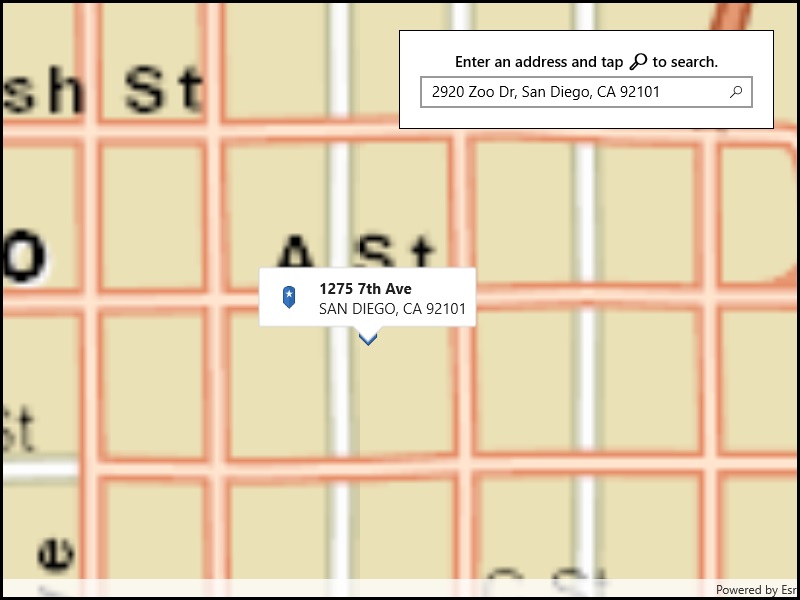
Geocode addresses to locations and reverse geocode locations to addresses offline.


Access and display a map from a mobile map package for offline use.


Display maps and use locators to enable search and routing offline using a mobile map package.

Display a scene from a mobile scene package.

Display a map from a mobile map package.
Your browser is no longer supported. Please upgrade your browser for the best experience. See our browser deprecation post for more details.