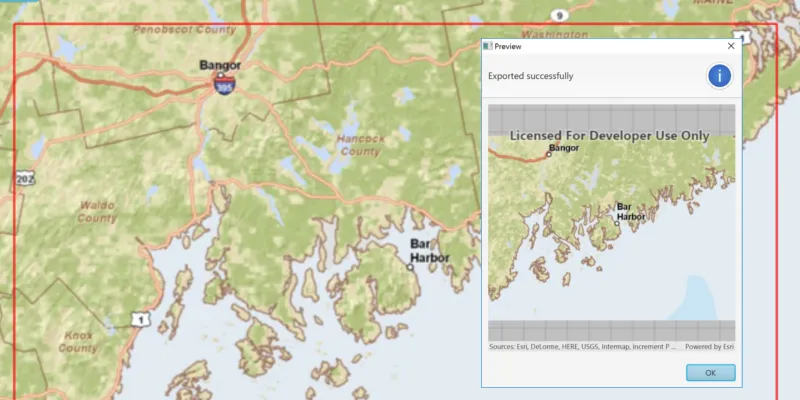
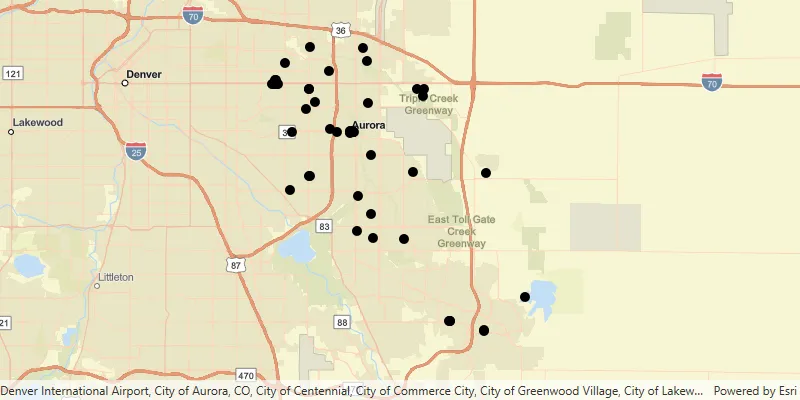
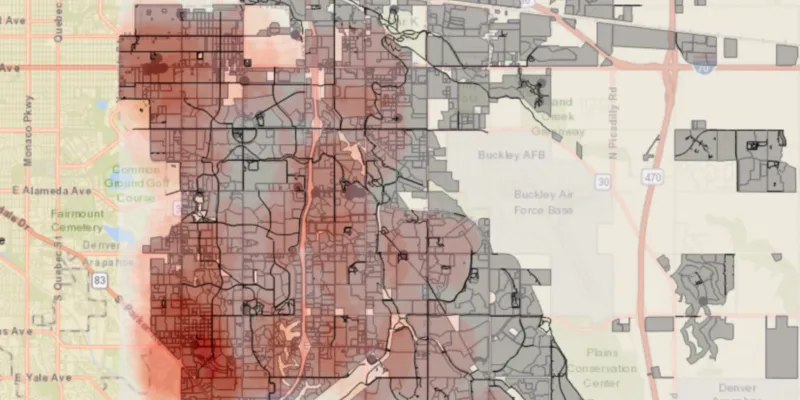
Offline maps An offline map is a map area and its data content downloaded from an offline-enabled web map for use in offline applications built with ArcGIS Maps SDKs for Native Apps. Learn more , scenes A scene is a collection of layers that are displayed in 3D. It is typically composed of a basemap layer, data layers, and 3D data. Learn more , and data allow users to continue being productive when network connectivity is poor or nonexistent. Users can explore maps, collect information, edit their asset data, find places A place, also known as a point of interest (POI), is a location that represents a business, administrative entity, or geographic feature around the world. A place can also have attributes associated with it, such as a name, address, category, and ID. Learn more , and routes A route is a polyline that defines the best path between two or more points in a street network. Learn more to new locations A location is a position or region (point, line, or polygon) on the earth's surface. Learn more , all while disconnected. Once a connection is reestablished, users can update their offline map by downloading changes relevant to their offline map or by synchronizing their edits with the online services A service, also known as an ArcGIS service, is software that supports an ArcGIS REST API and provides geospatial functionality or data. A service can be hosted by Esri or in ArcGIS Enterprise. Learn more . Users can also explore scenes, manage camera controllers, and find locations, all while disconnected.

This SDK supports maps that are always connected, occasionally connected, and fully disconnected.

  • Always connected: Users expect their apps to have constant access to online map and layer services. If the device loses network connectivity, the application will lose access to these services, resulting in loss of data and, perhaps, app failure.

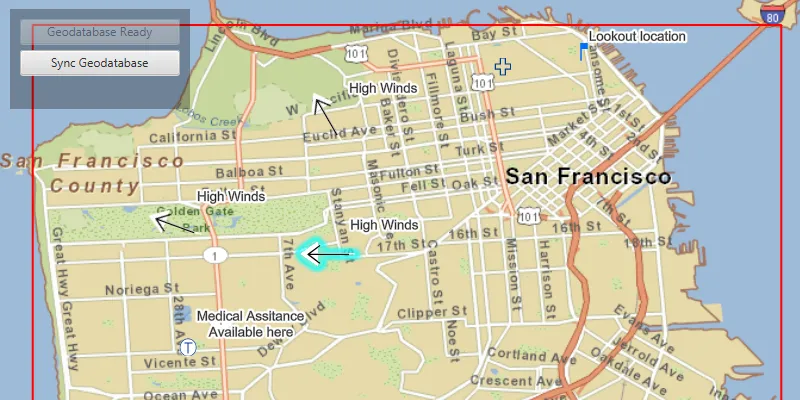
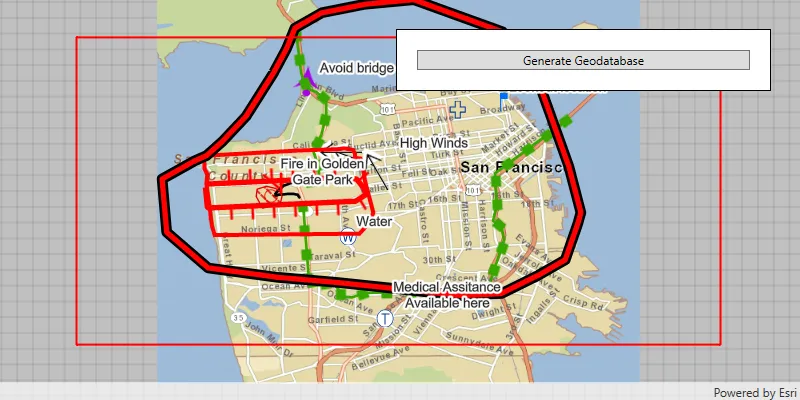
  • Occasionally connected: Apps that are occasionally connected can download an offline map An offline map is a map area and its data content downloaded from an offline-enabled web map for use in offline applications built with ArcGIS Maps SDKs for Native Apps. Learn more from a web map A web map is a map stored as a JSON object that defines properties such as the basemap layer, data layers, layer styles, and pop-up styles. Its JSON structure is defined by the web map specification. Learn more when a connection is available and continue to work offline when the device is disconnected. When connectivity is restored, any changes to operational data in the offline map can be synchronized with the online services in the source web map. Occasionally connected apps can adopt the following workflows:

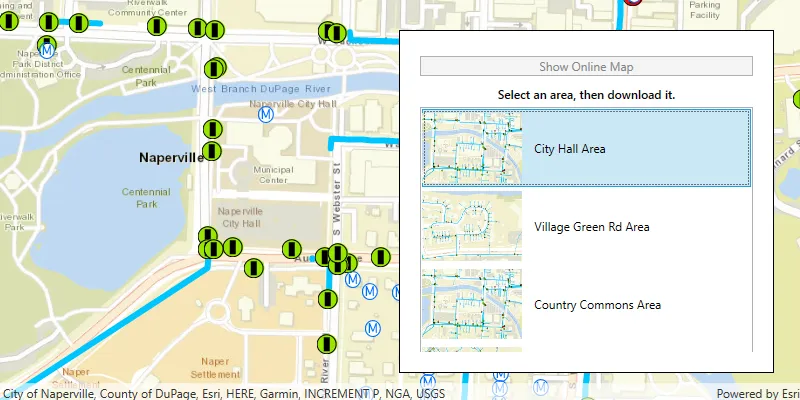
    • Ahead of time The ahead-of-time workflow, also known as the preplanned workflow, is a development pattern for building offline applications where offline map areas in a web map are used by the offline application. Learn more : The web map author defines the area of interest as an offline map area An offline map area, also known as a preplanned map area, is an area in a web map used to create an offline map. Learn more . The offline map area generates an offline map An offline map is a map area and its data content downloaded from an offline-enabled web map for use in offline applications built with ArcGIS Maps SDKs for Native Apps. Learn more with its data content, on a regular basis. Any number of mobile workers can download this offline map and take it into the field. Use this workflow if you have a large crew that need to operate with an identical offline map. This workflow is also referred to as the preplanned workflow.
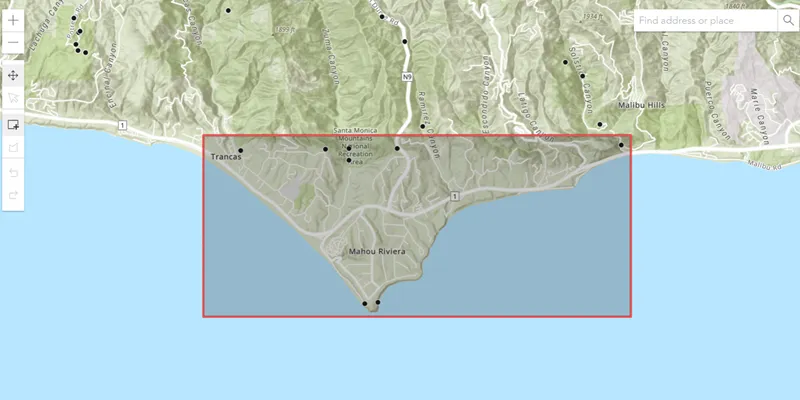
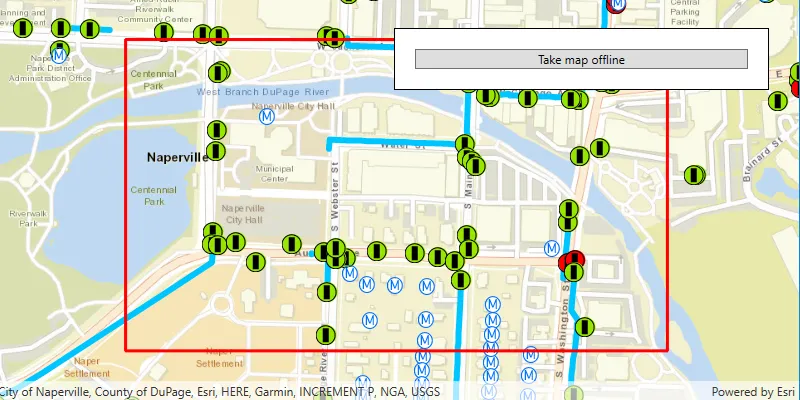
    • On demand The on-demand workflow is a development pattern for building offline applications where the offline application defines an area of a web map to take offline. Learn more : Each mobile worker defines the area of interest and the content to include from the web map, generates the offline map, and downloads it to their device, as required. Use this workflow if your mobile worker needs to specify the area of the web map to be taken offline.
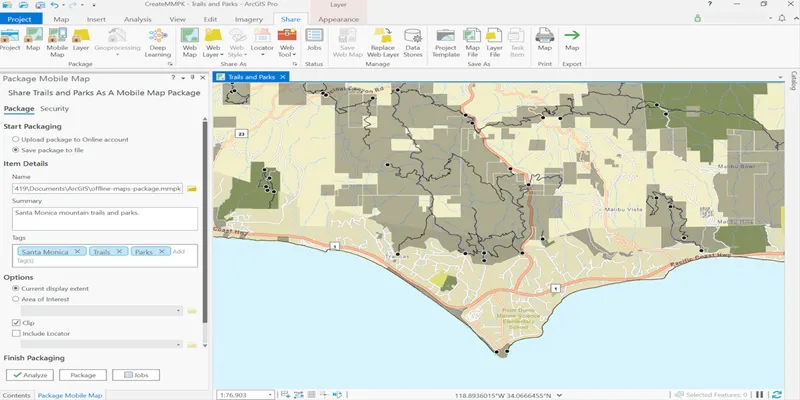
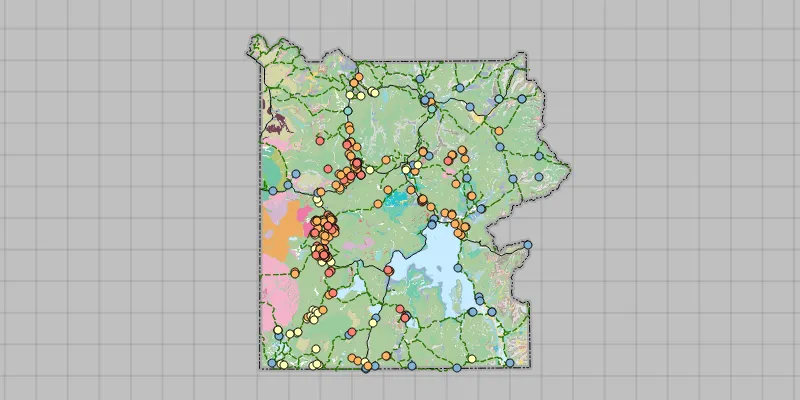
  • Fully disconnected: A fully disconnected workflow is suitable for apps that do not require regular data updates, or for apps that will never have access to a network connection. Apps can operate in a fully disconnected environment by opening mobile map packages A mobile map package (MMPK) is a standalone file that contains one or more map definitions, including the basemap layers, data layers, layer styles, and pop-up styles for use in offline applications built with ArcGIS Maps SDKs for Native Apps. Learn more or mobile scene packages A mobile scene package (MSPK) is a standalone file that contains one or more scene definitions, including the basemap layers, elevation layers, data layers, layer styles, and pop-up styles for use in offline applications built with ArcGIS Maps SDKs for Native Apps. Learn more created with ArcGIS Pro. These read-only packages can be shared within an organization or distributed by traditional means and copied onto any number of devices A device is nearly any kind of computer, including desktops, laptops, mobile phones, and tablets. Learn more . See Take a map offline with ArcGIS Pro or Take a scene offline with ArcGIS Pro for more details.

Workflow capabilities summary

CapabilityAhead-of-time (map)On-demand (map)Mobile Map PackageMobile Scene Package
Display, interact, identify, and analyze layers A layer is a reference to a collection of geographic data that is used to access and display data. The data for layers are typically provided by the basemap layer service and data services. Learn more .YesYesYesYes
Edit feature A feature is a single record, also known as a row, that represents a real-world entity. It typically contains a geometry (point, multipoint, polyline, or polygon) and attributes but it can also contain just attributes. Learn more data in the mobile geodatabase A mobile geodatabase (.geodatabase) is a spatial data storage format in a single file on disk that can store, query, and manage spatial and nonspatial data. In applications built with the ArcGIS Maps SDKs for Native Apps, mobile geodatabases can be used in offline workflows when taking maps and features offline from services or in desktop-based scenarios as standalone mobile geodatabases from ArcGIS Pro. Learn more .YesYesNoNo
Synchronize edits with the online feature service A feature service is a data service that provides access to spatial and non-spatial data in feature layers, feature layer views, and tables. Learn more .YesYesNoNo
Share offline maps An offline map is a map area and its data content downloaded from an offline-enabled web map for use in offline applications built with ArcGIS Maps SDKs for Native Apps. Learn more or scenes A scene is a collection of layers that are displayed in 3D. It is typically composed of a basemap layer, data layers, and 3D data. Learn more with other users.YesNoNoNo
Receive update packages from feature services.YesNoNoNo
Geocoding Geocoding is the process of converting text for an address or place to a complete address with a location. Learn more .NoNoYesYes
Routing A route is a polyline that defines the best path between two or more points in a street network. Learn more .NoNoYesNo
Support raster A raster is a matrix of cells (or pixels) organized into rows and columns (or a grid) where each cell contains a value representing information, such as temperature. Rasters include digital aerial photographs, imagery from satellites, digital pictures, and scanned maps. Learn more layers.NoNoYesYes
Support online layers A layer is a reference to a collection of geographic data that is used to access and display data. The data for layers are typically provided by the basemap layer service and data services. Learn more and tables A table is a non-spatial dataset in a feature service. All records in a table share the same set of fields. Learn more .NoYesYesYes
Simple editing with utility networks A utility network is a feature service that represents a utility system, such as water, gas, or electricity. A utility network provides the capabilities to visualize, edit, and analyze utility assets and data. Learn more .*YesYesNoNo
View utility network associations.*YesYesNoNo

* Taking utility networks A utility network is a feature service that represents a utility system, such as water, gas, or electricity. A utility network provides the capabilities to visualize, edit, and analyze utility assets and data. Learn more offline requires ArcGIS Enterprise ArcGIS Enterprise is a GIS mapping, analytics, data hosting, and content management product that can be hosted on-premise or in a cloud infrastructure. It includes software, applications, tools, APIs, and services for users and developers. Learn more version 10.9 or later.

Enable services for offline use

To access layer content while offline with the ahead-of-time The ahead-of-time workflow, also known as the preplanned workflow, is a development pattern for building offline applications where offline map areas in a web map are used by the offline application. Learn more or on-demand The on-demand workflow is a development pattern for building offline applications where the offline application defines an area of a web map to take offline. Learn more workflows, you should offline-enable feature services A feature service is a data service that provides access to spatial and non-spatial data in feature layers, feature layer views, and tables. Learn more , vector tile services A vector tile service is a data service that provides access to vector tile data and a style definition. Learn more , and map tile services A map tile service, formerly known as image tile service, is a data service that provides access to static, pre-rendered mao tiles. The tiles are typical in PNG format. Map tiles are typically retrieved by specifying a specific level, row, and column value. Learn more that are referenced by layers in the web map A web map is a map stored as a JSON object that defines properties such as the basemap layer, data layers, layer styles, and pop-up styles. Its JSON structure is defined by the web map specification. Learn more . The author of the web map can do this when publishing the web map, or later using any of the service management tools. See Take web maps offline in the ArcGIS Online ArcGIS Online is a GIS mapping, analytics, data hosting, and content management software as a service (SaaS) product. It includes applications, tools, APIs, and location services for users and developers. It is subscription-based and requires an ArcGIS Online account. Learn more documentation for more information.

Feature services

You must sync-enable a feature service A feature service is a data service that provides access to spatial and non-spatial data in feature layers, feature layer views, and tables. Learn more if you want feature data Feature data is a general term for one or more features, which are records that represent real-world geographic entities, stored as a feature collection, feature layer, or hosted feature layer. Learn more to be downloaded with the offline map An offline map is a map area and its data content downloaded from an offline-enabled web map for use in offline applications built with ArcGIS Maps SDKs for Native Apps. Learn more , any edits to be synchronized, or update packages to be received (ahead of time only). Follow the instructions here:

Vector tile services and map tile services

If you want tile service data to be downloaded with the offline map An offline map is a map area and its data content downloaded from an offline-enabled web map for use in offline applications built with ArcGIS Maps SDKs for Native Apps. Learn more , you must ensure that the tiled service A service, also known as an ArcGIS service, is software that supports an ArcGIS REST API and provides geospatial functionality or data. A service can be hosted by Esri or in ArcGIS Enterprise. Learn more has the exportTiles capability enabled. For more information, see the ArcGIS REST API documentation for Vector tile service - Export Tiles and Map service - Export Tiles. To enable this capability, follow these instructions:

Tutorials

Samples

Services