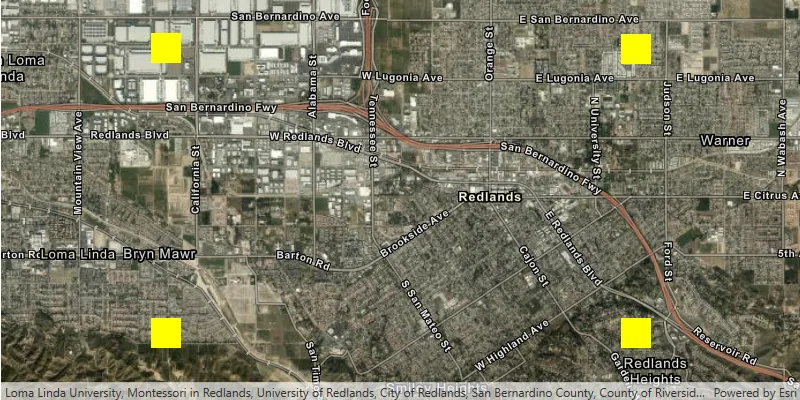
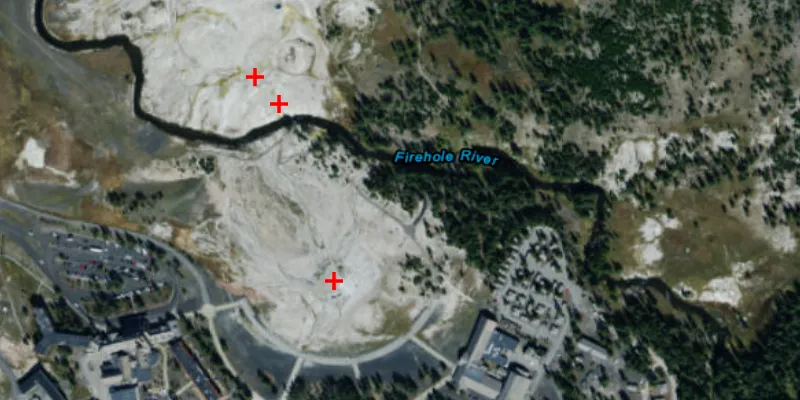
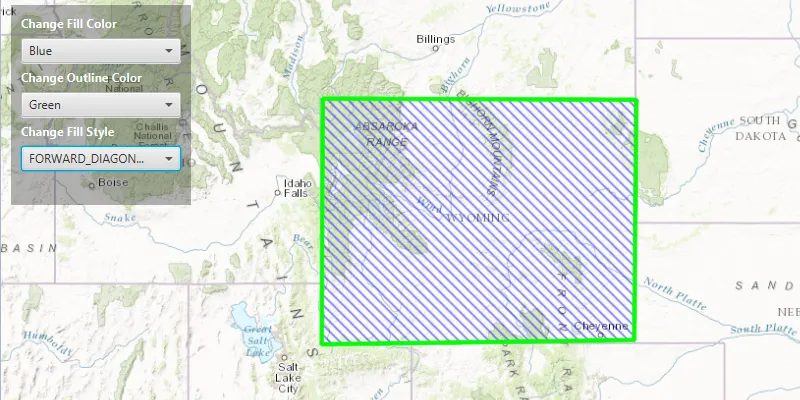
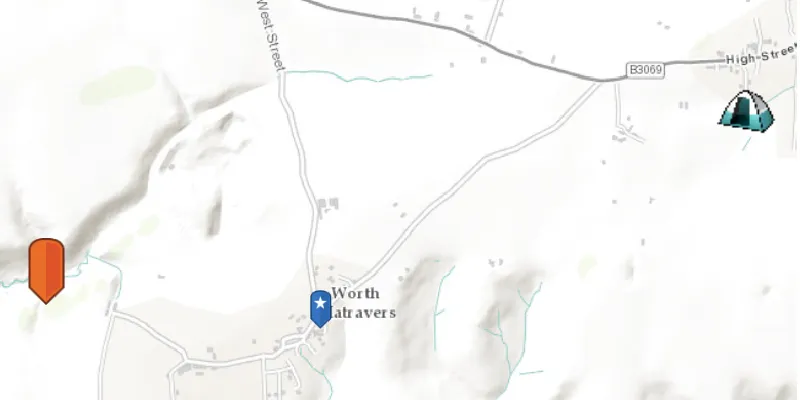
A comprehensive API is provided for visualizing geographic data in a map A map is a collection of layers that are displayed in 2D. It is typically composed of a basemap layer and data layers. Learn more (2D) or scene A scene is a collection of layers that are displayed in 3D. It is typically composed of a basemap layer, data layers, and 3D data. Learn more (3D). You can create a variety of types of symbols and use them to render your data in several ways.

Your app can:

  • Symbolize features A feature is a single record, also known as a row, that represents a real-world entity. It typically contains a geometry (point, multipoint, polyline, or polygon) and attributes but it can also contain just attributes. Learn more and graphics A graphic is a visual element composed of a geometry, symbol, and attributes that is displayed on a map or scene. Learn more .
  • Visualize data in 3D.
  • Display labels A label is text displayed with and associated with a graphic or feature. Learn more while controlling positioning, overlaps, and conflicts.
  • Render data according to attribute Attributes are fields and values for a single feature or non-spatial record. They are typically stored in a database or service such as a feature service. Learn more values.
  • Display different data and symbols at different scales.
  • Use a dictionary renderer A dictionary renderer is a renderer that uses a style file generated in ArcGIS Pro from a rule engine and is used to display types of advanced symbology on a map, such as military symbology. Learn more to symbolize many unique combinations of attribute values.

Features and graphics

Features A feature is a single record, also known as a row, that represents a real-world entity. It typically contains a geometry (point, multipoint, polyline, or polygon) and attributes but it can also contain just attributes. Learn more and graphics A graphic is a visual element composed of a geometry, symbol, and attributes that is displayed on a map or scene. Learn more are used to represent real-world objects on a map or scene. Every feature and graphic has a geometry A geometry is a geometric shape, such as a point, polyline, or polygon, that contains one or more coordinates and a spatial reference. Learn more representing its shape and location and may have attributes Attributes are fields and values for a single feature or non-spatial record. They are typically stored in a database or service such as a feature service. Learn more that further describe the object it represents. There are some fundamental differences, however, between them. The one you choose for your use case may depend on how they are persisted, how it handles different geometry types and attribute schemas, and how they are symbolized and displayed. In general, graphics are best suited for the temporary display of application-specific objects that are not persisted when the application closes.

See the Features and graphics topic for more information about when to use each of these geoelements A geoelement refers to any geographic element in a map or map view that can be identified by its location to return attribute information. Learn more .

To learn about adding graphics to your geoview A geoview is a base class for a map view and a scene view in ArcGIS Maps SDKs for Native Apps. Learn more , see Add graphics to a map view and Add graphics to a scene view.

3D display

To take full advantage of the 3D environment, features A feature is a single record, also known as a row, that represents a real-world entity. It typically contains a geometry (point, multipoint, polyline, or polygon) and attributes but it can also contain just attributes. Learn more and graphics A graphic is a visual element composed of a geometry, symbol, and attributes that is displayed on a map or scene. Learn more provide additional API for controlling geoelement A geoelement refers to any geographic element in a map or map view that can be identified by its location to return attribute information. Learn more display in a scene A scene is a collection of layers that are displayed in 3D. It is typically composed of a basemap layer, data layers, and 3D data. Learn more or scene view A scene view is a user interface that displays scene layers and graphics in 3D. It uses a camera to control the visible area of the scene and supports user interactions such as pan, zoom, tilt, and rotate. Learn more . A set of symbols has been designed exclusively for three-dimensional display.

The Render features and graphics in 3D topic describes considerations that are specific to displaying data in 3D.

Symbols

Your app can load maps A map is a collection of layers that are displayed in 2D. It is typically composed of a basemap layer and data layers. Learn more and scenes A scene is a collection of layers that are displayed in 3D. It is typically composed of a basemap layer, data layers, and 3D data. Learn more created with ArcGIS Pro ArcGIS Pro is a professional desktop GIS application that can explore, visualize, analyze, and manage 2D and 3D data. Learn more or the ArcGIS Online ArcGIS Online is a GIS mapping, analytics, data hosting, and content management software as a service (SaaS) product. It includes applications, tools, APIs, and location services for users and developers. It is subscription-based and requires an ArcGIS Online account. Learn more Map or Scene Viewers. These tools allow you to style your map or scene as you want it to appear in your app without having to write code. The advanced symbols used by ArcGIS Pro and the ArcGIS Online Map Viewer, also known as Cartographic Information Model (CIM) symbols A Cartographic Information Model (CIM) symbol is an advanced, multi-layer symbol produced by ArcGIS Pro, client APIs, or developer code. Learn more , are supported by this API.

You can also create your own symbols and control the display of features and graphics in your app. See the Symbols, renderers, and styles topic for information about symbolizing data.

Renderers

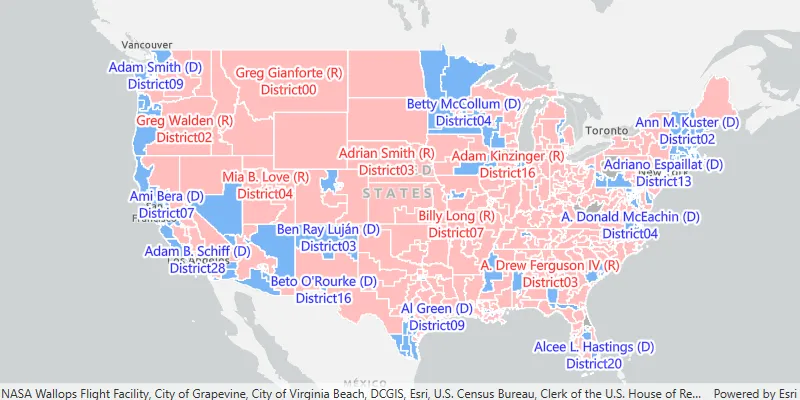
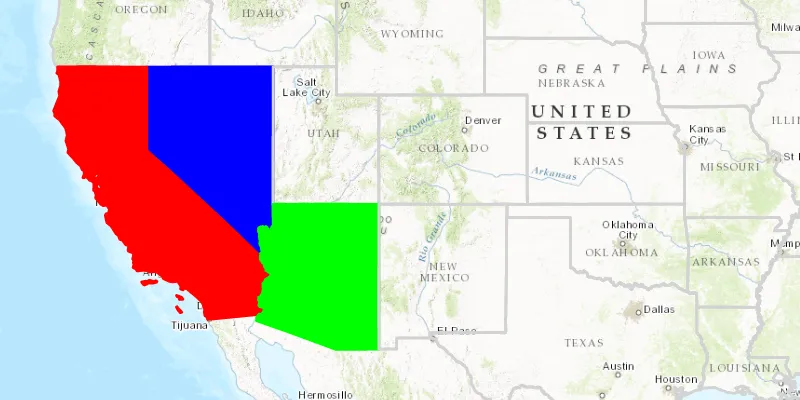
A renderer A renderer is a collection of rules and symbols used to display the data in a layer. Learn more is a collection of one or more symbols. When applied to a layer or graphics overlay A graphics overlay is a client-side, temporary container of graphics to display on a map view or scene view. Learn more , a renderer displays geoelements A geoelement refers to any geographic element in a map or map view that can be identified by its location to return attribute information. Learn more using the appropriate symbol. If it contains more than a single symbol, a renderer A renderer is a collection of rules and symbols used to display the data in a layer. Learn more uses logic to determine the symbol A symbol defines the properties used to display a geometry or text. Learn more to apply to each geoelement, based on one or several attribute Attributes are fields and values for a single feature or non-spatial record. They are typically stored in a database or service such as a feature service. Learn more values. A set of raster renderers is provided to display raster A raster is a matrix of cells (or pixels) organized into rows and columns (or a grid) where each cell contains a value representing information, such as temperature. Rasters include digital aerial photographs, imagery from satellites, digital pictures, and scanned maps. Learn more data according to their cell values.

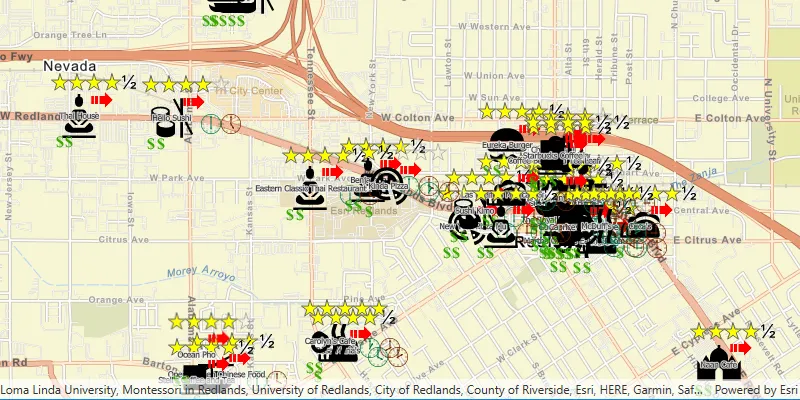
When symbolizing geoelements A geoelement refers to any geographic element in a map or map view that can be identified by its location to return attribute information. Learn more in your map, you may need to convey several pieces of information, from different attributes, with a single symbol. You can try to symbolize such data using a unique value renderer A unique value renderer is a renderer that defines a distinct symbol for each unique data value returned from a field or expression in a layer. Learn more , but as the number of fields and values increases, that approach becomes impractical. With a dictionary renderer A dictionary renderer is a renderer that uses a style file generated in ArcGIS Pro from a rule engine and is used to display types of advanced symbology on a map, such as military symbology. Learn more , however, you can build each symbol on the fly based on one or several attribute Attributes are fields and values for a single feature or non-spatial record. They are typically stored in a database or service such as a feature service. Learn more values and also handle a nearly infinite number of unique combinations.

See the Symbols, renderers, and styles topic for an overview of the available renderers. Display symbols with a dictionary renderer describes how to create and apply a dictionary renderer to a layer.

Labels

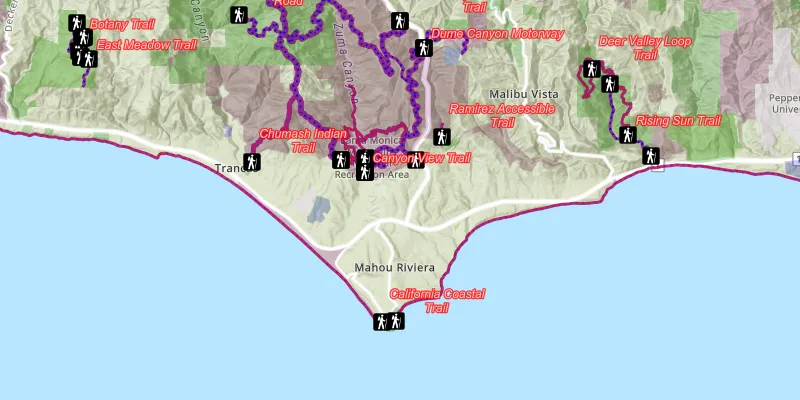
Feature layers A feature layer (client-side) is a data layer that can access and display features from a feature service that has the same type of geometry and attribute fields. Learn more , graphics overlays A graphics overlay is a client-side, temporary container of graphics to display on a map view or scene view. Learn more , and map image layer A map image layer is a data layer that can access and display map images that are created dynamically as users zoom or pan around a map view. Learn more sublayers in your app can be labeled using a combination of attribute Attributes are fields and values for a single feature or non-spatial record. They are typically stored in a database or service such as a feature service. Learn more values, text strings, and values calculated with an expression. You can determine how labels are positioned and prioritized, and how conflicts between overlapping labels are automatically and dynamically resolved.

See Add labels for more information.

Tutorials
Samples
Tools