The
Explore the possibilities
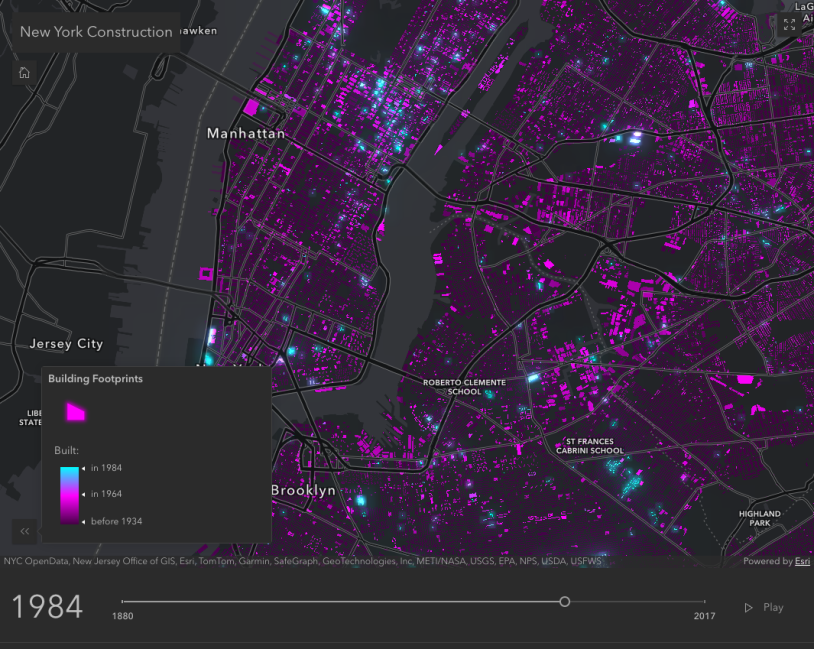
Fast performance for points, lines, and polygons
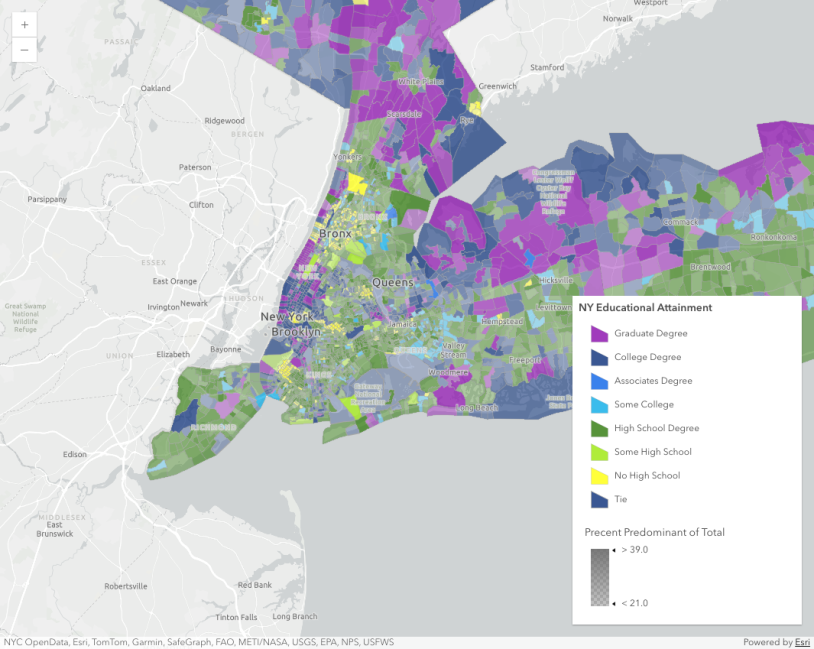
Out-of-box components for common workflows
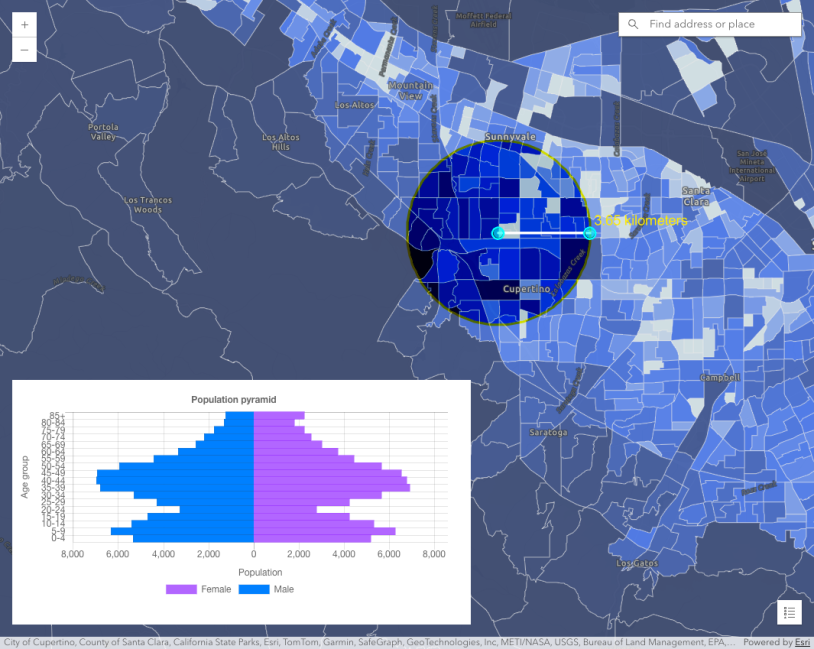
Advanced analysis workflows
Get started
Step 1. Sign up and Authenticate
- Sign up for a free account to ArcGIS Location Platform to start building with JavaScript Maps SDK.
- Create an API key for authentication.
- Authenticate your application with your API key and start building with JavaScript Maps SDK.
Step 2: Check out migration resources
Try building your first application with JavaScript Maps SDK using tutorials specifically for developers migrating from Google Maps API.
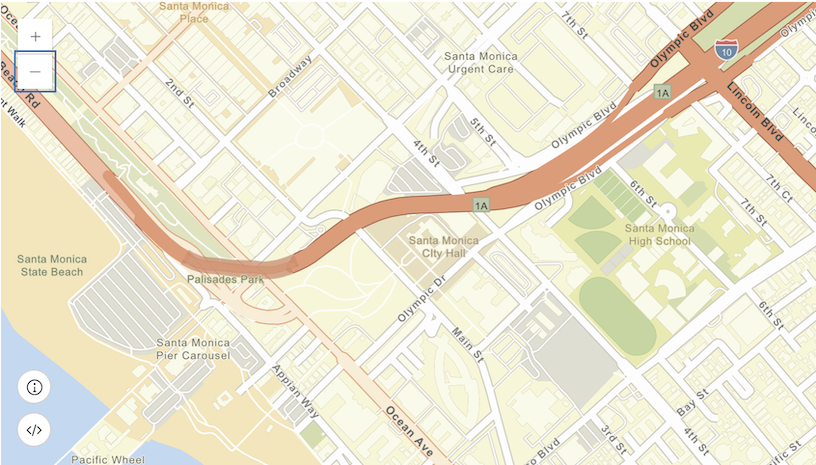

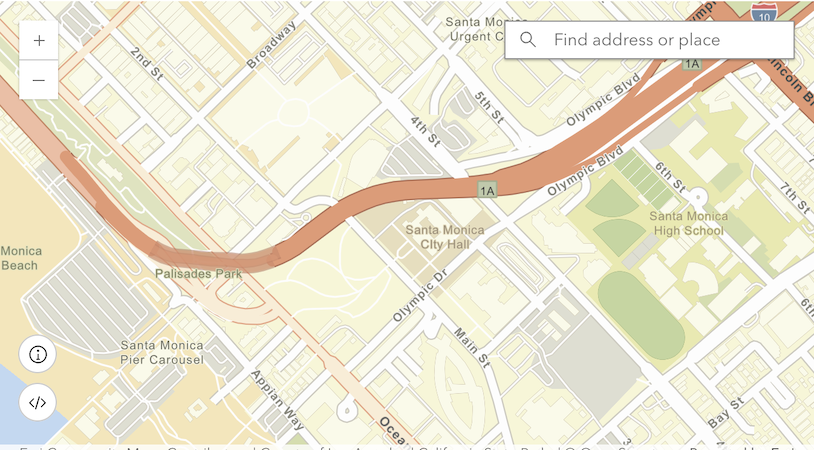
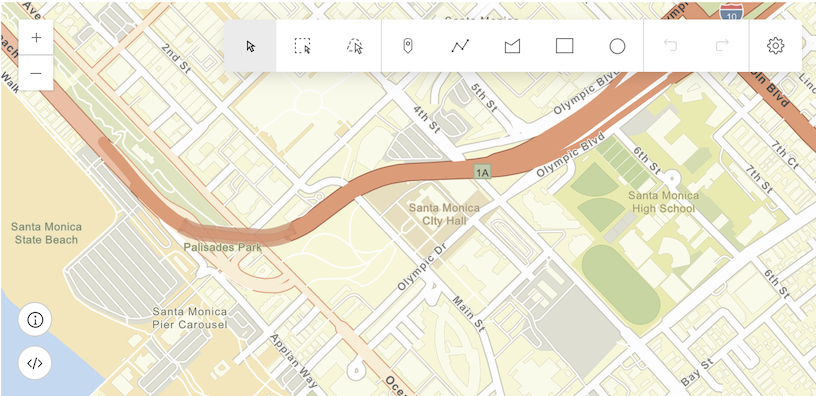
Read through our concepts and terminology guide for core concepts and key terminologies in JavaScript Maps SDK. The guide can help you bridge the gap between mapping libraries and prepare you to enjoy the full capabilities of JavaScript Maps SDK.
Step 3: Explore full documentation
Once you are comfortable with migration resources, explore our documentation site for new features, programming patterns, inspiring samples, API references, and more.