1. Create a map
The first step is to create a 2D map
Create a map with code:
- Reference a client-side mapping library.
- Create a map.

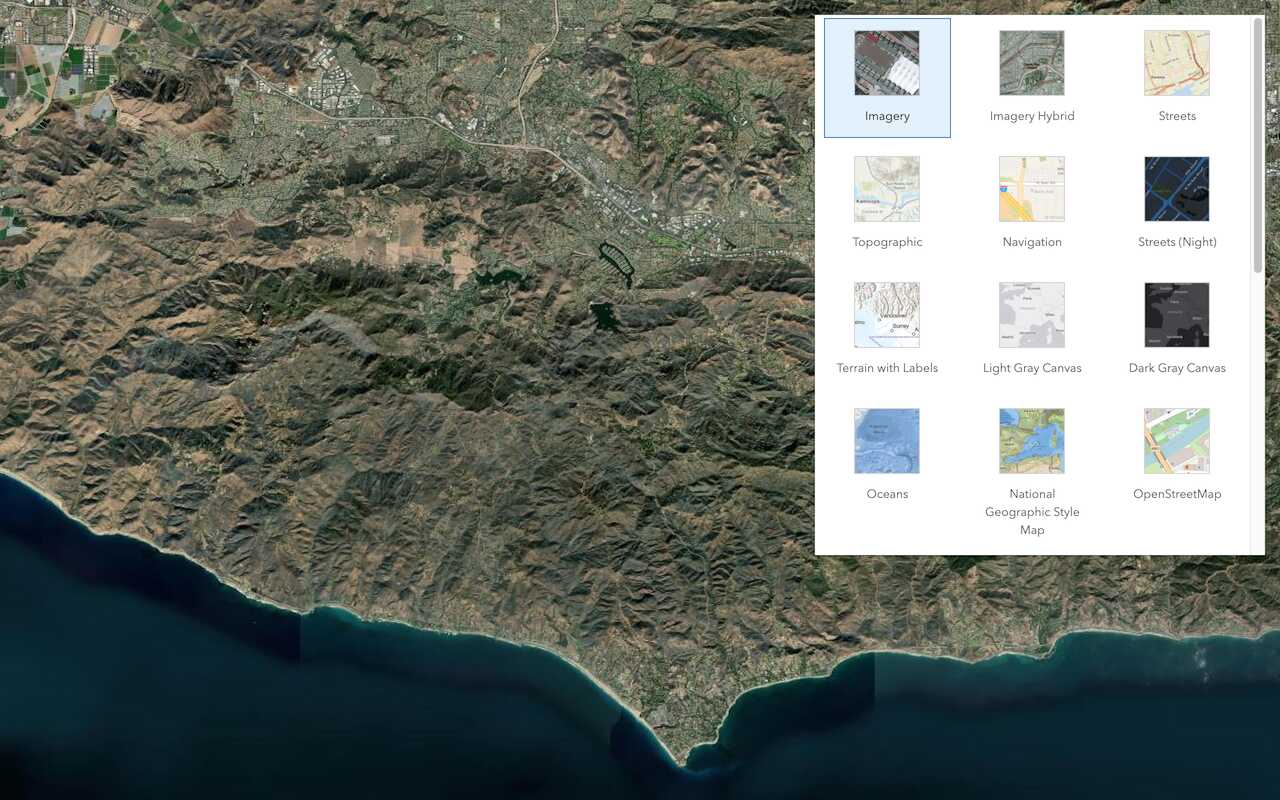
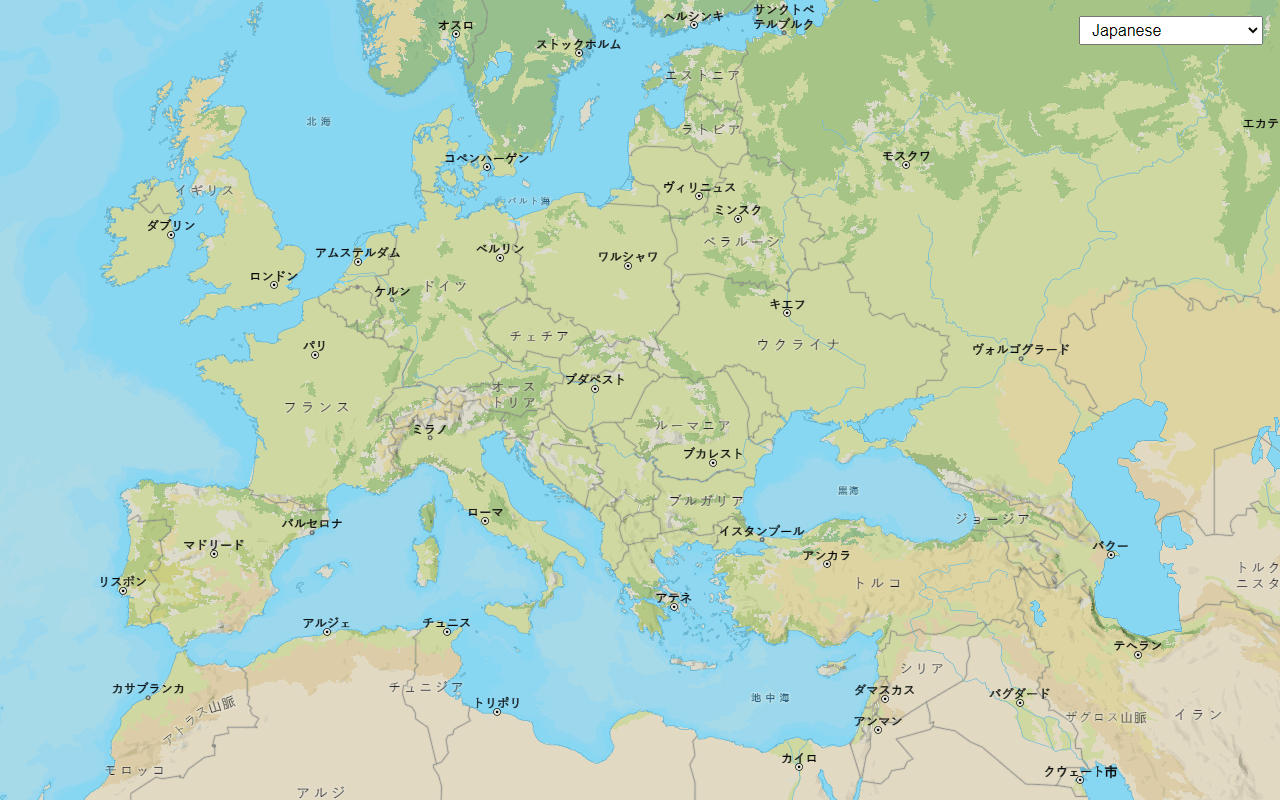
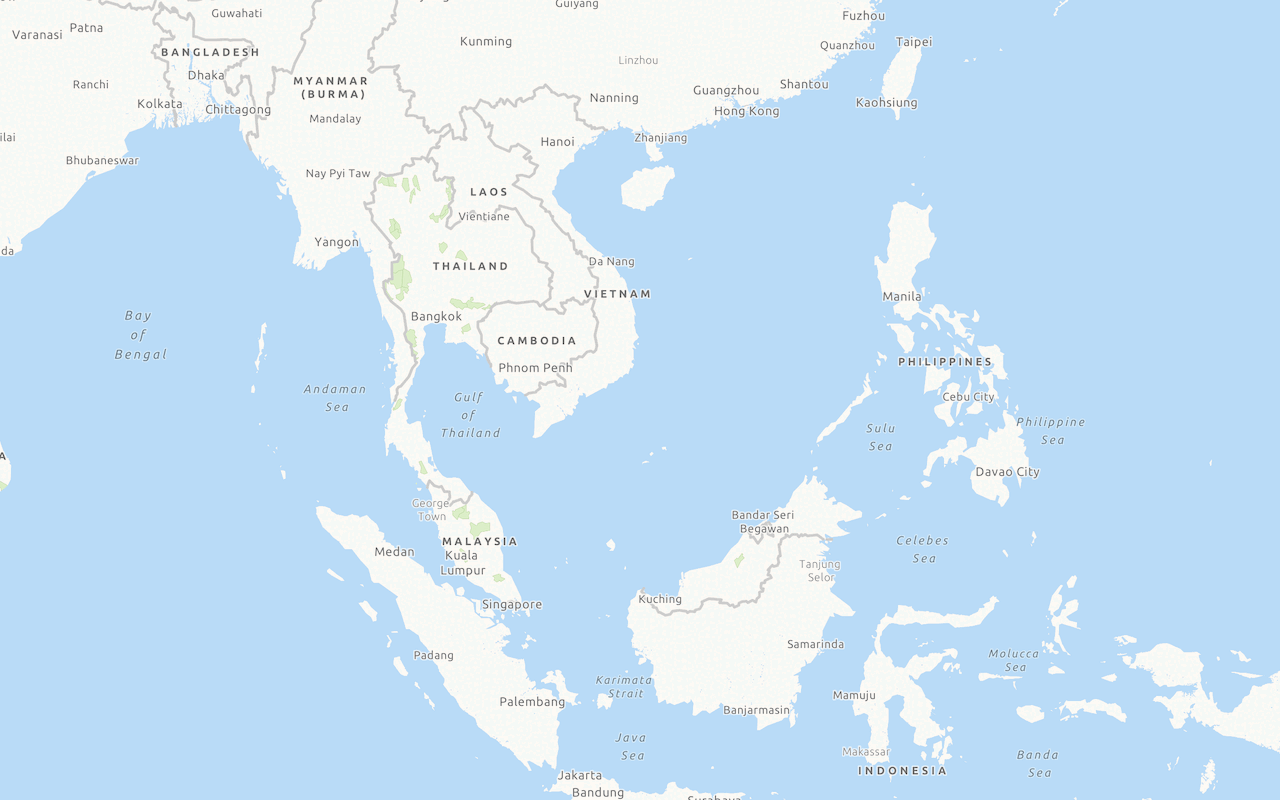
2. Set the basemap
The next step is to define the basemap layer
Define the basemap with code:
- Reference the mapping library.
- Create a map.
- Set the basemap source and style.
Example:
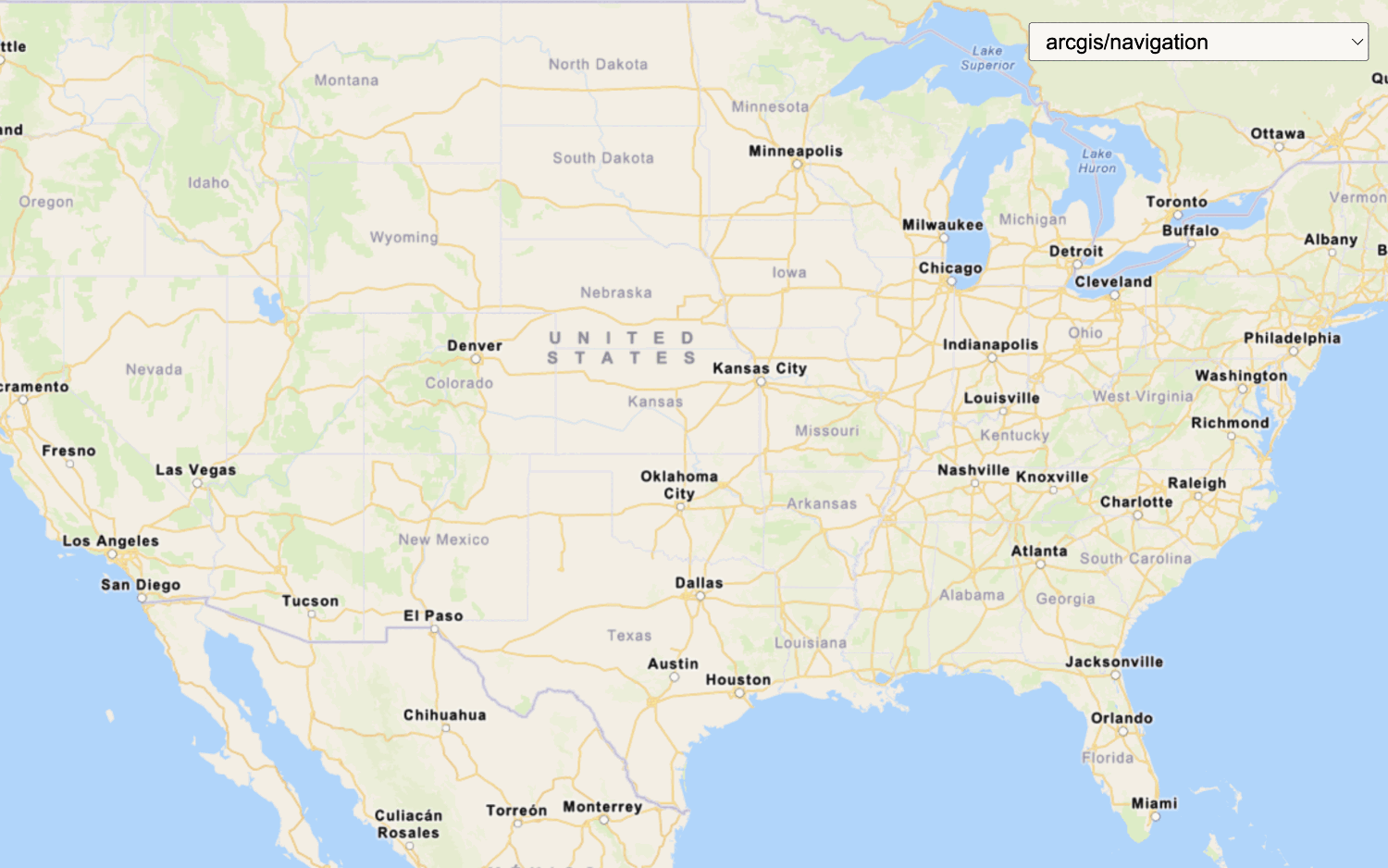
esriConfig.apiKey = "YOUR_ACCESS_TOKEN";
const map = new Map();
map.basemap = "arcgis/navigation";

3. Add data layers
After you define a basemap layer
Define and add the data layers with code:
- Reference the mapping library.
- Create a map.
- Set the service URL or item ID for each data layer.
- Add each data layer.
Example
const trailheadsLayer = new FeatureLayer({
url: "https://services3.arcgis.com/GVgbJbqm8hXASVYi/arcgis/rest/services/Trailheads_styled/FeatureServer/0",
});
map.add(trailheadsLayer);
const trailsLayer = new FeatureLayer({
url: "https://services3.arcgis.com/GVgbJbqm8hXASVYi/arcgis/rest/services/Trails_styled/FeatureServer/0",
});
map.add(trailsLayer, 0);
const parksLayer = new FeatureLayer({
url: "https://services3.arcgis.com/GVgbJbqm8hXASVYi/arcgis/rest/services/Parks_and_Open_Space_styled/FeatureServer/0",
});
map.add(parksLayer, 0);

4. Display the map
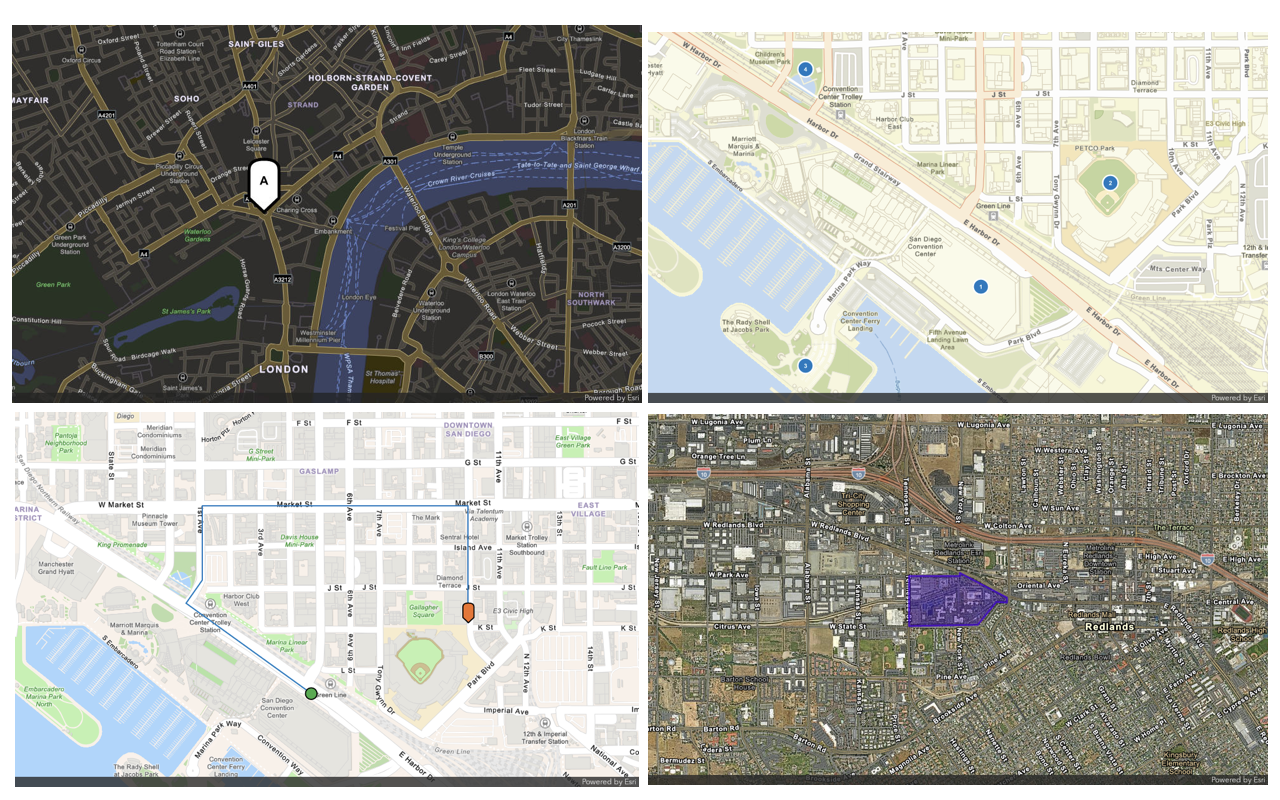
The final step is to display the basemap layer and data layers on a map. Depending on the client-side mapping library you are using, you can use a view to display the data in 2D as a map or 3D as a scene. You also need to set the location and zoom level or scale of the view.
Display the map using a view:
- Reference the mapping library.
- Create a map.
- Set the service URL or item ID for each data layer.
- Add each data layer.
- Set the map location.
- Set the zoom level or scale.
- Display the map.
const view = new MapView({
map: map,
center: [-118.805, 34.027], // Longitude, latitude
zoom: 13, // scale: 72223.819286
container: "viewDiv",
constraints: {
snapToZoom: false
}
});Additional resources
Tutorials
APIs

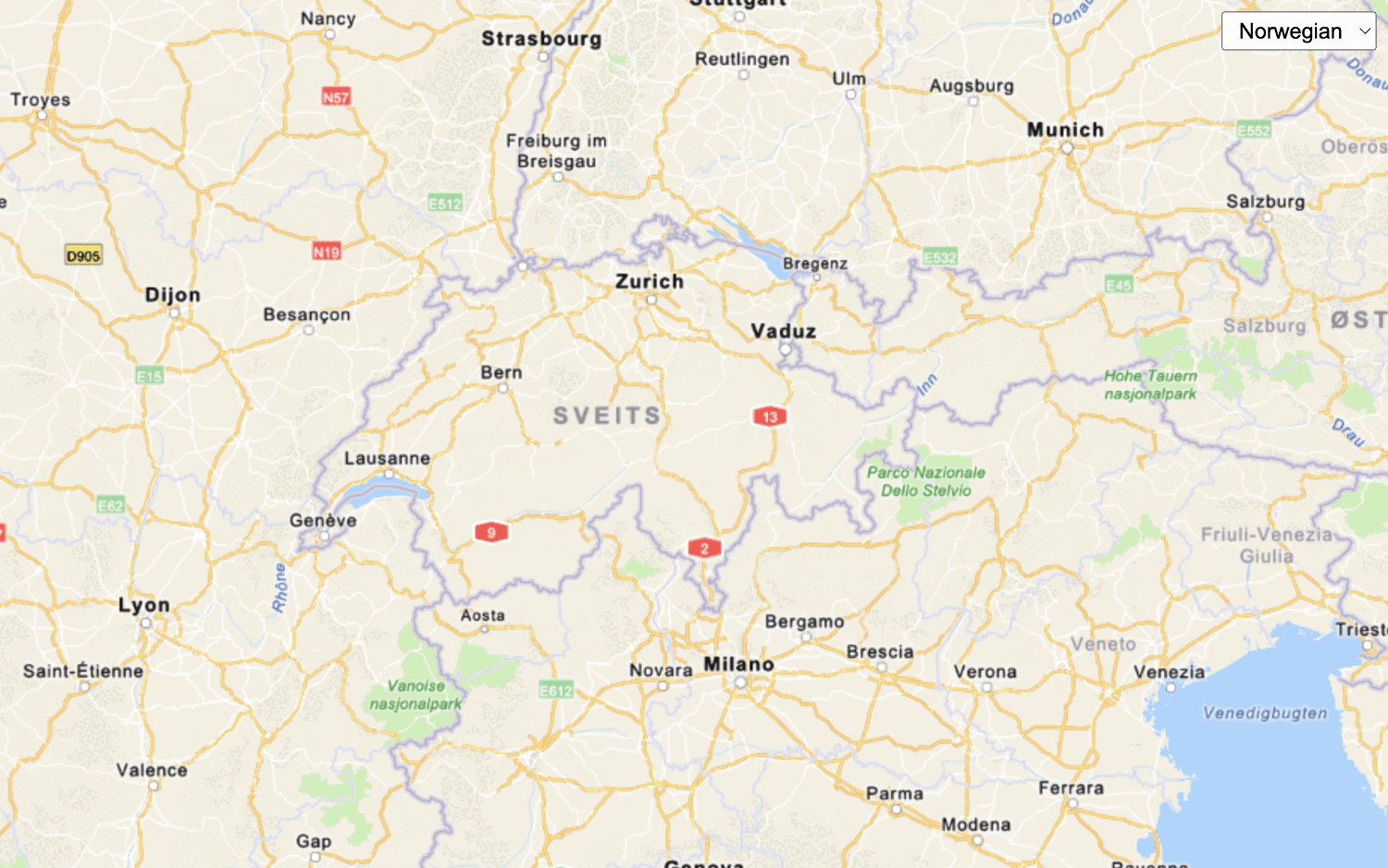
Display a map
Create and display a map with the ArcGIS Basemap Styles service.

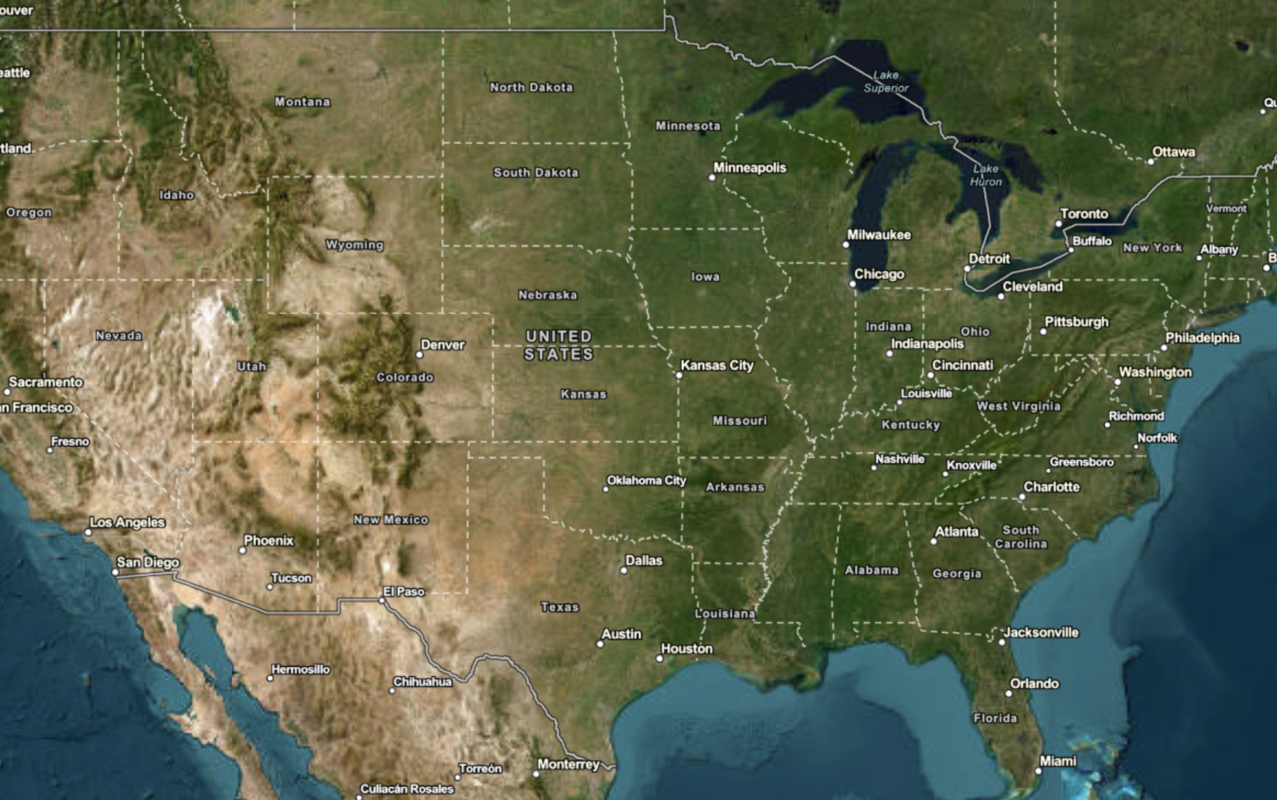
Display a map (basemap session)
Display a map with a basemap session that lasts for 12 hours.




Tools
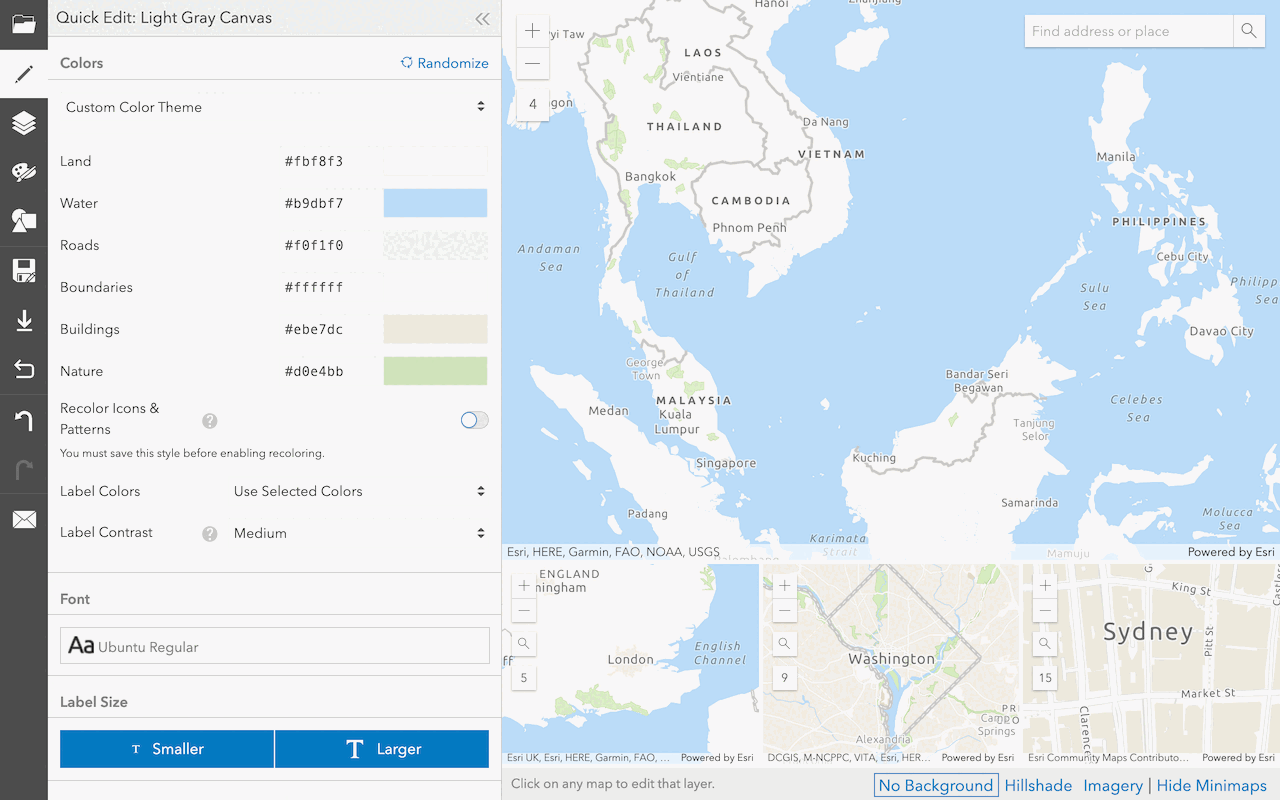
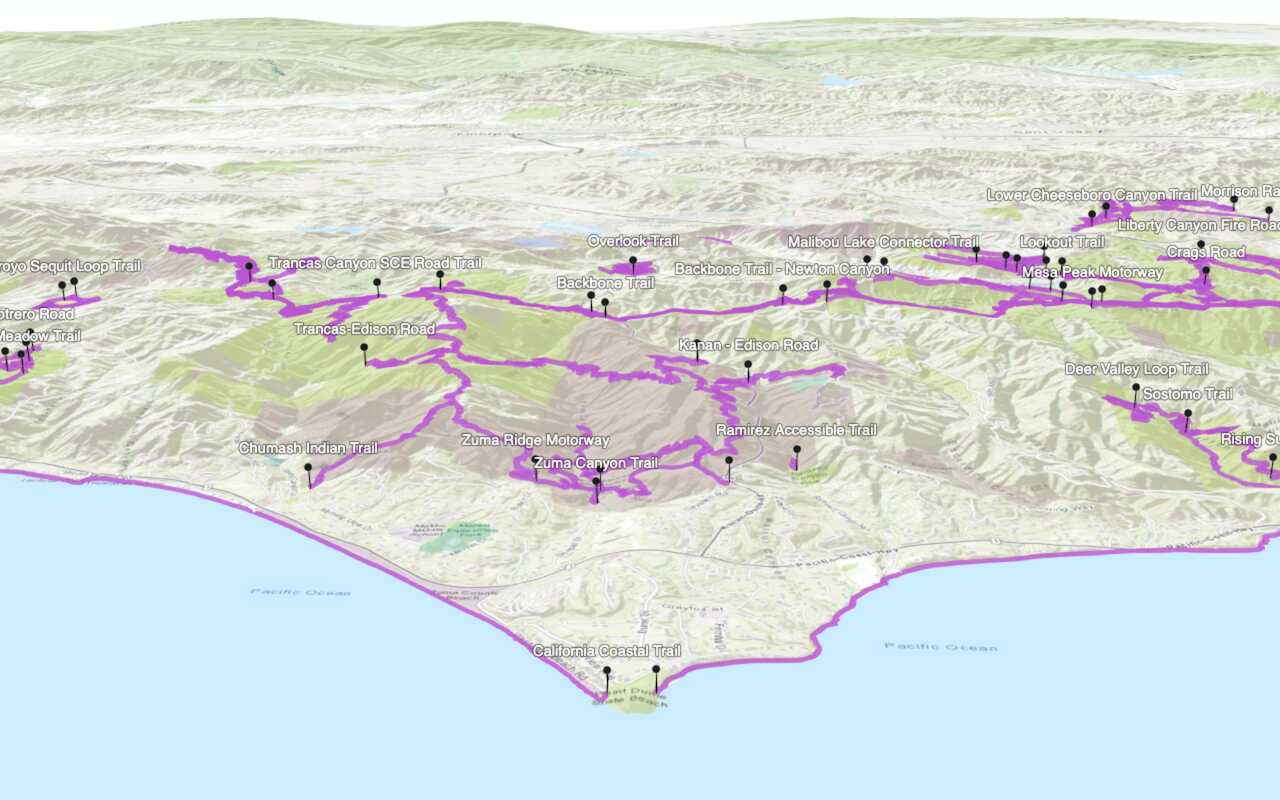
Create a custom basemap style
Use the ArcGIS Vector Tile Style Editor to style a vector tile basemap layer.


