Hosted data services
Feature data
A feature service
Steps
- Use ArcGIS portal to import your data and create a feature service and feature layer.
- Add the feature layer to a map with the Esri Leaflet plugin. Use the service URL or item ID.
- Optionally, use a SQL and/or spatial query to select a subset of features.
Style a feature layer
Learn how to use data-driven styling to apply colors and styles to feature data. The features are accessed and displayed on a map with the L.esri.feature class in the Esri Leaflet plugin.
Tutorials

Add a feature layer as GeoJSON
Display and style GeoJSON features from a feature service.

Style a feature layer
Use data-driven styling to apply symbol colors and styles to feature layers.
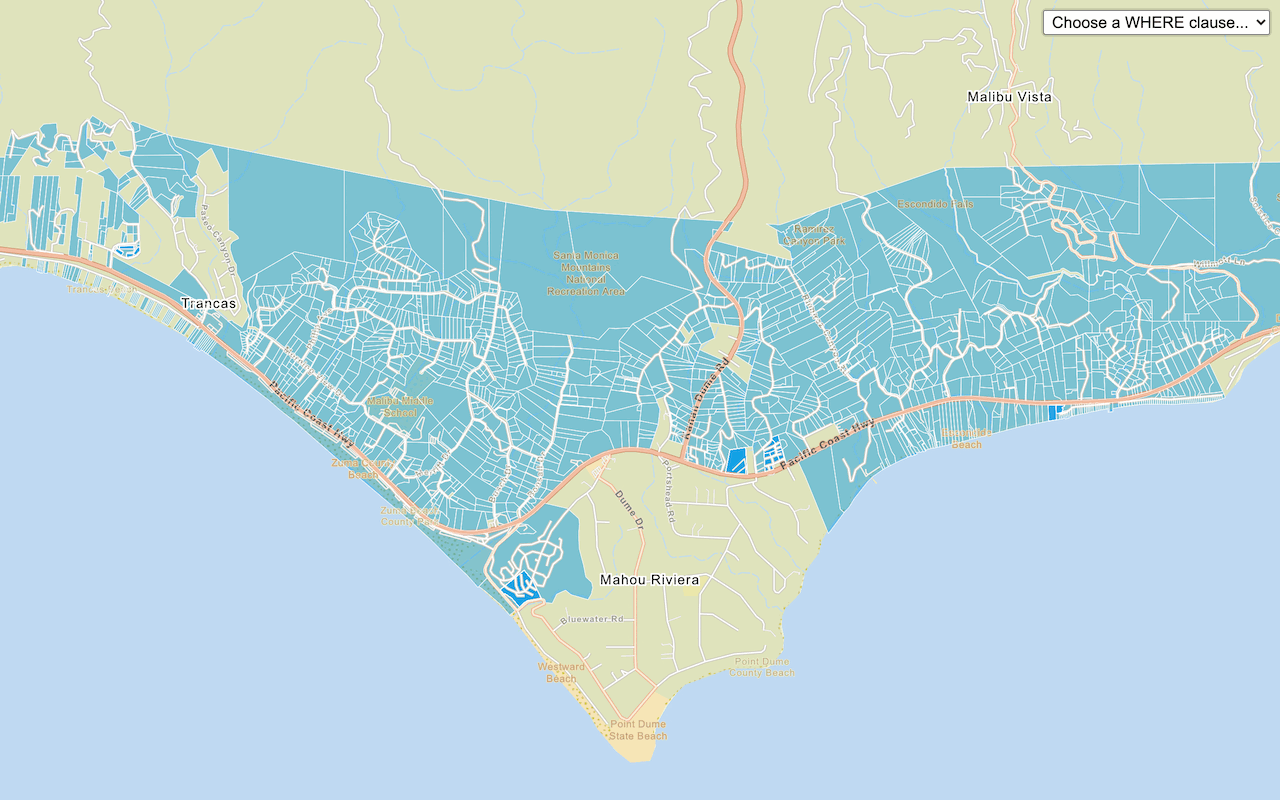
Query a feature layer (SQL)
Execute a SQL query to access polygon features from a feature layer.

Query a feature layer (spatial)
Execute a spatial query to access polygon features from a feature service.

Display a pop-up
Display feature attributes in a popup.
Vector tile data
A vector tile service
Steps
- Use ArcGIS portal to import your data and create a feature service (and feature layer).
- Publish a vector tile layer from the feature layer.
- Optionally, style the vector tile layer.
- Add the vector tile layer to a map with the Esri Leaflet plugin. Use the service URL or item ID.
Style vector tiles
Learn how to style vector tilesL.esri. class in the Esri Leaflet plugin.
Tutorials


Map tile data
A map tile service
Steps
- Use ArcGIS portal to import your data and create a feature service (and feature layer).
- Style the feature layer.
- Publish a map tile layer from the feature layer.
- Add the map tile layer to a map with the Esri Leaflet plugin. Use the service URL or item ID.
Display a map tile layer
Learn how to add a contour map tile layer on top of a basemap. The map tiles are accessed and displayed on a map with the L.esri.tiled class in the Esri Leaflet plugin.