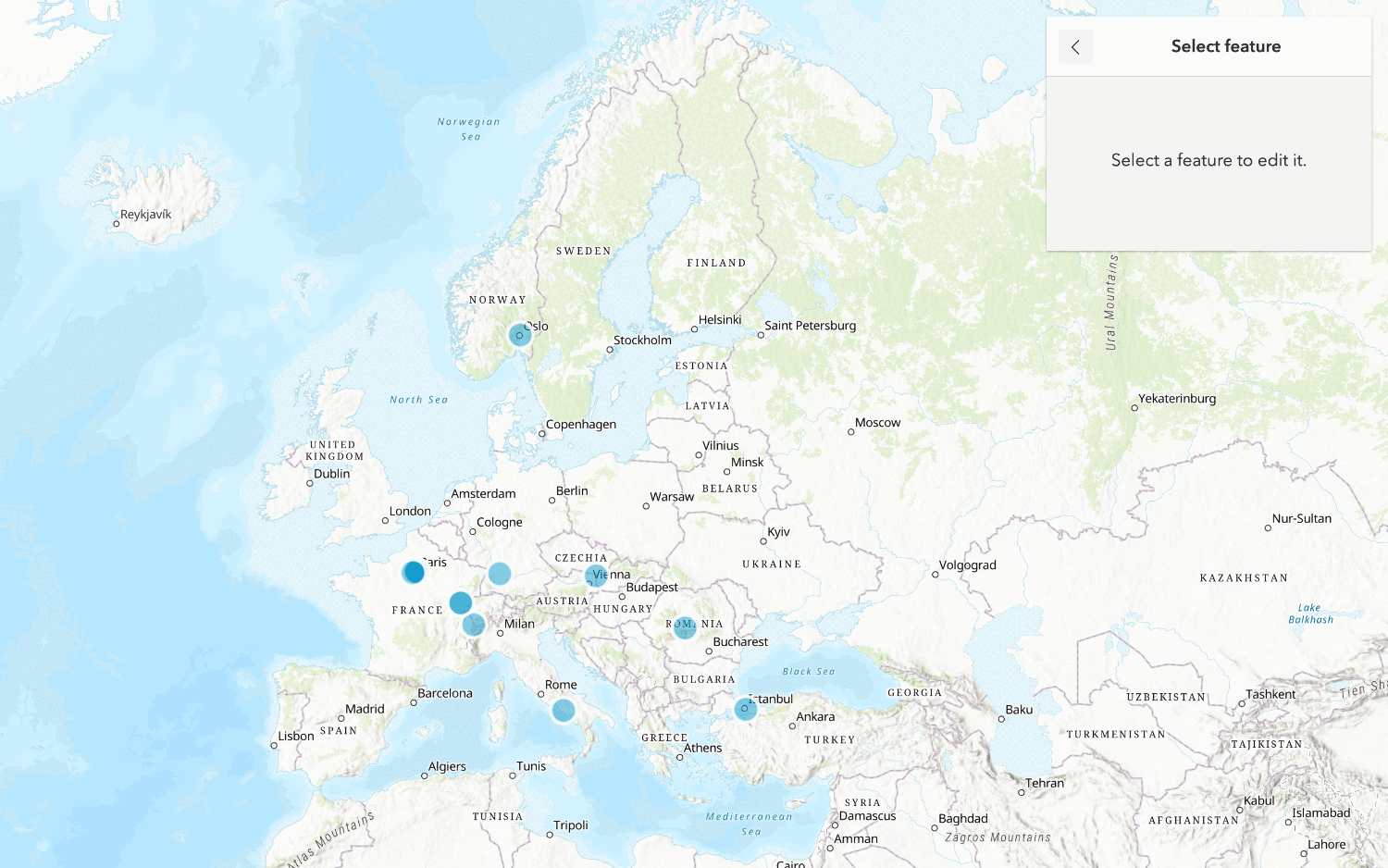
Learn how to use data management tools to create a new hosted feature layer.
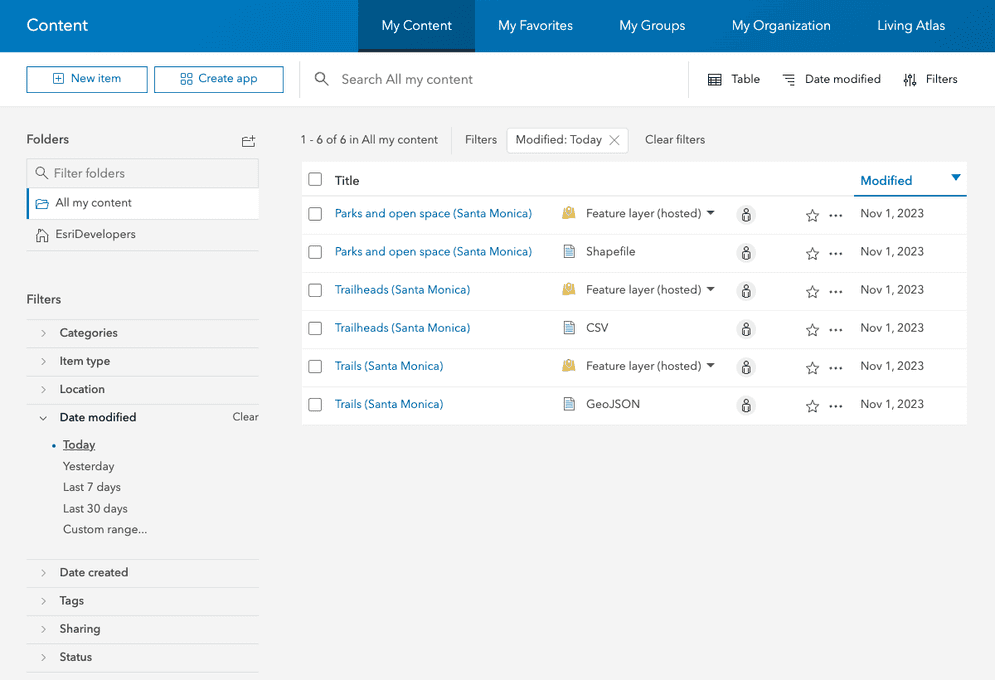
To create a new feature layer in a feature service, you can define a new dataset. To do so, you use data management tools
In this tutorial, you use data management tools and scripting APIs to create and define a new feature layer that can store points with attributes. You also use Map Viewer
Prerequisites
- You need an account
An ArcGIS account is an identity with a user type and set of privileges that can access specific ArcGIS products, tools, APIs, services, and resources. The main account types that can be used for development are an ArcGIS Location Platform account, ArcGIS Online account, and ArcGIS Enterprise account. ArcGIS Location Platform and ArcGIS Online accounts are also associated with a subscription. for ArcGIS Location PlatformArcGIS Location Platform, formerly known as ArcGIS Platform, is a Platform as a Service (PaaS) product that gives developers access to location services, APIs, and tools to build mapping and spatial analysis applications. It is subscription-based and requires an ArcGIS Location Platform account. , ArcGIS OnlineArcGIS Online is a GIS mapping, analytics, data hosting, and content management software as a service (SaaS) product. It includes applications, tools, APIs, and location services for users and developers. It is subscription-based and requires an ArcGIS Online account. , or ArcGIS EnterpriseArcGIS Enterprise is a GIS mapping, analytics, data hosting, and content management product that can be hosted on-premise or in a cloud infrastructure. It includes software, applications, tools, APIs, and services for users and developers. to create hosted data services. If you need an account, go to Get started.
- The Scripting APIs sections of this tutorial requires you to implement authentication. To learn more about the different types of authentication, go to Security and authentication.
Steps
Create a point feature layer
Use data management tools
Follow the steps below to use Data management tools or Scripting APIs:
In your web browser, go to https://location.arcgis.com, and sign in with your ArcGIS Location Platform account
-
In the top navigation bar, click Content.
-
Click New item > Feature Layer > Define your own layer.
-
Set the following properties of the feature layer
A hosted feature layer is a hosted layer (item) in a portal that is used to manage the properties and settings of a spatially-enabled feature layer in a feature service. :- Name:
my_points - Type: Point layer.
- Name:
-
Set the following properties of the ArcGIS Online item
An item, also known as a content item, is a resource stored in a portal such as a web map, hosted layer, style, script tool, file, or notebook. :- Title:
My Points - Tags:
Beach accessMalibu - Summary:
Place points along the California coast line.
- Title:
-
Click Next to create the new My Points feature layer
A hosted feature layer is a hosted layer (item) in a portal that is used to manage the properties and settings of a spatially-enabled feature layer in a feature service. and feature serviceA feature service is a data service that provides access to spatial and non-spatial data in feature layers, feature layer views, and tables. . -
In the item page
An item page is a web page in ArcGIS Online or the developer dashboard used to access and manage the properties for an item and the content it references such as a web map, hosted layer, or file. of the My Points layer, click the Data tab > Fields > Add. -
Create the following fields in the Fields window:
- Field 1
- Field Name:
id - Display Name:
id - Type:
Integer - Click: Add New Field
- Field Name:
- Field 2
- Click Add.
- Field Name:
name - Display Name:
name - Type:
String - Length:
256 - Click: Add New Field
- Field 3
- Click Add
- Field Name:
rating - Display Name:
rating - Type:
String - Length:
256 - Click: Add New Field
- Field 1
To access a hosted layer from an application, you need to be able to identify its ID
-
Scroll down to find the service URL. For example:
https://services3.arcgis.com/ G Vgb Jbqm8h XASV Yi/arcgis/rest/services/my _points/ Feature Server -
Click View to access the metadata for the feature layer. Find the Service ItemId. For example:
70264c2e37784a819e235d3a0129832f.
- Import the required libraries.
- Implement authentication.
- Reference the feature service.
- Execute the
updateoperation.Definition - Handle the results.
# create the service
new_service = portal.content.create_service(
name="My Points",
create_params=create_params,
tags="Beach Access,Malibu",
)
# Add layer definition and schema
new_feature_layer = FeatureLayerCollection.fromitem(new_service)
new_feature_layer.manager.add_to_definition(layer_schema)
print(
f"New hosted featurelayer created: \n\tid: {new_service.id}\n\t"
"url: {new_service.url}"
)Enable editing
To add, update, and delete features in your feature layer, you need to enable editing.
Follow the steps below to use Data management tools or Scripting APIs:
-
In the item page, click Share to ensure that sharing permissions are set to Owner > Save.
-
Click the Settings tab.
-
Under Feature layer (hosted), click Enable editing.
-
Click Save.
- Import the required libraries.
- Implement authentication.
- Reference the feature service.
- Execute the
updateoperation.Definition - Handle the results.
# get feature service as a FeatureLayerCollection
feature_layer = FeatureLayerCollection.fromitem(feature_service)
# update capabilities to enable editing
results = feature_layer.manager.update_definition(
{"capabilities": "Query, Extract, Editing, Create, Delete, Update"}
)
print(results)Add feature data
You can use Map Viewer, ArcGIS Pro, or a scripting API to add, update, or delete features.
Map Viewer
-
Open Map Viewer.
-
Sign into your account.
-
In the left panel, click Layers > Add > My Points > Add to Map.
-
On the right panel, click Map tools > Search. Type in
34.01757,-118.82549and zoom to Zuma Beach. -
On the bottom of the right panel, click Edit to open the editor.
-
In the Editor, click New Feature and click on the map to create a new point. Set the following attribute values:
- id:
1 - name:
Zuma Beach - rating:
Good - Click Create
- id:
-
Add another point to the map at Westward Beach:
- Search for Westward Beach at the following coordinates:
34.00637,-118.812791 - Click Edit > New Feature and create a new point at the coordinates with the following attribute values:
- id:
2 - name:
Westward Beach - rating:
Excellent - Click Create
- id:
- Search for Westward Beach at the following coordinates:
-
Add another point to the map at Point Dume County Beach:
- Search for Point Dume County Beach at the following coordinates:
34.00339,-118.80485 - Click Edit > New Feature and create a new point at the coordinates with the following attribute values:
- id:
3 - name:
Point Dume County Beach - rating:
Poor - Click Create
- id:
- Search for Point Dume County Beach at the following coordinates:
-
Add any additional points you would like to include on your map using the method described above.
-
In the left panel, click Layers > My Points > ... > Show table to view the attribute data of your hosted feature layer
A hosted feature layer is a hosted layer (item) in a portal that is used to manage the properties and settings of a spatially-enabled feature layer in a feature service. . This opens the table view that you can use to inspect and edit data values.
- Import the relevant libraries.
- Implement authentication.
- Reference the feature service.
- Create new features.
- Execute the edit operation.
- Handle results.
// execute method
const results = await addFeatures({
authentication: auth,
url: '<YOUR_FEATURELAYER_URL>',
features: newFeatures,
});
// handle results
results.addResults.forEach(res=>{
console.log(res)
})
You now have a hosted feature layer
What's next?
Learn how to use additional tools, APIs, and location services in these tutorials:

Import data to create a feature layer
Use data management tools to import files and create a feature layer in a feature service.

Manage a feature layer
Use a hosted feature layer item to set the properties and settings of a feature layer in a feature service.

Create a vector tile service
Use data management tools to create a new vector tile service from a feature service.