Learn how to use developer tools
Portal
Learn how to create web maps




Portal service
Learn how to access items in your portal.

Sign in and access your portal
Use the portal service to sign in and access your portal.
List items in your portal
Use the portal service to list items in your portal.

List API keys by expiration date
Use ArcGIS API for Python to list API keys in your portal.
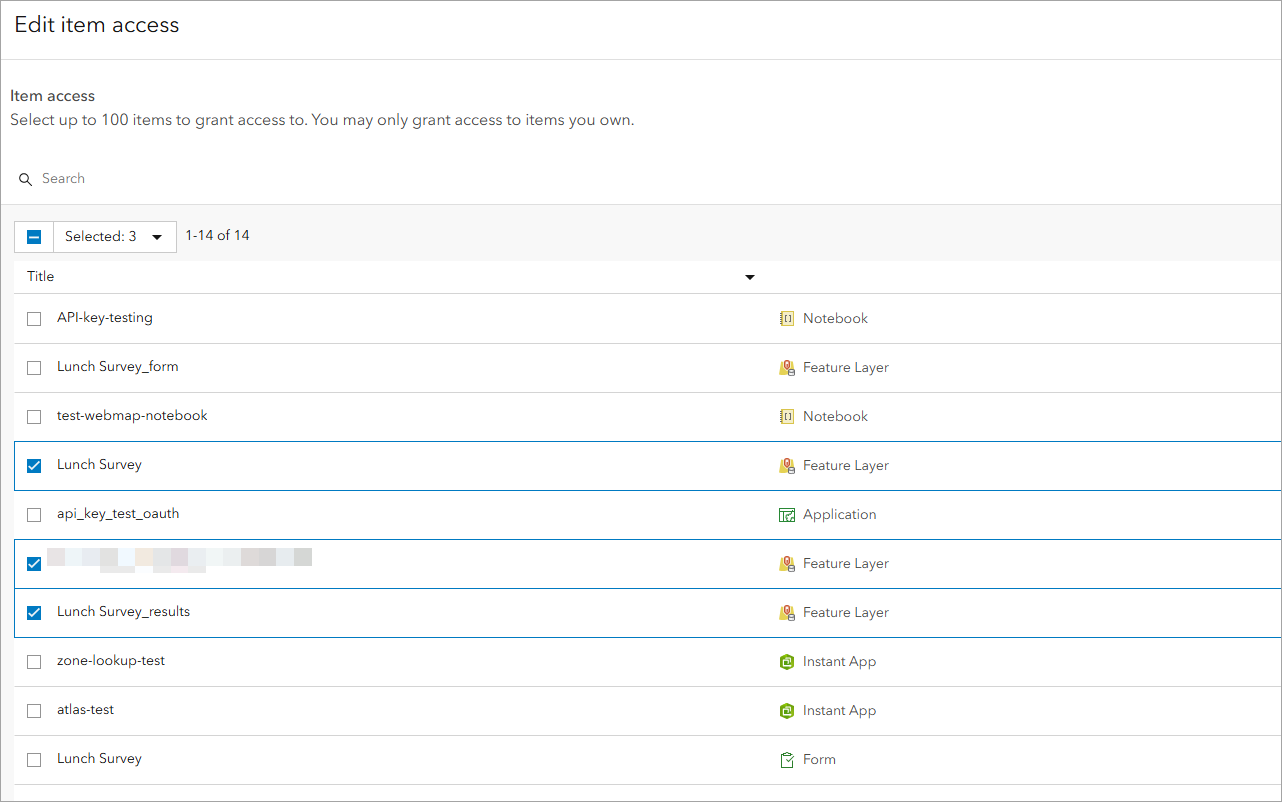
List items scoped to an API key
Use ArcGIS API for Python to list items scoped to an API key in your portal.
Data services
APIs
Follow step-by-step instructions or download code solutions for different ArcGIS Maps SDKs, scripting APIs, and open source libraries.
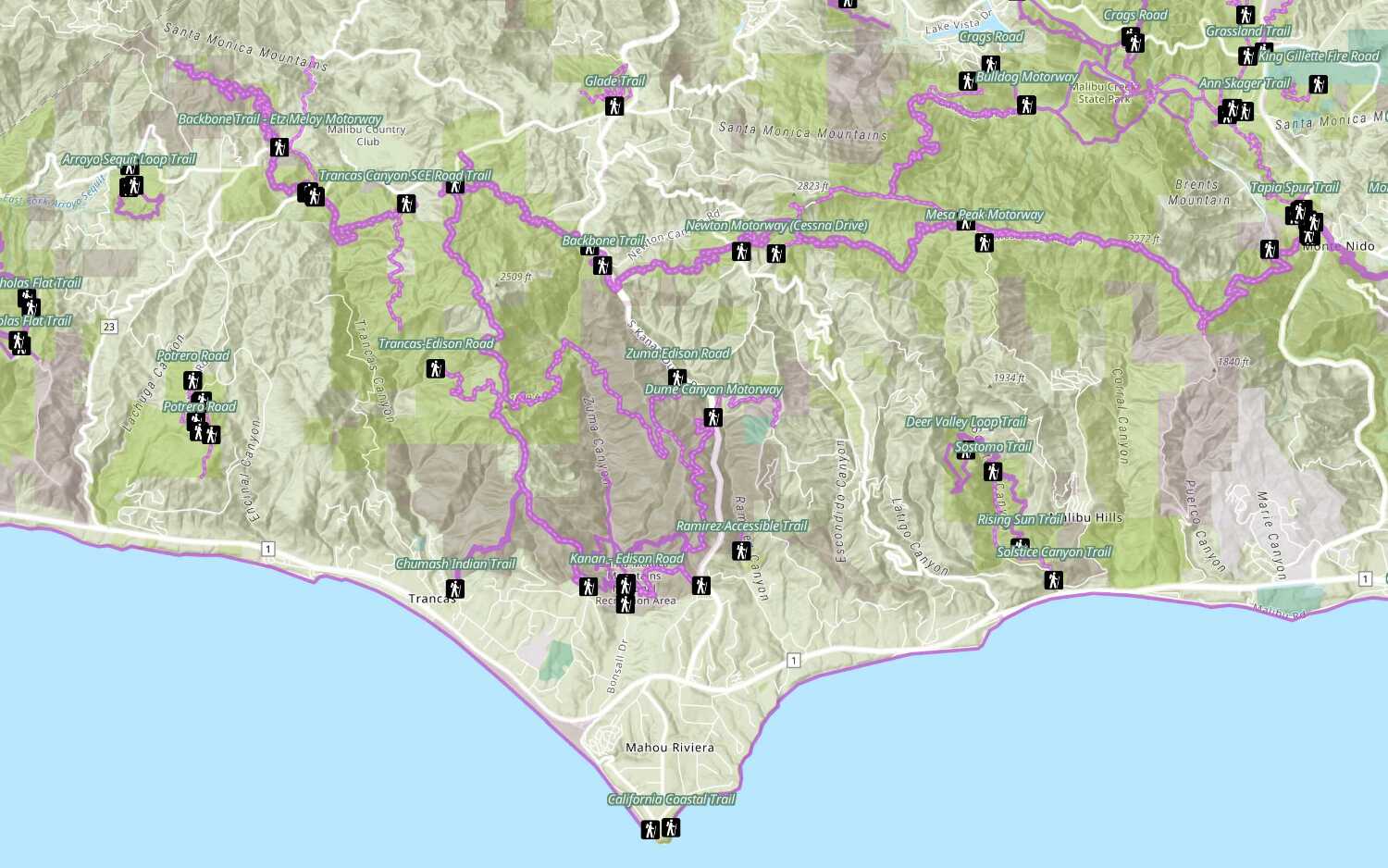
Add a feature layer
Access and display point, line, and polygon features from a feature service.
Add a feature layer from a portal item
Access and display point, line, and polygon features from a feature service using portal item ID.
Style a feature layer
Use symbols and renderers to style feature layers.
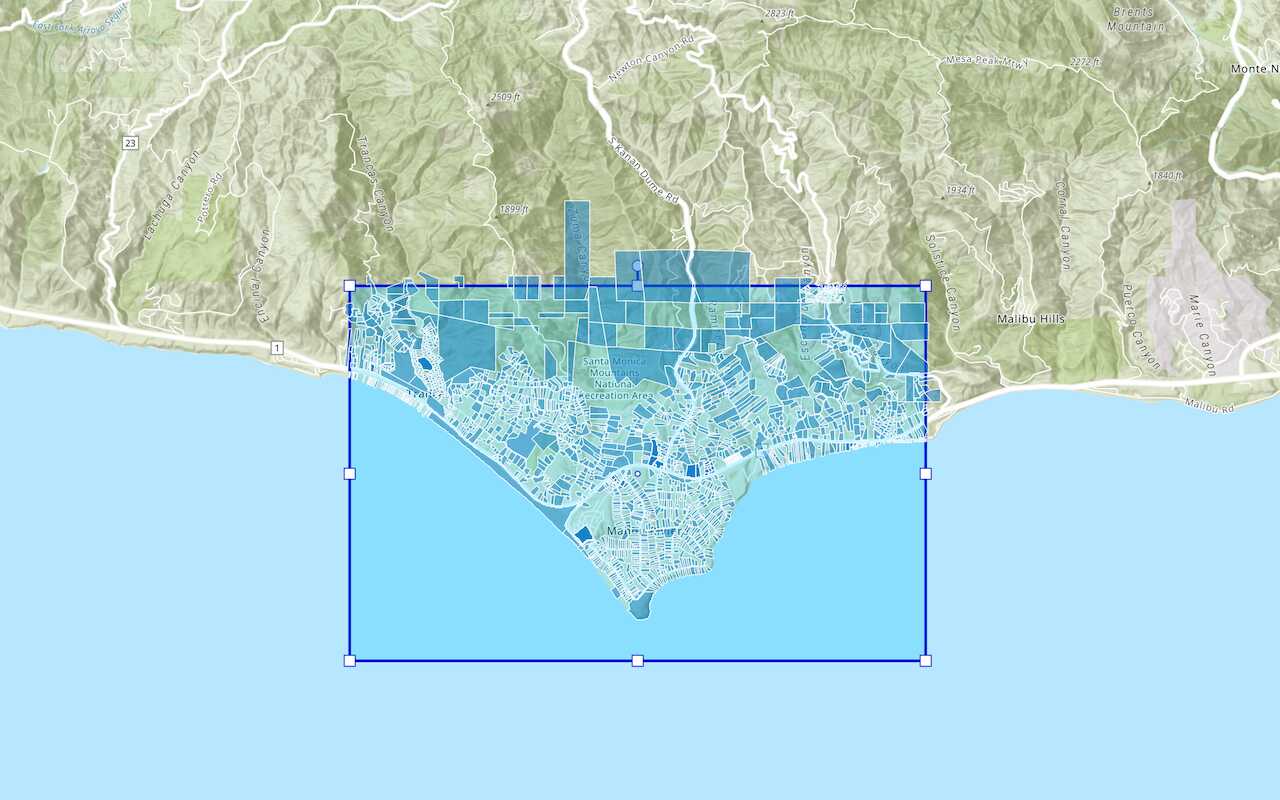
Query a feature layer (spatial)
Execute a spatial query to get features from a feature layer.
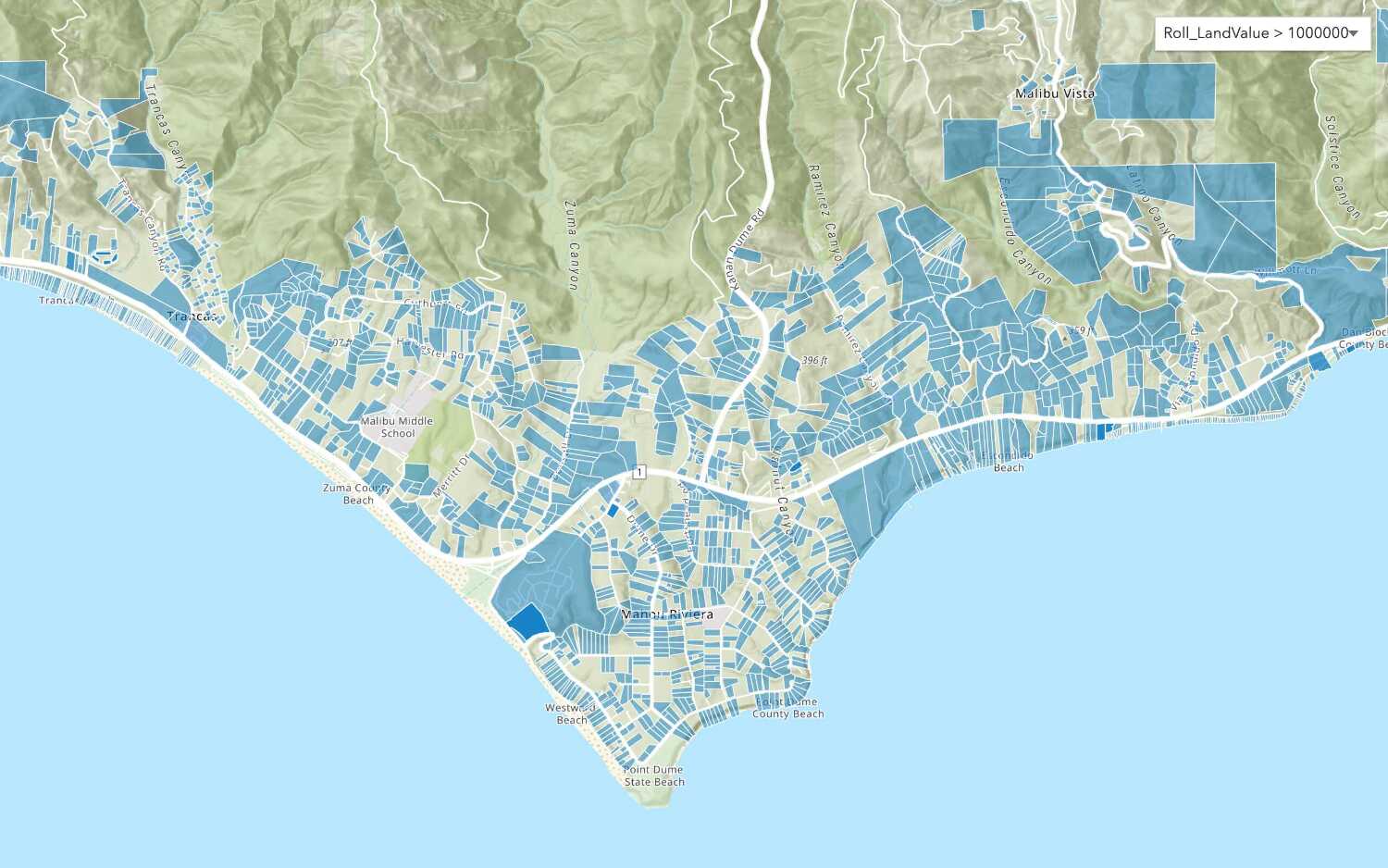
Query a feature layer (SQL)
Execute a SQL query to access polygon features from a feature layer.
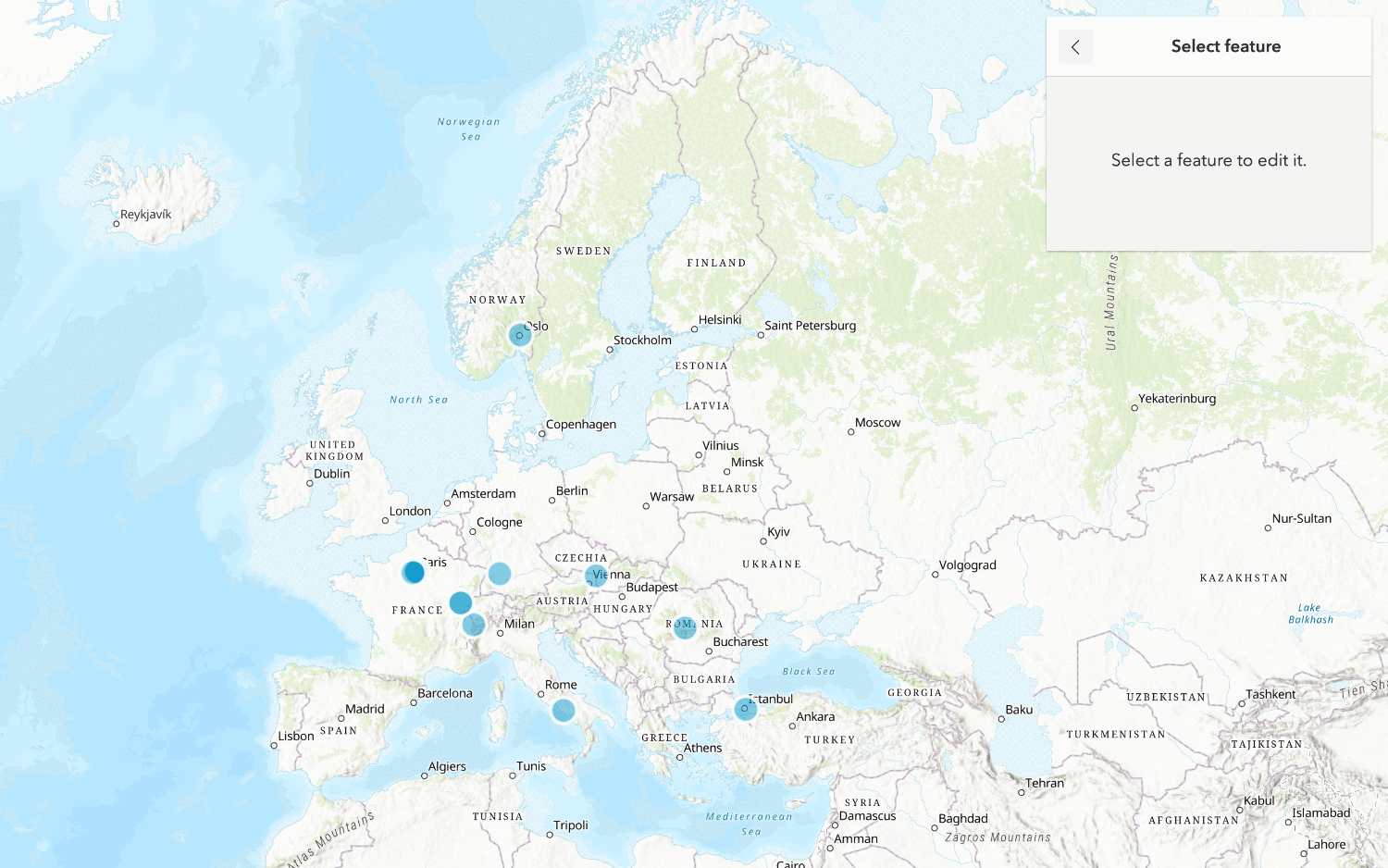
Edit feature data

Display a popup
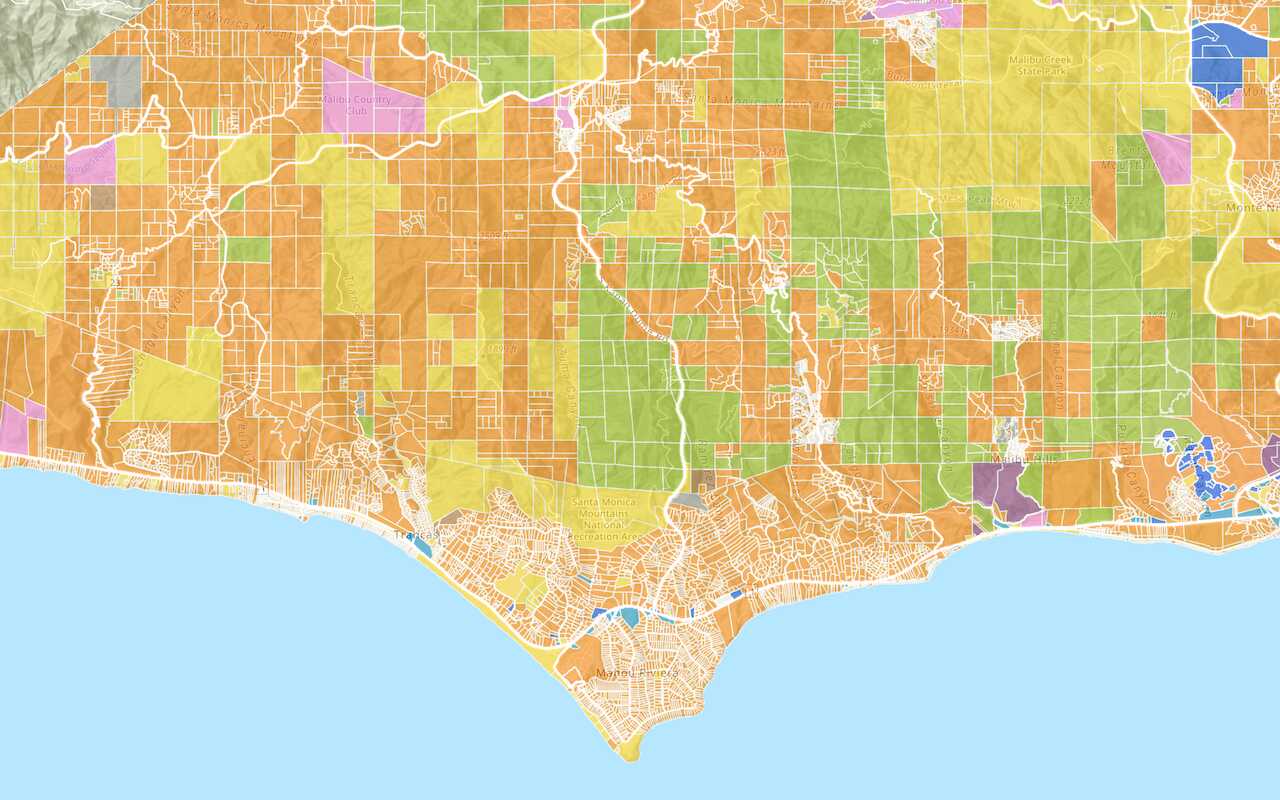
Format a popup to show attributes in a feature layer.

Tools
Learn how to use the portal to create and manage your data.

Import data to create a feature layer
Use data management tools to import files and create a feature layer in a feature service.
Define a new feature layer
Use data management tools to define and create a new empty feature layer in a feature service.

Manage a feature layer
Use a hosted feature layer item to set the properties and settings of a feature layer in a feature service.