What are items?
An item
Items in portal are created when content is added to the portal by users or shared with them by others. Items can contain various types of data, such as spatial datasets, imagery, web maps, and web apps
Certain items can be created during the content creation process:
- Running an analysis tool can produce a layer
A layer is a reference to a collection of geographic data that is used to access and display data. The data for layers are typically provided by the basemap layer service and data services. item containing results. - Creating dashboards
A dashboard is configurable web application created with ArcGIS Dashboards that presents location-based analytics through interactive data visualizations on a single screen. , templatesA template is a pre-designed web application that is configurable and serves as a starting point for creating maps and applications. in other apps, or saving mapsA map is a collection of layers that are displayed in 2D. It is typically composed of a basemap layer and data layers. or scenesA scene is a collection of layers that are displayed in 3D. It is typically composed of a basemap layer, data layers, and 3D data. results in items saved in the organizationAn organization a list of members from the same business, association, or entity who can sign in, access tools and applications, and collaborate with other members in a portal. All members have an ArcGIS account and are approved by an administrator to access the same portal. . - Adding files to Map Viewer
Map Viewer is a browser-based mapping tool that can view, create, and save web maps. It can also perform mapping, visualization, and spatial analysis operations. also creates items.
If the content already exists elsewhere, you can add this content to your organization making it accessible as an item. Existing content can be a file on a server, a service on the internet or an organization's intranet, or an app or file accessible via a URL.
Why use items?
You can use an item to:
- Securely store different types of content
Content is a collection of items in a portal that belong to a user, group, or organization. in the portal. - Manage all properties and capabilities of the content.
- Share content with different users and groups.
- Access data and services.
Supported item types
Many different types of itemsURL are stored, and depending upon the type of service, child data may also be stored with the item such as a renderer
Below is a list of some of the more common content item types, the label used in ArcGIS Online
| Type | Label | Data Type | Description |
|---|---|---|---|
Web Map | Web map | Text/JSON | A map with its configuration stored as a JSON structure. |
Web Scene | Web scene | Text/JSON | A scene with its configuration stored as a JSON structure. |
Feature Service | Feature Layer (hosted) | Text/JSON | A hosted layer that references a feature layer in a feature service. |
Vector Tile Service | Tile Layer (hosted) | Text/JSON | A hosted layer that references tile data and styles for a vector tile service. |
Map Service | Tile Layer (hosted) | Text/JSON | A hosted layer that references static tile data in a Map service. |
CSV | CSV | File | A reference to a file that contains comma separated values. |
Shapefile | Shapefile | File | A reference to a zipped file that contains a shapefile. |
Another supported item type is developer credentials
| Type | Description |
|---|---|
AP | Type of developer credentials used to implement API key authentication |
O | Type of developer credentials used to implement User authentication |
Item properties
All items contain a common set of properties such as the owner, title, type, tags, thumbnail, and description. These properties are common to all types of items and are set when the item is created. The properties are also used to search for the item.
When an item is created, it is assigned a unique identifier, also known as an item ID
Items that reference services can be used to manage the properties and capabilities of that service. For example, you can use a hosted feature layer
An item's sharing permissions can also be set with its access property, so that it can be accessed by only its owner (private), the members of an organizationorg), or everyone (public).
These properties are typically set using an item page
Tutorials
Use tools to create different types of content
Web maps


Display a web map
Create and display a map from a web map.
Web scenes

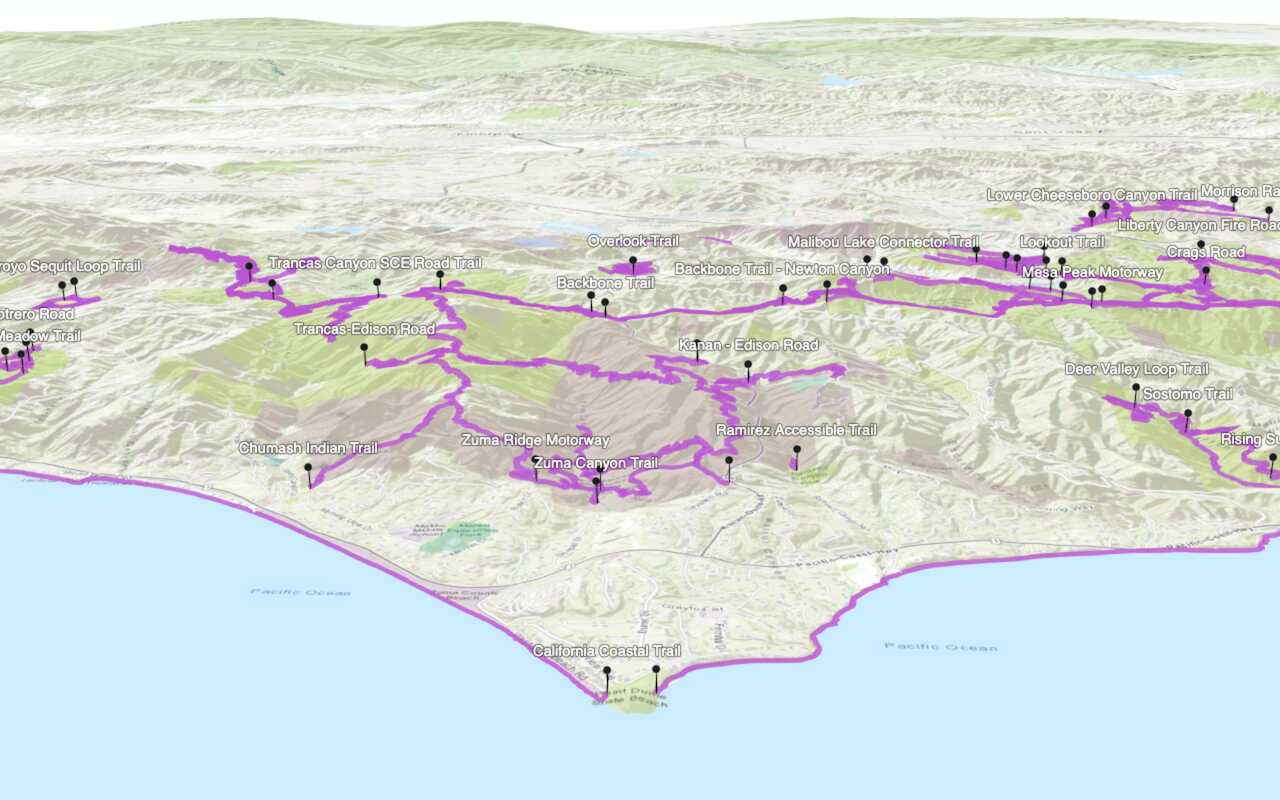
Display a web scene
Create and display a scene from a web scene.
Feature layers

Import data to create a feature layer
Use data management tools to import files and create a feature layer in a feature service.

Manage a feature layer
Use a hosted feature layer item to set the properties and settings of a feature layer in a feature service.
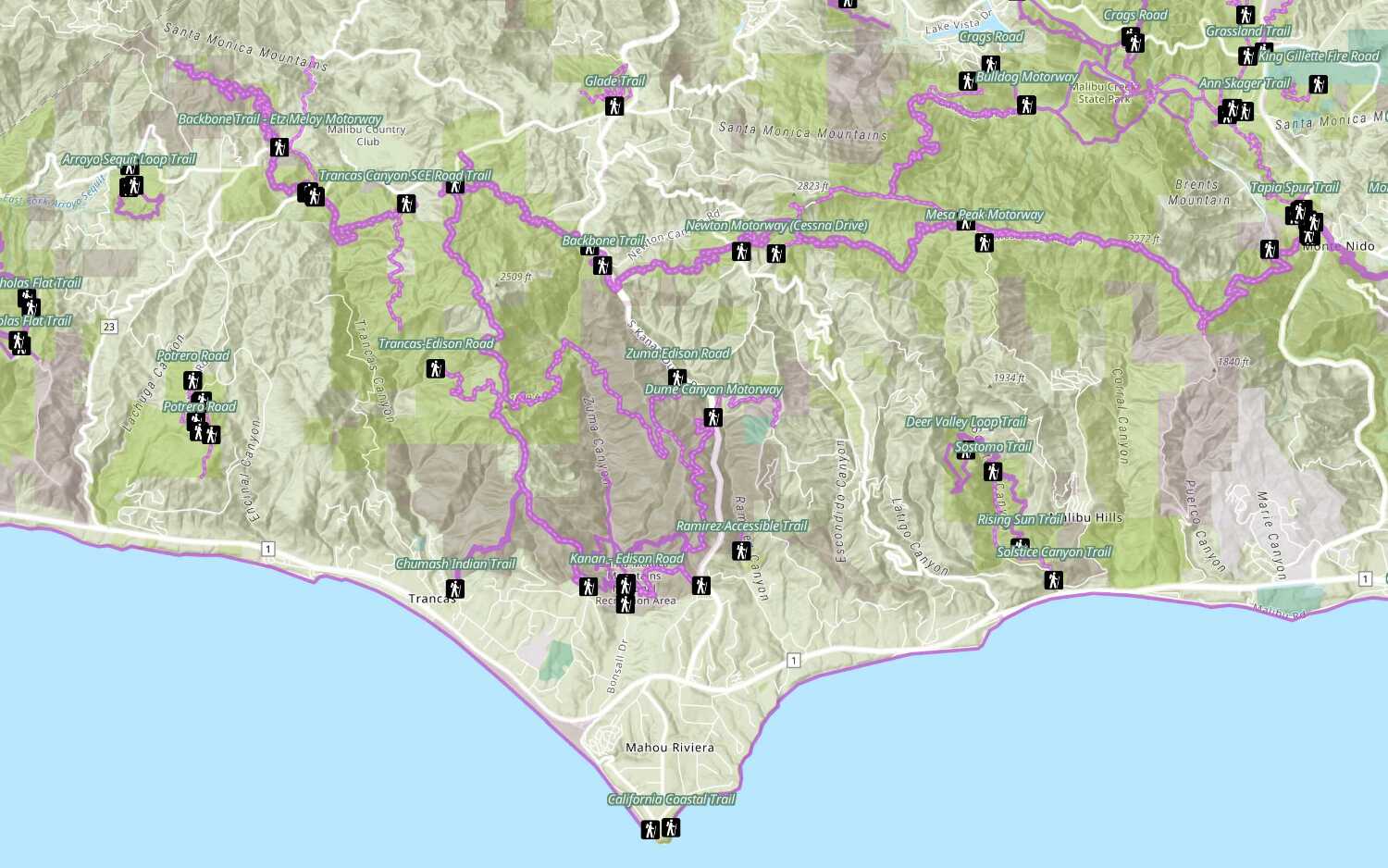
Add a feature layer
Access and display point, line, and polygon features from a feature service.
Vector tile layers

Create a vector tile service
Use data management tools to create a new vector tile service from a feature service.
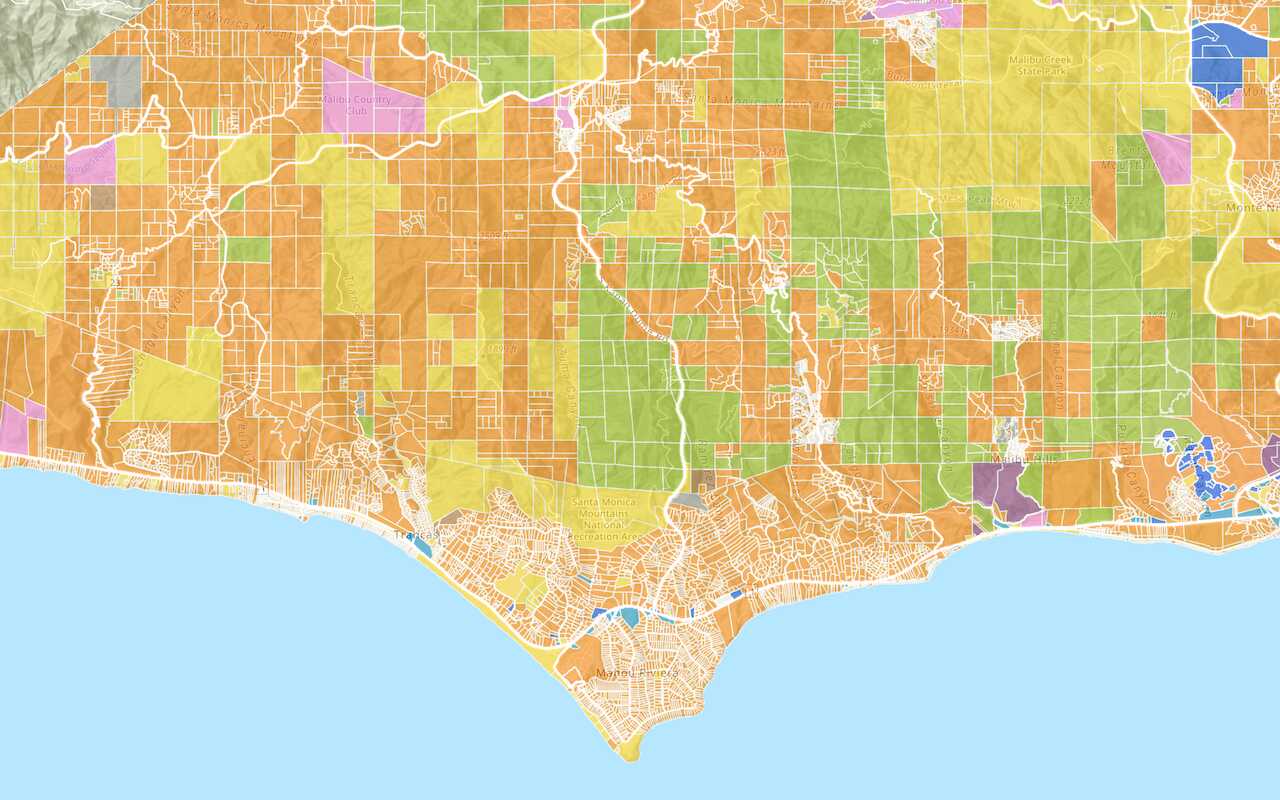
Add a vector tile layer
Basemap layers
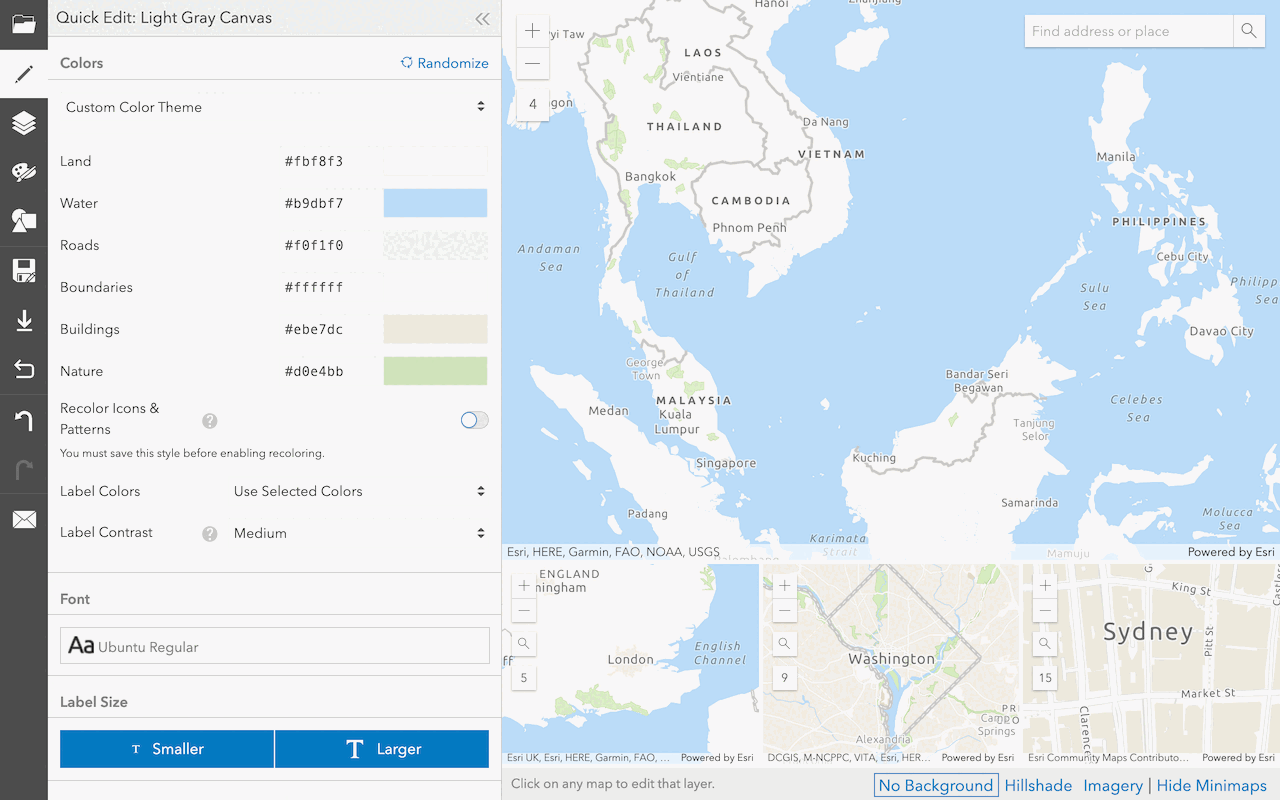
Create a custom basemap style
Use the ArcGIS Vector Tile Style Editor to style a vector tile basemap layer.
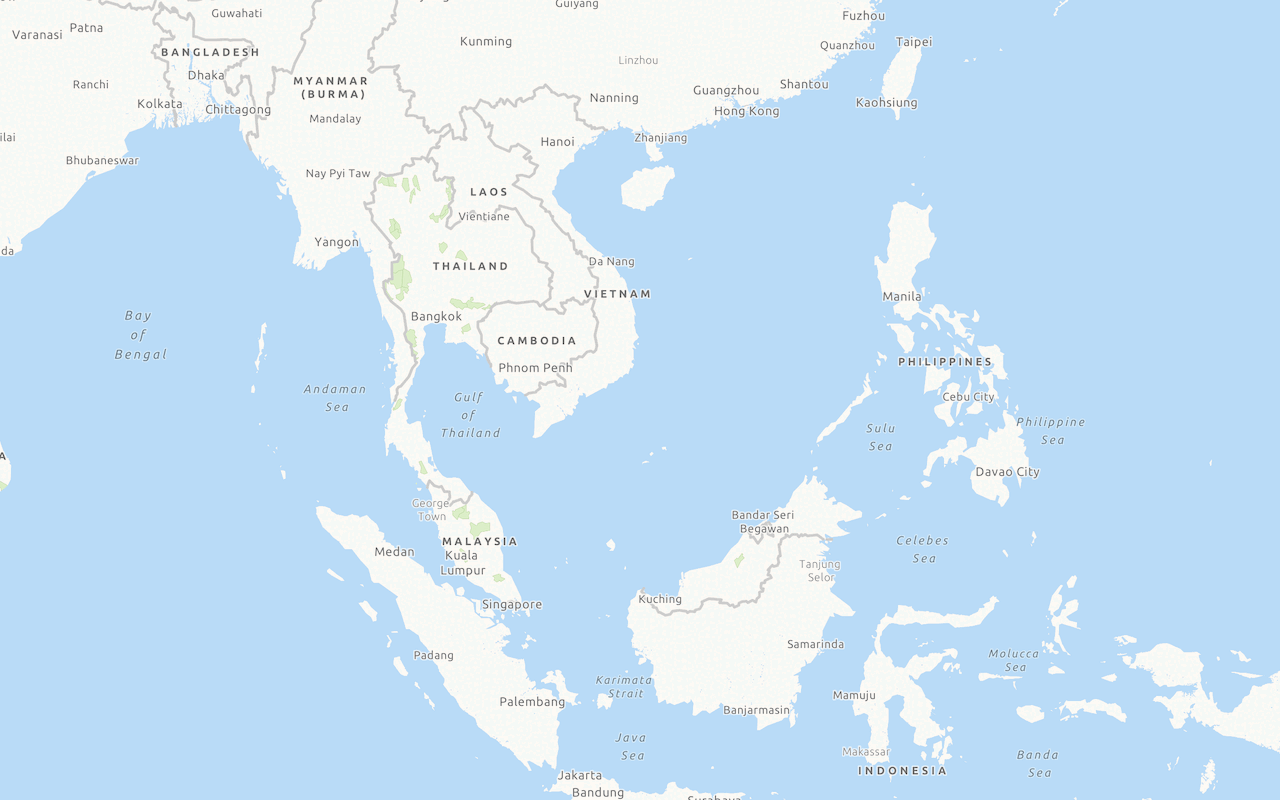
Display a custom basemap style
Add and display a styled vector tile basemap layer.
Services
API support
- 1. Limited operations, use HTTP requests.
- 2. Access via ArcGIS REST JS.
Tools
Use tools to access the portal and create and manage content for applications.
ArcGIS Enterprise
Create, manage, analyze, and share data, maps, and applications in your organization.
Portal
Create, manage, and access content and data services for applications.
Map Viewer
Create, explore, and share web maps for 2D applications.
Scene Viewer
Create, style, and explore web scenes.
Vector Tile Style Editor
Create styles for basemap and vector tile layers.
Content management tools
Create, manage, organize, and share items in a portal.
Data management tools
Import data and create hosted layers and data services. Upload and manage documents, images, and other files.
Spatial analysis tools
Perform feature and raster analysis to create new datasets with the Map Viewer.
Developer credentials tool
Create API key and OAuth 2.0 developer credentials for custom applications.
Items
Manage and share items.
ArcGIS Pro
Create, style, and explore maps and scenes.
Geoprocessing tools
Import, manage, and analyze data.