What is a vector tile service?
A vector tile service
Vector tile services are typically used to take advantage of GPU rendering in a browser to display large amounts of features in mapping applications.
What can you do with a vector tile service?
You use a vector tile service when you want to:
- Publish a vector tile service from a feature layer in feature service.
- Store and access data as pre-cached (static) vector tiles in PBF format.
- Provide styles for tiles that are rendered on the client and can be re-styled.
- Support high-resolution GPU rendering on different devices.
- Create and use your own basemap layer styles with the ArcGIS Vector Tile Style Editor
The ArcGIS Vector Tile Style Editor is a web-based application used to create, edit, and save a custom style for vector tile basemap layer. . - Optimize accessing and displaying large amounts of data as tiles.
- Use vector tile data in offline applications.
What does the service URL look like?
When you publish a new vector tile service, the URL is created by the system. To find the URL you can use the hosted vector tile layer item in the portal associated with your ArcGIS account.
The service URL format to access the style is:
https://{host}/{organizationId}/arcgis/rest/services/{serviceName}/VectorTileServer/resources/styles/root.jsonExample: https
The service URL format to access the vector tiles is:
https://{host}/{organizationId}/arcgis/rest/services/{serviceName}/VectorTileServer/tile/{z}/{y}/{x}.pbfExample: https
Tutorials
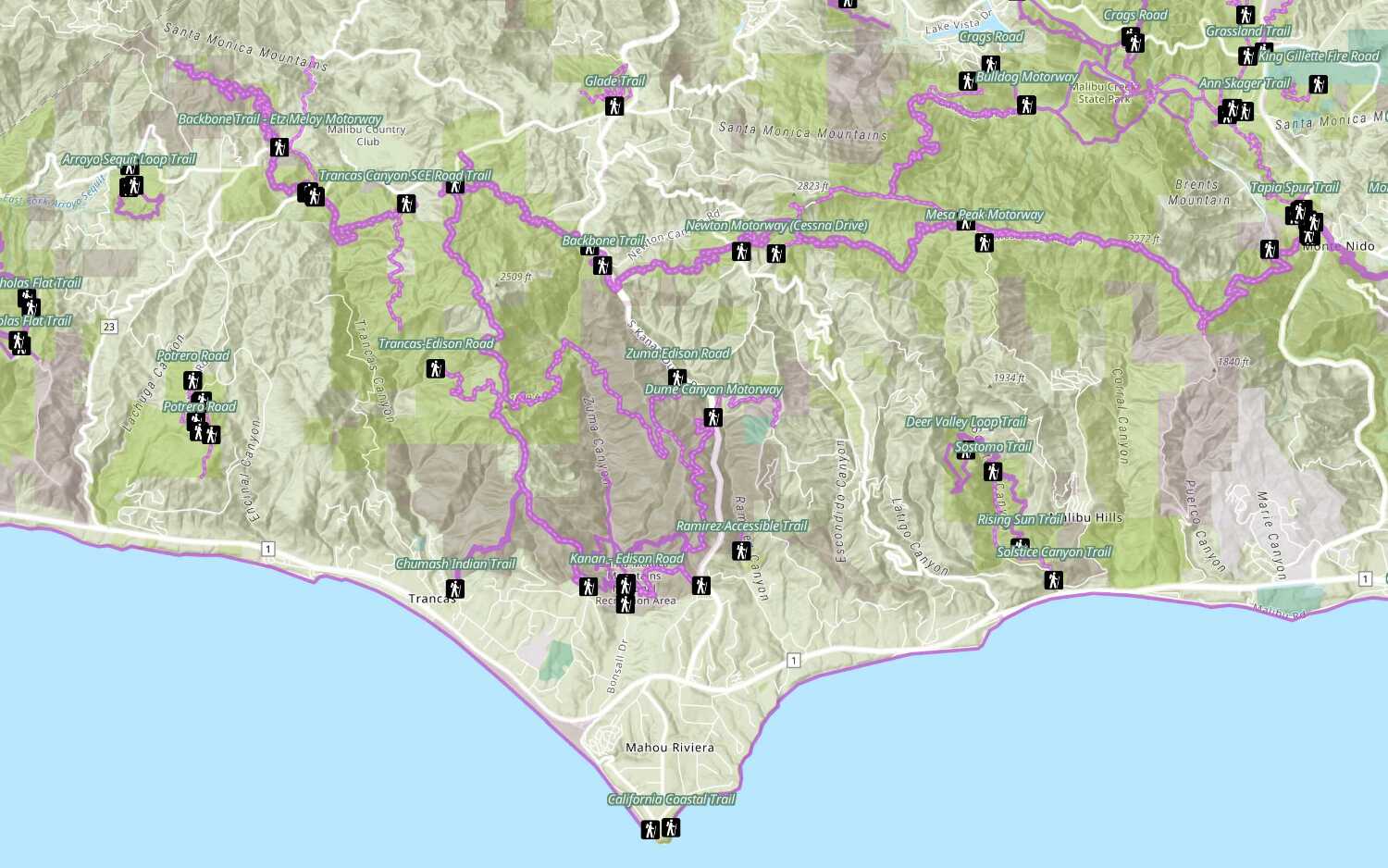
Add a feature layer
Access and display point, line, and polygon features from a feature service.
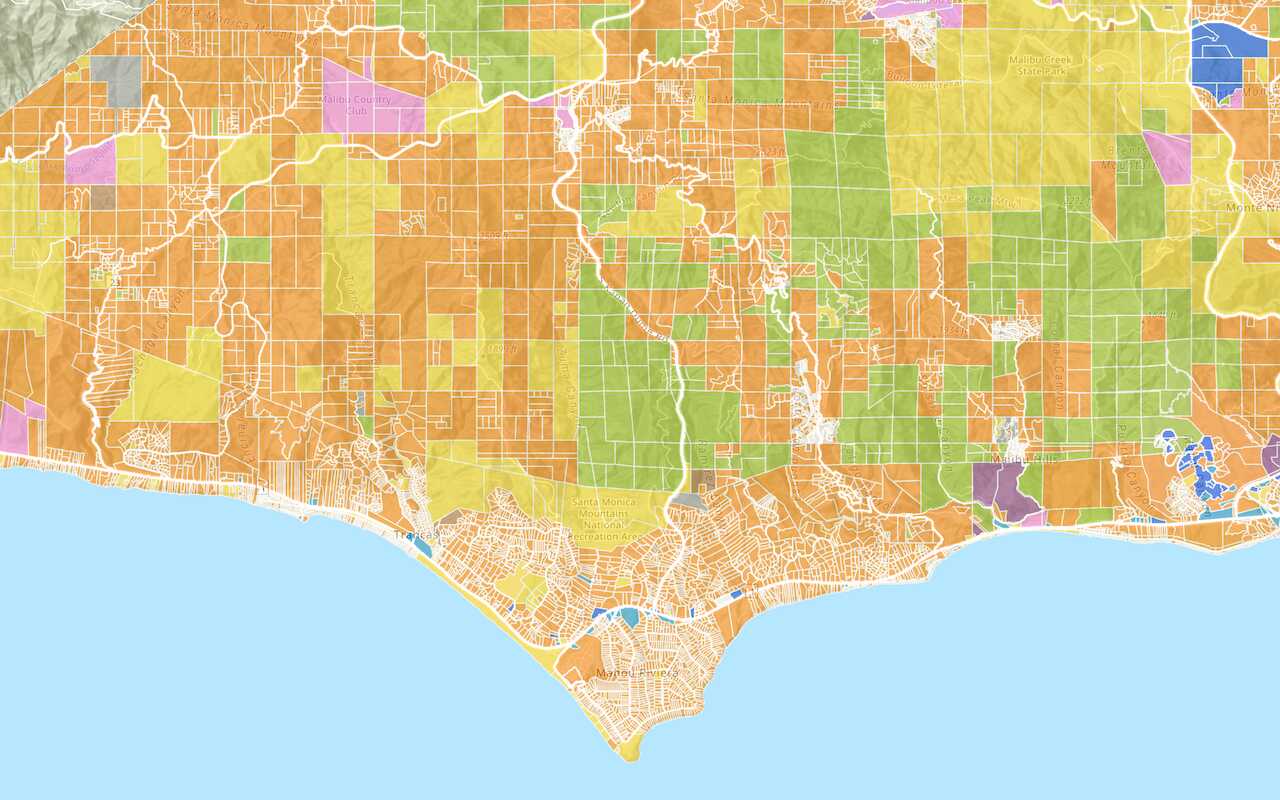
Add a vector tile layer

Add a map tile layer
Style a feature layer
Use symbols and renderers to style feature layers.
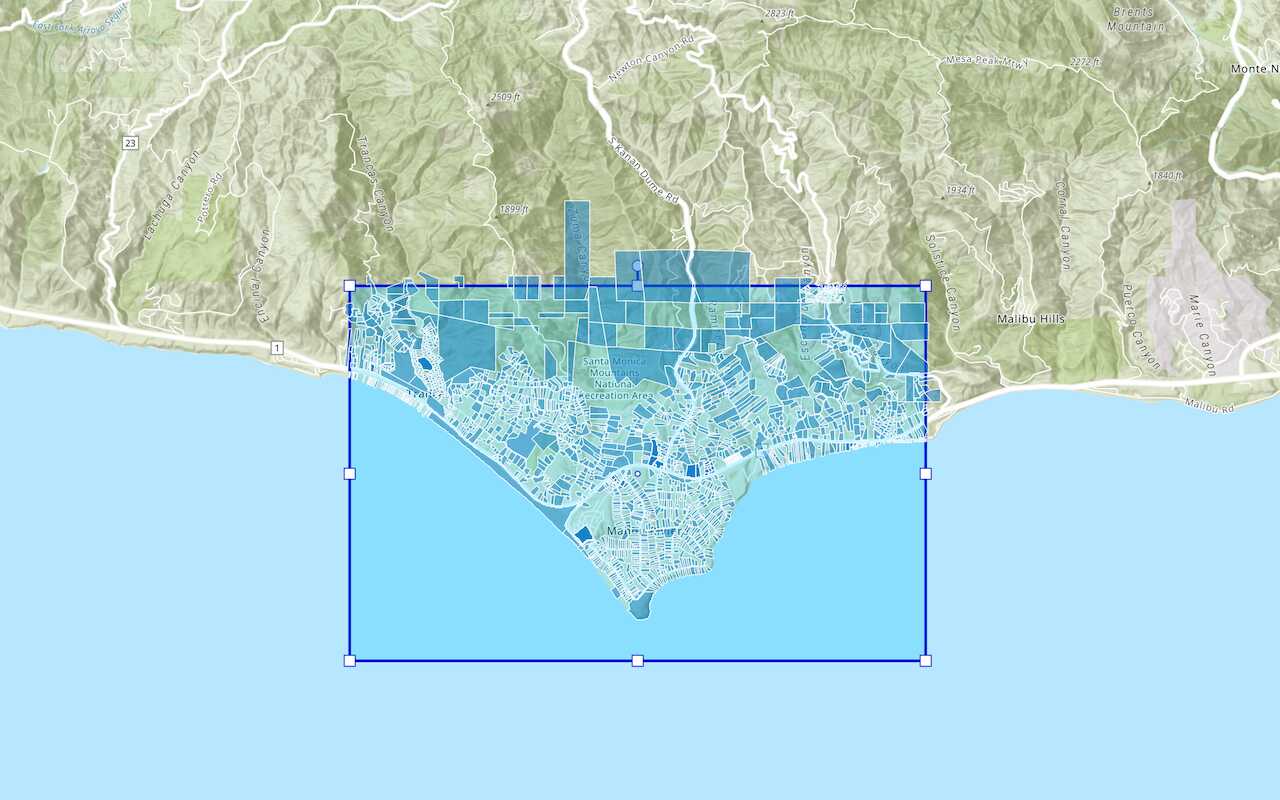
Query a feature layer (spatial)
Execute a spatial query to get features from a feature layer.
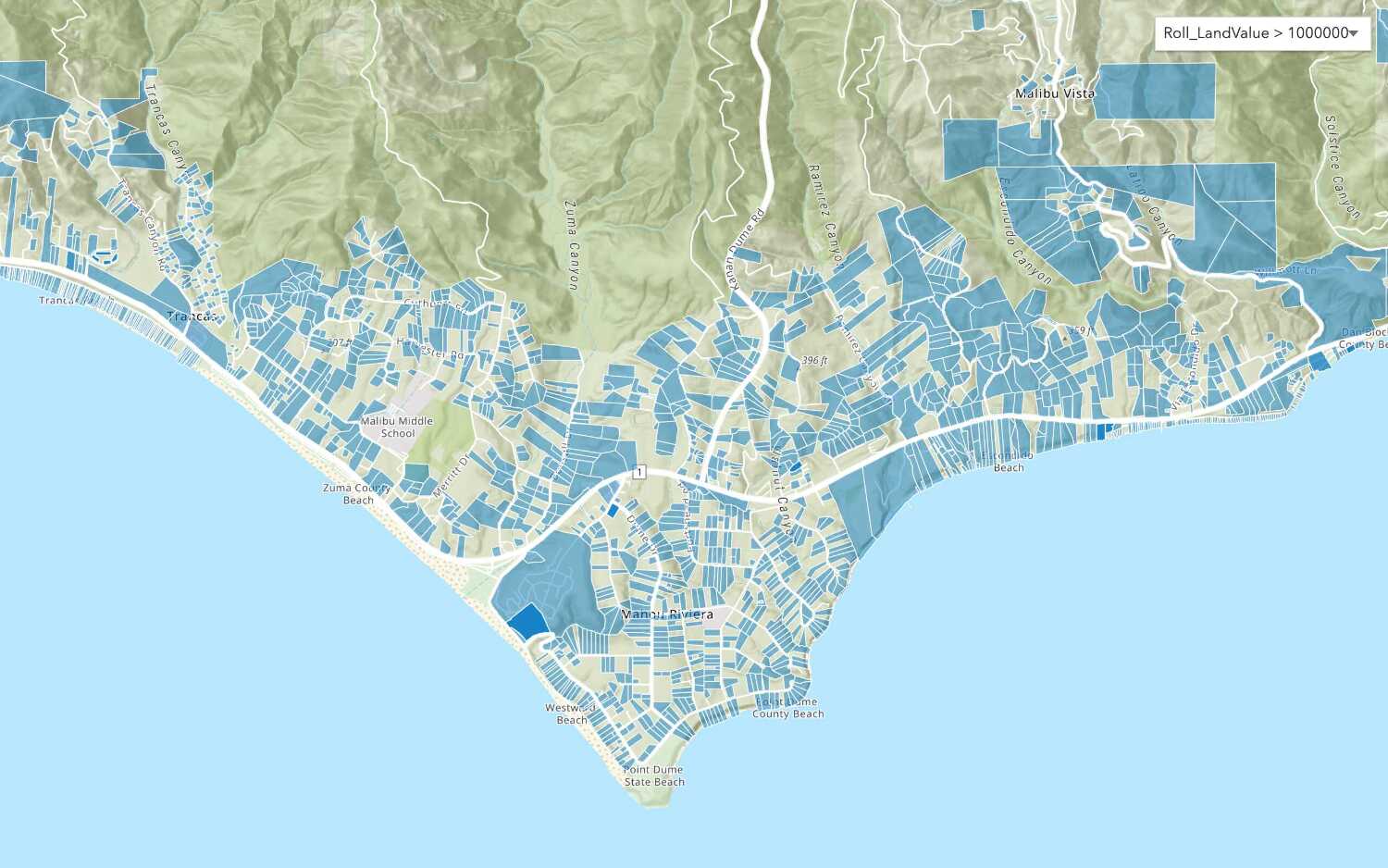
Query a feature layer (SQL)
Execute a SQL query to access polygon features from a feature layer.
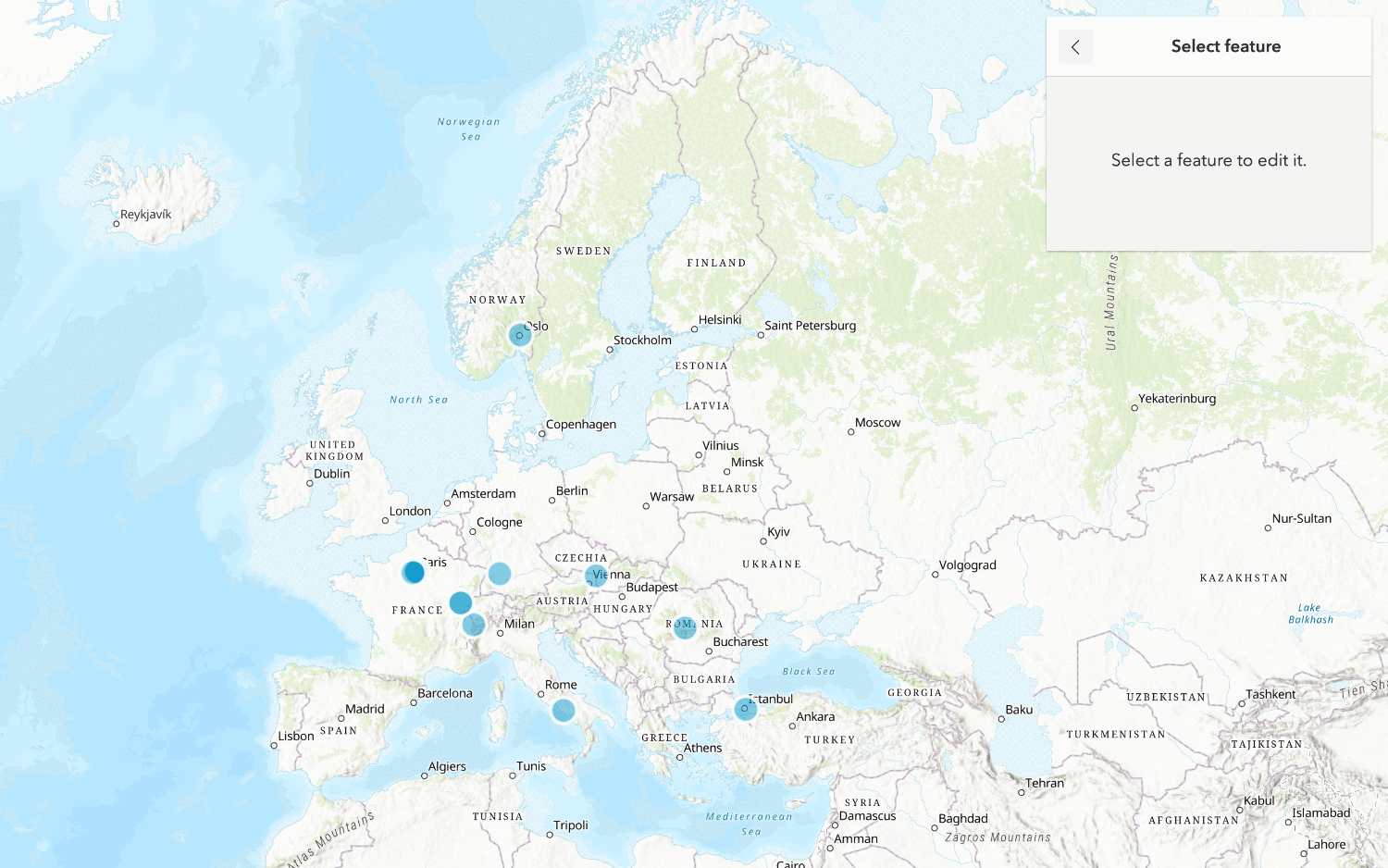
Edit feature data

Display a popup
Format a popup to show attributes in a feature layer.
Workflows
Create a feature service for an app
Learn how to import parcel data, create and style a feature layer, and then access the features in an app.

Create a feature layer view for an editor app
Learn how to import parcel data, create and style a feature layer view, and then access the features in an editing app.

Create a vector tile service for an app
Learn how to import parcel data, style a feature layer, and then create a vector tile service for an app.

Create a map tile service for an app
Learn how to import contour data, style a feature layer, and create a map tile service for an app.

Services
Feature service
Add, update, delete, and query feature data.
Vector tile service
Store and access vector tile data.
Map tile service
Store and access map tile data.
API support
Use data management tools
- 1. Use portal class and direct REST API requests
- 2. Access via ArcGIS REST JS
- 3. Requires manually setting styles for renderers
- 4. Limited to Feature Services